Stop the Resume Fail: 10 Instant Rejections
Learn how to beat the 7-second recruiter scan and bypass modern ATS robots by shifting from a duty-based resume to an achievement-driven powerhouse.

Best quote from Stop the Resume Fail: 10 Instant Rejections
Move from a 'duty-based' mindset to an 'achievement-based' one. Your resume shouldn't be a list of chores; it should be a marketing document that proves your measurable impact through the Google X-Y-Z formula.
Generated by Maz
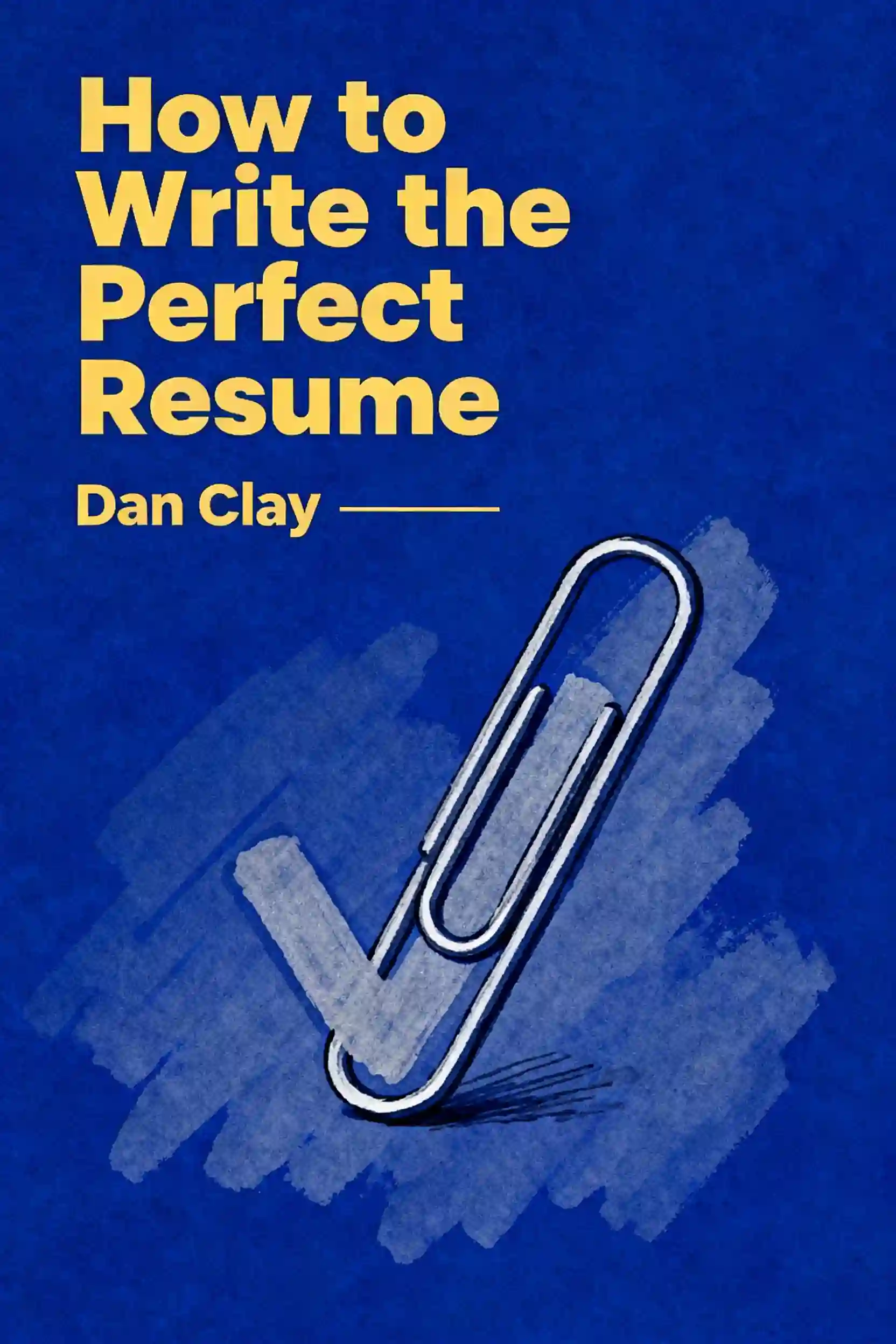
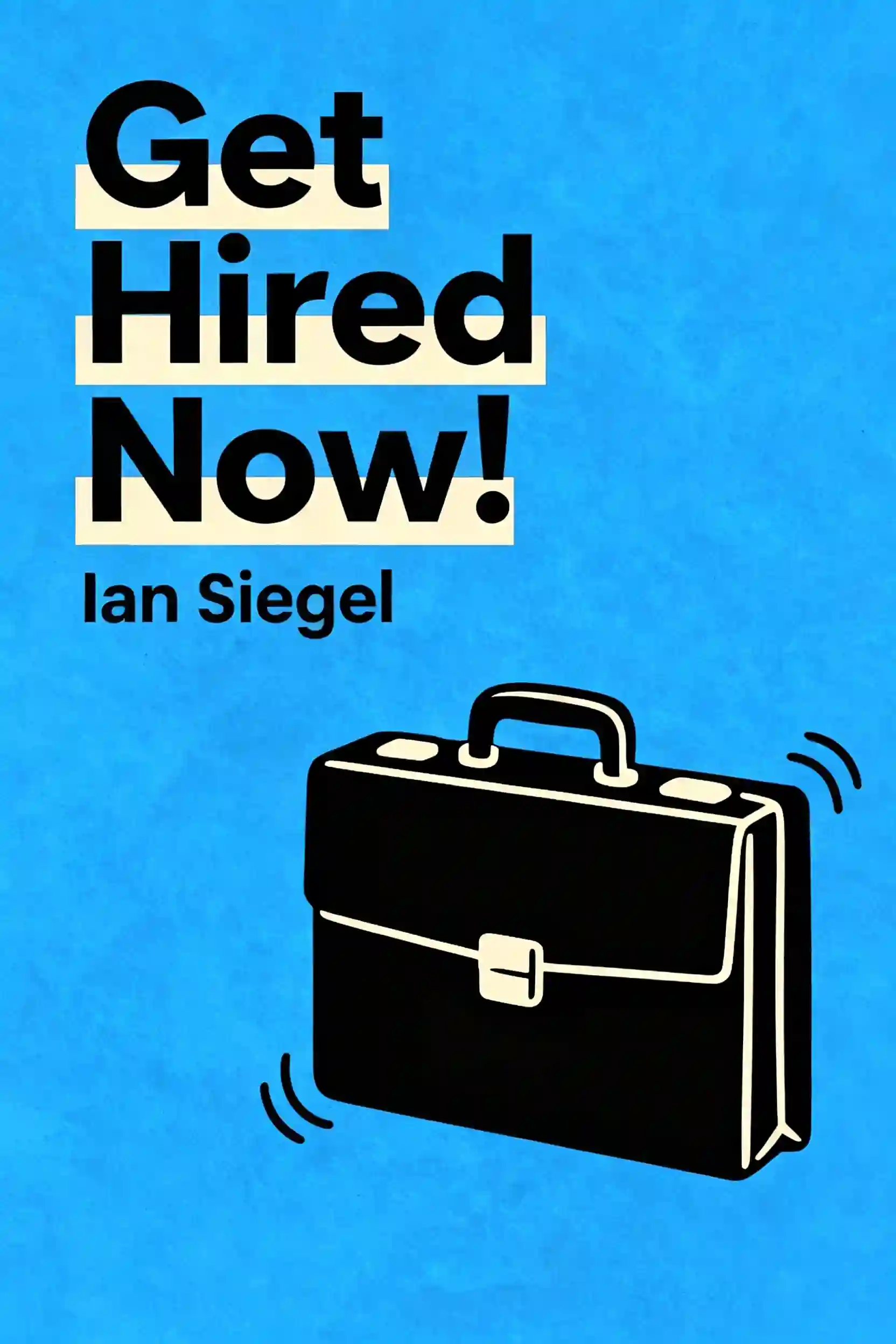
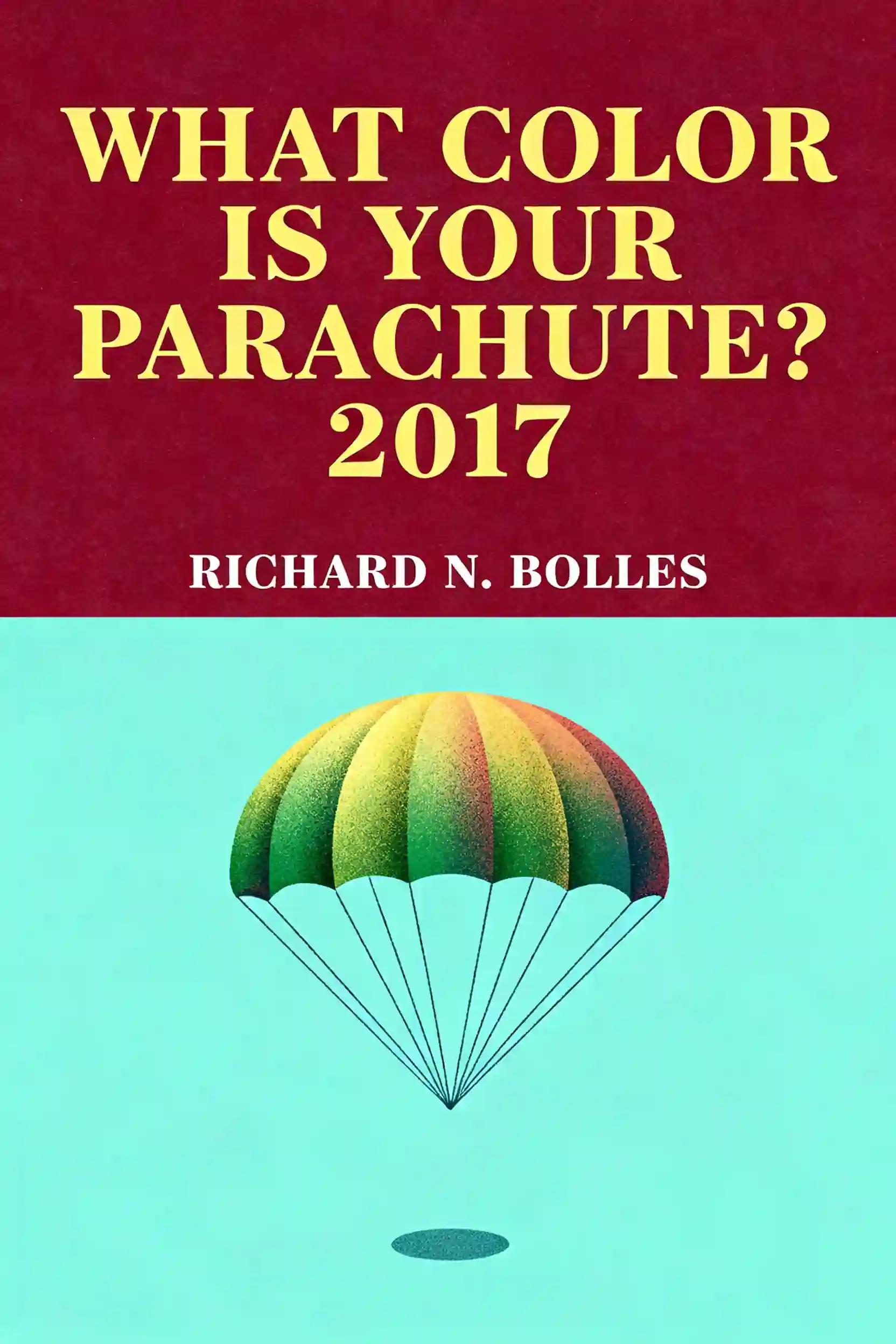
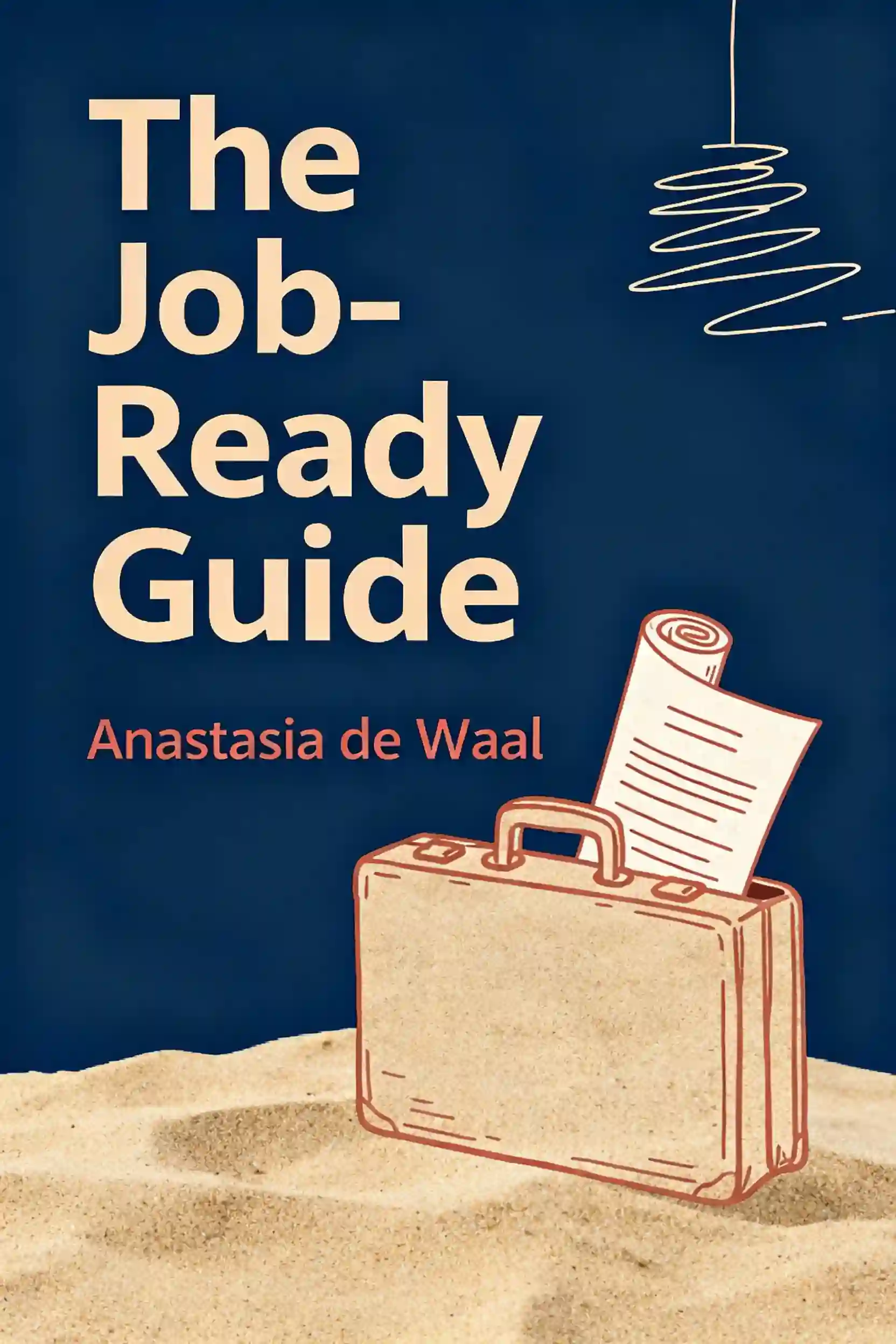
Top resume mistakes

Frequently Asked Questions
An ATS functions like a high-speed scanner searching for a specific "recipe" of ingredients defined by the job description. It looks for exact strings of text and industry-standard keywords rather than synonyms. If a resume uses non-standard terms or complex formatting like columns and sidebars, the system may fail to parse the information correctly, resulting in a low match score that prevents a human recruiter from ever seeing the application.
Listing duties only describes the minimum requirements of a past role, which recruiters already understand. By shifting to an achievement-based mindset—specifically using the Google X-Y-Z formula—you demonstrate your impact. This involves framing your experience as: Accomplished [X] as measured by [Y], by doing [Z]. Quantifying your work with numbers, percentages, or specific volumes acts as a "magnet" for a recruiter’s eyes during their initial seven-second scan.
The biggest formatting "job killers" include using headers and footers for essential contact information, as many ATS platforms ignore these sections entirely. Additionally, graphics like "skill progress bars" are unreadable to robots and provide no concrete evidence of proficiency to humans. To ensure a resume passes the "Robot Reality Check," it should be a simple, single-column text document, ideally saved as a .docx file, and devoid of photos or complex visual elements that can scramble the text during parsing.
The "one-page rule" is primarily a guideline for entry-level candidates with less than five years of experience. For mid-level managers or senior executives with a decade or more of experience, a two-page resume is often preferred because it allows enough space to include high-impact keywords and measurable results. Regardless of length, the content should focus on the last 10 to 15 years of relevant experience, ensuring every word earns its spot on the page.
A professional resume must include a dedicated job-search email (using your name rather than a nickname), your city and state, and a customized LinkedIn URL. You should avoid including your full street address for privacy reasons. Most importantly, in the U.S. market, you should exclude personal details such as age, marital status, nationality, and photos, as these can trigger automatic rejections due to company compliance policies regarding unconscious bias.
From Columbia University alumni built in San Francisco
"Instead of endless scrolling, I just hit play on BeFreed. It saves me so much time."


"I never knew where to start with nonfiction—BeFreed’s book lists turned into podcasts gave me a clear path."


"Perfect balance between learning and entertainment. Finished ‘Thinking, Fast and Slow’ on my commute this week."
"Crazy how much I learned while walking the dog. BeFreed = small habits → big gains."
"Reading used to feel like a chore. Now it’s just part of my lifestyle."

"Feels effortless compared to reading. I’ve finished 6 books this month already."
"BeFreed turned my guilty doomscrolling into something that feels productive and inspiring."

"BeFreed turned my commute into learning time. 20-min podcasts are perfect for finishing books I never had time for."
"BeFreed replaced my podcast queue. Imagine Spotify for books — that’s it. 🙌"

"It is great for me to learn something from the book without reading it."
"The themed book list podcasts help me connect ideas across authors—like a guided audio journey."
"Makes me feel smarter every time before going to work"
From Columbia University alumni built in San Francisco
"Instead of endless scrolling, I just hit play on BeFreed. It saves me so much time."
"I never knew where to start with nonfiction—BeFreed’s book lists turned into podcasts gave me a clear path."
"Perfect balance between learning and entertainment. Finished ‘Thinking, Fast and Slow’ on my commute this week."
"Crazy how much I learned while walking the dog. BeFreed = small habits → big gains."
"Reading used to feel like a chore. Now it’s just part of my lifestyle."
"Feels effortless compared to reading. I’ve finished 6 books this month already."
"BeFreed turned my guilty doomscrolling into something that feels productive and inspiring."
"BeFreed turned my commute into learning time. 20-min podcasts are perfect for finishing books I never had time for."
"BeFreed replaced my podcast queue. Imagine Spotify for books — that’s it. 🙌"
"It is great for me to learn something from the book without reading it."
"The themed book list podcasts help me connect ideas across authors—like a guided audio journey."
"Makes me feel smarter every time before going to work"
"Instead of endless scrolling, I just hit play on BeFreed. It saves me so much time."
"I never knew where to start with nonfiction—BeFreed’s book lists turned into podcasts gave me a clear path."
"Perfect balance between learning and entertainment. Finished ‘Thinking, Fast and Slow’ on my commute this week."
"Crazy how much I learned while walking the dog. BeFreed = small habits → big gains."
"Reading used to feel like a chore. Now it’s just part of my lifestyle."
"Feels effortless compared to reading. I’ve finished 6 books this month already."
"BeFreed turned my guilty doomscrolling into something that feels productive and inspiring."
"BeFreed turned my commute into learning time. 20-min podcasts are perfect for finishing books I never had time for."
"BeFreed replaced my podcast queue. Imagine Spotify for books — that’s it. 🙌"
"It is great for me to learn something from the book without reading it."
"The themed book list podcasts help me connect ideas across authors—like a guided audio journey."
"Makes me feel smarter every time before going to work"
"Instead of endless scrolling, I just hit play on BeFreed. It saves me so much time."
"I never knew where to start with nonfiction—BeFreed’s book lists turned into podcasts gave me a clear path."
"Perfect balance between learning and entertainment. Finished ‘Thinking, Fast and Slow’ on my commute this week."
"Crazy how much I learned while walking the dog. BeFreed = small habits → big gains."
"Reading used to feel like a chore. Now it’s just part of my lifestyle."
"Feels effortless compared to reading. I’ve finished 6 books this month already."
"BeFreed turned my guilty doomscrolling into something that feels productive and inspiring."
"BeFreed turned my commute into learning time. 20-min podcasts are perfect for finishing books I never had time for."
"BeFreed replaced my podcast queue. Imagine Spotify for books — that’s it. 🙌"
"It is great for me to learn something from the book without reading it."
"The themed book list podcasts help me connect ideas across authors—like a guided audio journey."
"Makes me feel smarter every time before going to work"