정말이지 아직 앱을 다 써 보지도 않았는데, 며칠 써 본 것만으로도 깊은 인상을 받았어요… BeFreed는 제가 써 본 어떤 학습 앱과도 차원이 달라요. 몰입감이 엄청나고 집중력도 실제로 좋아져서, 스마트폰을 하염없이 스크롤하는 분들께 딱이에요!
@ladyInfinity
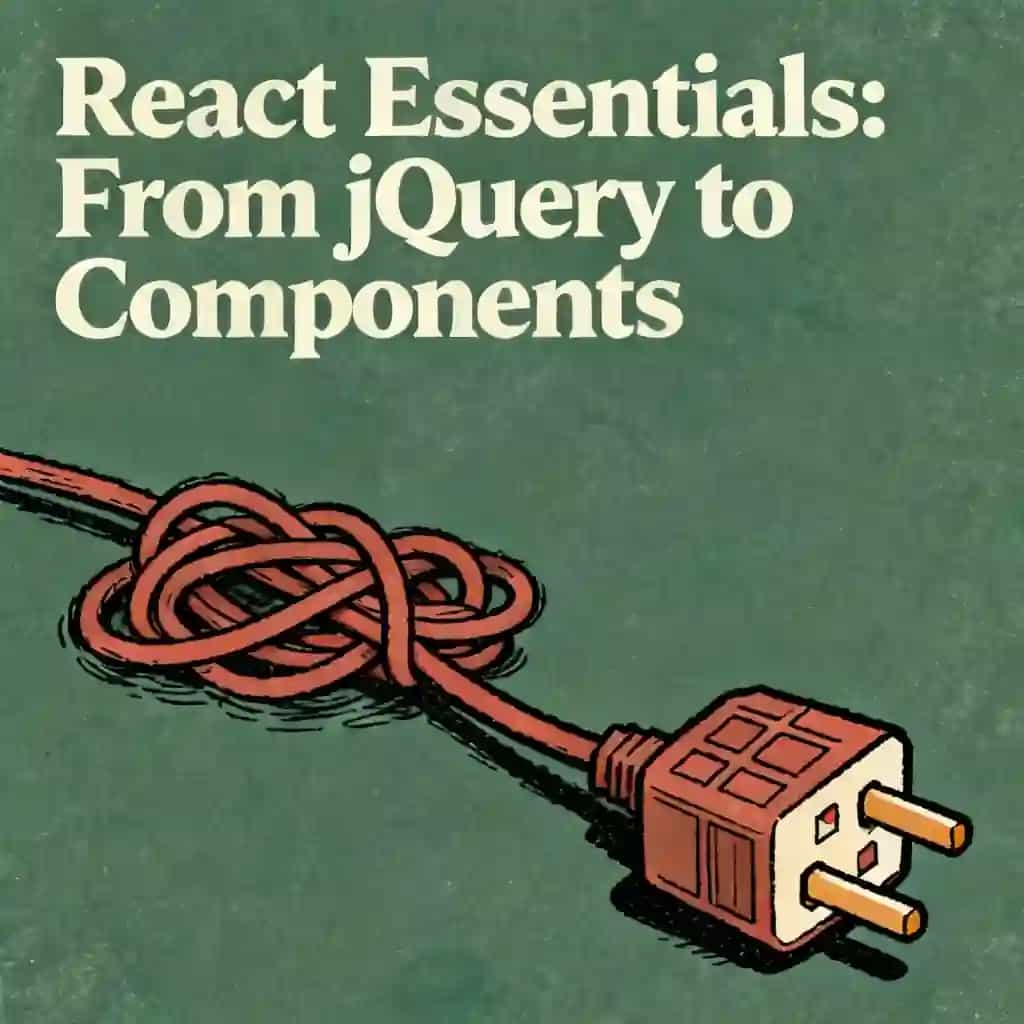
Learn why React components re-render and how to stop the 'Christmas tree' effect. We unpack the render pipeline and share practical tools to debug and optimize your UI performance.

The goal isn't just 'no renders,' it's 'no unnecessary work.' A render is just the framework calling your component function to figure out what the UI should look like, but the time spent in unnecessary meetings is what makes the UI feel sluggish.
Explain why components re-render and how to debug unnecessary renders. Cover parent re-render effects conceptually.


In React, a render is a pure JavaScript calculation where the framework calls a component function to create a "blueprint" or snapshot of what the UI should look like. This is known as the reconciliation phase. Updating the browser's DOM only happens after React compares the new blueprint to the old one using a virtual DOM; if no changes are detected during this "diffing" process, the DOM is not touched, even though the render function was executed.
React uses a "waterfall" effect where, by default, it assumes that if a parent component needs a new blueprint, its children might also need to change. Because React does not automatically know if a child’s output will remain the same, it calls the child functions "just in case." This can lead to unnecessary work where children perform calculations only to realize no actual DOM change is required, which can make the UI feel sluggish.
JavaScript treats objects, arrays, and functions created inside a component as brand-new "pieces of paper" with unique memory addresses every time the component runs. Even if the content of a list or the logic of a function is identical to the previous version, React sees a new reference and treats it as a prop change. This "identity churn" triggers child re-renders unless the references are stabilized using tools like useCallback or useMemo.
Two powerful architectural patterns are "Moving State Down" and "Children as Props." Moving state down involves extracting stateful logic into a smaller, dedicated sub-component so that updates only trigger re-renders within that specific "blast radius" rather than the entire parent tree. The "Children as Props" pattern involves passing heavy components as a children prop to a stateful wrapper; since the children were created in the parent of the wrapper, their reference remains stable, and they won't re-render when the wrapper's state changes.
The React 19 Compiler is a build-time tool that automatically handles manual optimizations like useMemo and useCallback by analyzing the code and stabilizing references under the hood. While this eliminates the need for many manual hooks and allows for more "idiomatic" JavaScript, it does not fix macro-architectural issues. Developers still need to follow the "Rules of React," such as keeping components pure, and must still make high-level decisions about state placement and component structure.
컬럼비아 대학교 동문들이 제작 | 샌프란시스코에서 개발
평균 평점
앱 평가 7.84천 개 이상
BeFreed 커뮤니티
정말이지 아직 앱을 다 써 보지도 않았는데, 며칠 써 본 것만으로도 깊은 인상을 받았어요… BeFreed는 제가 써 본 어떤 학습 앱과도 차원이 달라요. 몰입감이 엄청나고 집중력도 실제로 좋아져서, 스마트폰을 하염없이 스크롤하는 분들께 딱이에요!
@ladyInfinity
정확히 23일 전에 BeFreed를 구입했는데, 그날부터 하루도 빠짐없이 쓰고 있어요. 제 일상 업무 흐름과 학습 습관에 완전히 자리 잡았어요.
@jayallen
솔직히 이 앱은 제 기대를 전부 뛰어넘었어요. 어떤 주제든 오디오로 만들어 달라고 할 수 있고, 결과물이 놀라워요. 제 전문 분야는 심리치료 쪽이고 여러 학문이 얽혀 있는데도 답변이 아주 정확해요.
@Raguipa
제일 고마운 건 스크롤하는 시간이 확 줄었다는 거예요. 검색하는 시간은 줄고 흡수하는 시간은 늘었어요. 오디오북 전권, 팟캐스트, 학습 플랜의 조합이 정말 훌륭해요.
@colonyofcreatorsNGO
저는 24년째 PhotoReading 속진 학습 강사로 일하고 있어요… 책과 독서, 배움이 제 전문인데, BeFreed는 정보를 소화하기 쉽게 전달하는 혁신적인 방식을 정말 잘 구현했어요.
@BeFreed user
단순한 책 요약 앱이 아니에요. '재미' 스타일을 써 봤는데, 전통적인 방식보다 훨씬 나은 요약이고 아이디어를 이해하기도 쉬워요. 이것만으로도 값어치를 해요.
@austinakon
이 앱이 정말 좋아요. 며칠 써 봤는데 듣는 걸 멈출 수가 없어요. 시작하기에 이보다 좋을 수 없어요.
@jcrules328
정말 마음에 들어요. 한 달 정도 써 봤는데 숨은 보석을 찾은 기분이에요. BeFreed로 제가 원하는 주제를 직접 만들 수 있어서 좋고, 목소리도 훌륭한 데다 내레이션 선택지가 무궁무진해요.
@DanielCZ
유용한 정보와 아이디어를 8~15분짜리 팟캐스트 스타일 오디오로 압축해서 들을 수 있다는 게 정말 좋아요. 원래 팟캐스트는 군더더기가 많아서 안 좋아했는데, 여기는 그걸 싹 걷어냈어요.
@BeFreed user
박사 과정을 마무리하는 중이라 낯선 자료를 많이 읽어야 해요… BeFreed에서는 프롬프트만 입력하면 앱이 자료를 찾아서 오디오 팟캐스트로 만들어 줘요. BeFreed의 과정이 NotebookLM보다 더 매끄럽게 느껴져요.
@Brad
아침을 준비하거나 산책하거나 출퇴근할 때 들을 것을 YouTube에서 자주 찾곤 했는데, BeFreed는 광고도 군더더기도 없이 훨씬 더 딱 맞는 걸 들려줘요!
@BeFreed user
이 플랫폼의 가장 큰 장점은 활용도예요. 다루지 못하는 주제가 말 그대로 하나도 없어요. 무엇을 던져도 다 소화해요… 제한이 전혀 없으면서 약속을 실제로 지키는 학습 도구는 정말 드물어요.
@jayallen
BeFreed는 환상적이에요. 디자인이 편해서 헤매는 시간은 줄고 배우는 시간은 늘었어요. 오디오북, 팟캐스트, 학습 플랜의 조합은 천재적이에요. 제 하루가 완전히 달라졌어요.
@BeFreed user
처음엔 이탈리아어로 팟캐스트를 만드는 방법을 이해하는 데 시간이 좀 걸렸는데, 알고 나니까 — 와! 정말 대단해요! 어떤 주제든 설명해 달라고 하면 정말 똑똑하게 잘 설명해 줘요!
@matteo77
BeFreed는 제가 매일 쓰는 오디오북 앱이 됐어요… 제일 마음에 드는 건 텍스트를 넣으면 이동 중에도 들을 수 있는 오디오로 만들어 준다는 점이에요.
@kotanzu1




React Native is one of the most in-demand skills for mobile development, allowing developers to build iOS and Android apps with a single codebase. This learning plan is ideal for JavaScript developers looking to break into mobile development, web developers wanting to expand their skillset, or anyone seeking to build professional cross-platform mobile applications efficiently.

This plan is designed for aspiring Webflow developers struggling with inconsistency and burnout. It bridges the gap between technical skill and professional success by focusing on elite productivity habits and strategic business growth.

As software platforms increasingly prioritize monetization over utility, developers must learn to identify predatory technical patterns. This guide is essential for software architects and engineers who want to build resilient stacks and avoid becoming locked into decaying ecosystems.

In an era of persuasive design, our focus is often hijacked by addictive algorithms. This plan is essential for professionals and students who feel drained by screen time and want to regain cognitive control through practical, science-based interventions.

This plan is designed for high-achievers and creative professionals who struggle with the cycle of over-extension and exhaustion. It provides the structural systems and psychological tools needed to maintain high output without sacrificing personal well-being.

This learning plan is essential for designers looking to move beyond surface-level aesthetics to solve complex organizational challenges. It is ideal for UI/UX professionals and product designers who want to master the intersection of human-centered design, iterative prototyping, and AI-driven scalability.

This learning plan is essential for developers looking to excel in remote-first environments where speed and precision in maintenance are critical. It is ideal for junior to mid-level frontend developers who want to master headless content systems and modern AI-assisted workflows.

This roadmap is essential for high-achievers and professionals feeling emotionally exhausted or physically drained. It provides a practical, step-by-step framework to transition from survival mode back to peak sustainable performance.