How to Learn 3D Modeling in 2026 (Beginner's Guide)
Learn 3D modeling with this beginner's guide covering Blender, AI tools like Tripo3D, and a structured learning path for 2026.
By BeFreed TeamLast updated: Jun 29, 2026
Learning 3D modeling in 2026 requires balancing foundational design principles with modern AI generation tools. Beginners should start by understanding basic concepts like meshes, vertices, and topology before choosing a software path. Traditional tools like Blender, TinkerCAD, and Fusion 360 remain essential for precise control and professional workflows. New AI generators like Tripo3D and Meshy allow creators to build base models from text or images in seconds, significantly lowering the barrier to entry. The most effective approach is to combine both methods: use AI to rapidly prototype ideas and traditional software to refine, edit, and perfect the final asset.
Platforms like BeFreed can accelerate this journey by offering AI-powered summaries and podcasts on creativity, design thinking, and skill acquisition — helping beginners absorb expert knowledge faster without plowing through hundreds of pages.
Key Takeaways
Start with basic geometry concepts like vertices, edges, and faces before diving into complex software interfaces.
Traditional tools like Blender and Fusion 360 offer granular control but require time and patience to master.
AI generators produce 3D models from text or images in seconds, serving as excellent rapid prototyping aids.
The ideal modern workflow combines AI-generated base meshes with traditional software for cleanup and refinement.
Consistent practice and studying foundational design principles accelerate technical skill acquisition.
Why 2026 Is the Best Time to Learn 3D Modeling
2026 is the best time to learn 3D modeling because powerful traditional software is now free, while new AI generators eliminate the initial friction of creating base shapes. Previously, beginners faced steep learning curves, requiring hundreds of hours just to construct basic geometric assets.
This dual ecosystem means beginners no longer have to stare at a blank digital canvas. You can generate a rough concept using an AI tool and then use traditional modeling software to tweak the geometry, adjust textures, and optimize the file for your target platform.
Three factors make this moment unique:
Free professional tools: Blender (100% free, open source), TinkerCAD (free, browser-based), and Fusion 360 (free for personal use) provide zero-cost entry into traditional modeling.
AI-generated starting points: Tools like Tripo3D and Meshy let you go from a text prompt to a textured 3D model in under a minute, bypassing hours of manual sculpting.
Growing demand: 3D skills are increasingly needed in gaming, VR/AR experiences, e-commerce product visualization, and 3D printing.
3D Modeling Basics Every Beginner Should Know
Before opening any software, grasping the vocabulary of 3D space is critical. Digital objects are constructed using a standard set of geometric components.
Meshes, Vertices, and Faces
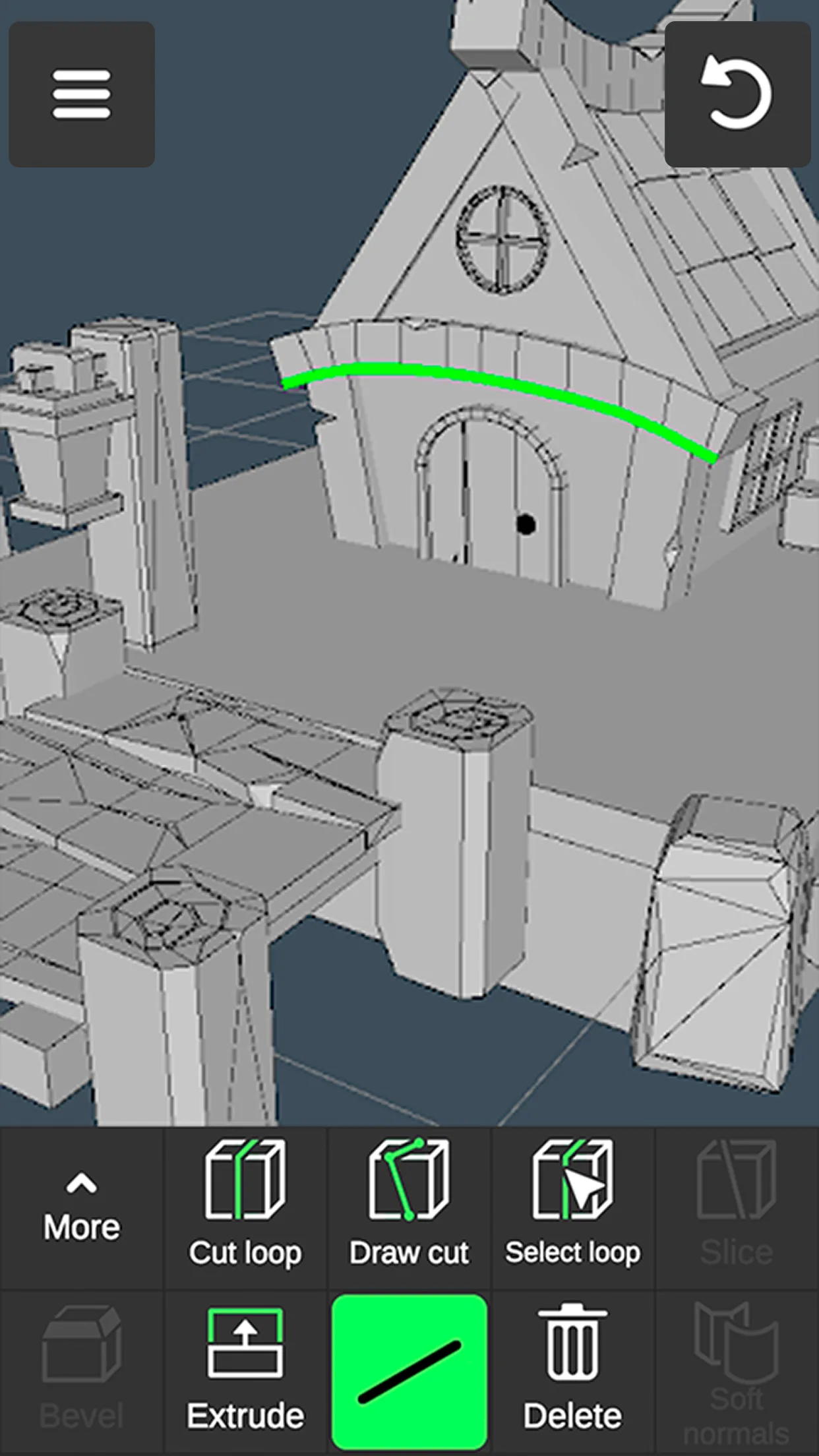
A 3D model is primarily built from a polygon mesh — a collection of points in 3D space called vertices. When two vertices connect, they form an edge. When three or more edges enclose an area, they form a face (also called a polygon).
Most traditional modeling involves manipulating these vertices, edges, and faces to shape an object. A higher number of faces allows for more detail but requires more computing power to render.
Textures and Materials
Geometry dictates the shape of an object, but materials and textures dictate how it interacts with light and environment. A material tells the rendering engine whether the object is shiny like metal, transparent like glass, or matte like rubber.
Textures are 2D images wrapped around the 3D mesh to add surface detail — similar to wrapping a label around a curved bottle. Modern workflows use PBR (Physically Based Rendering) materials, which simulate how real-world surfaces respond to light using maps for color, roughness, metalness, and surface detail (normal maps).
Topology and File Formats
Topology refers to the flow and arrangement of polygons across a model's surface. Good topology uses clean, predictable patterns — usually four-sided faces called quads — that allow the model to bend and animate without visual glitches. This matters most for characters and objects that need to move.
Once a model is complete, it must be exported. Common file formats include:
OBJ: Universal format supported by nearly all 3D software
FBX: Preferred for game engines (Unity, Unreal Engine) with animation support
GLTF/GLB: Optimized for web display and AR applications
STL: Standard for 3D printing
Understanding the right format for your use case prevents headaches during export. For a deeper look at why mastering the underlying principles matters more than learning any single tool, listen to Design Principles That Actually Matter on BeFreed.
Discover why having powerful design tools isn't enough - learn the fundamental principles that separate amateur work from professional design, even when using the same software as everyone else.
Two Paths to 3D Modeling: Traditional Tools vs. AI Generators
Modern 3D creation is split into manual crafting and automated generation. Each path serves a different purpose in the design workflow, and the most effective strategy is to combine them.
Traditional 3D Modeling Tools
Traditional software requires users to build and sculpt models manually from scratch.
Blender is the most popular choice for beginners and professionals alike. It is 100% free and open source, with a comprehensive suite for modeling, sculpting, animation, and rendering. The trade-off is a steep initial learning curve — expect to spend several weeks getting comfortable with the interface and shortcuts.
TinkerCAD is a free, browser-based tool by Autodesk that uses simple shape-combining mechanics. It requires no installation and is ideal for absolute beginners or anyone interested in basic 3D printing projects.
Fusion 360 offers precise, measurement-based parametric modeling for industrial design and mechanical parts. It is free for personal use and provides tools for engineering-grade models.
These tools demand time to learn but offer absolute control over the final output.
AI-Powered 3D Generation Tools
AI generators have introduced a fundamentally new way to create 3D assets. Platforms like Tripo3D, Meshy, and Rodin use machine learning algorithms to interpret text prompts or 2D images and output fully textured 3D models.
These tools are not replacements for traditional software. Instead, they act as powerful starting points. A creator can generate a base model in seconds, export it, and then import it into Blender to clean up the topology and refine the details. Common use cases include:
Rapid prototyping: Test visual ideas before committing to hours of manual work
Background assets: Populate game scenes quickly without sculpting every minor prop
Concept visualization: Turn sketches or descriptions into 3D references for clients or teams
The main limitation across all AI generators is topology quality — the polygon flow may not be optimized for rigging, animation, or 3D printing without manual cleanup.
AI Tool Walkthrough: How Tripo3D Generates a 3D Model in Seconds
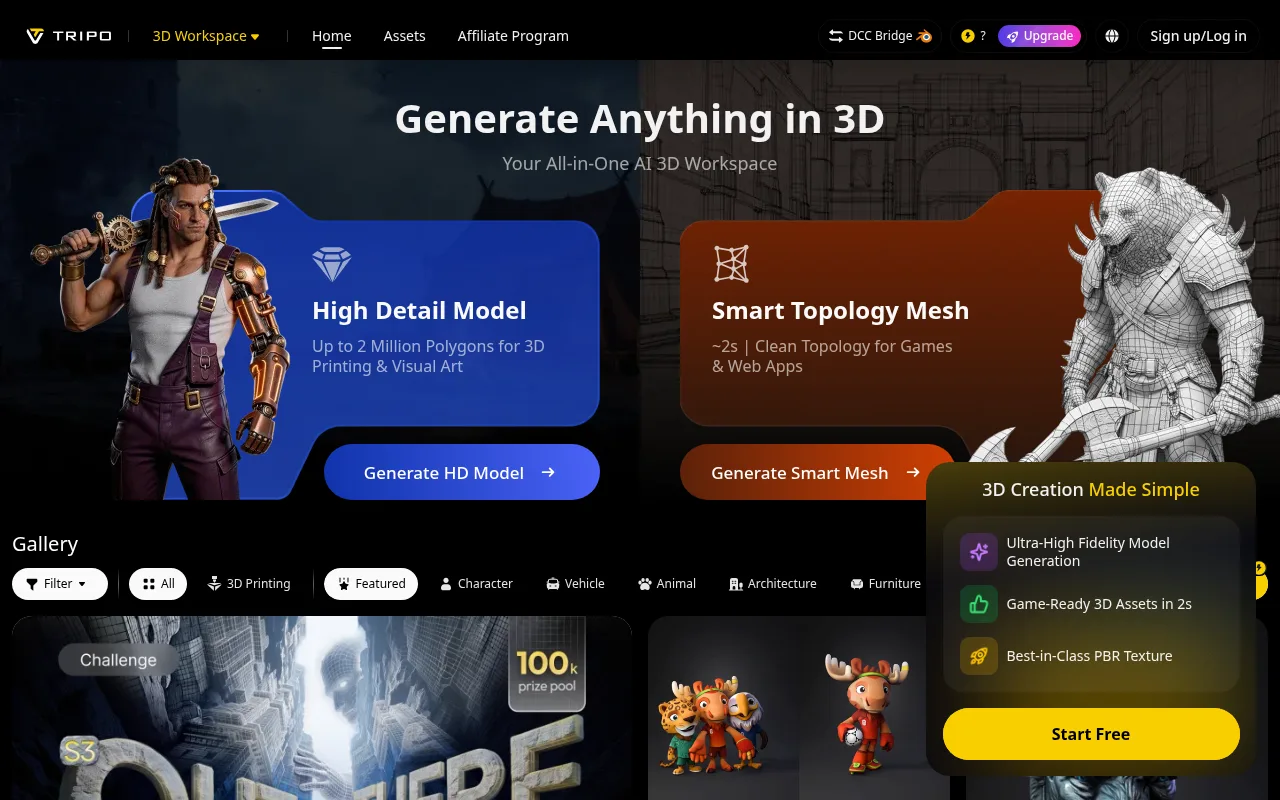
Tripo3D serves as a practical example of how AI 3D generation works. Its Algorithm 3.1 generates models in approximately 10 seconds, producing meshes with PBR materials and animation-ready geometry.
Write a clear prompt — describe the object, style, and materials (e.g., "a low-poly wooden treasure chest with iron hinges").
Generate — the AI processes the request in roughly 10 seconds and outputs a textured 3D model.
Refine — iterate on the prompt with specific style keywords for more accurate results.
Export — download the model in OBJ, GLTF, GLB, or FBX format for use in other software.
Image-to-3D Workflow
The image-to-3D workflow allows users to upload a 2D image — concept art, a character sketch, or even a product photo — which the AI then interprets into a 3D space. The algorithm analyzes shading and perspective to estimate depth and volume, generating a textured model that closely matches the original reference.
This is particularly useful for turning flat concept art into workable base meshes without hours of manual sculpting.
What Tripo Does Well — and Where It Has Limits
Strengths:
Speed: ~10-second generation from text or image
Clean output with PBR materials and animation-ready geometry
Accessible pricing: Free tier (200 credits/month), Pro ($19.90/month, 3,000 credits)
Multiple export formats for game engines and 3D printing
Limitations:
Complex multi-part assemblies may require significant manual cleanup
Fine-grained control over specific geometry is limited compared to manual sculpting
Free-tier models do not support commercial use
Topology may need retopology in Blender for animation-heavy workflows
These limitations are not unique to Tripo — they apply broadly to AI 3D generators including Meshy and Rodin. The technology is best used as a starting point, not a finished product pipeline.
3D Modeling Tools Compared: A Beginner's Reference Table
Tool
Type
Best For
Price
Learning Curve
Blender
Traditional (manual)
Full 3D workflow: modeling, animation, rendering
100% free, open source
High — weeks to months for proficiency
TinkerCAD
Traditional (browser)
Absolute beginners, basic 3D printing
Free, browser-based
Low — usable within hours
Fusion 360
Traditional (CAD)
Industrial design, engineering, mechanical parts
Free for personal use
Medium — parametric modeling takes practice
Tripo3D
AI generator
Rapid text-to-3D and image-to-3D prototyping
Free (200 credits/mo), Pro $19.90/mo
Low — prompt-based, no modeling skills needed
Meshy
AI generator
AI 3D asset generation, texturing, 10M+ creator community
Free tier available, paid plans
Low — prompt-based with additional editing tools
Rodin
AI generator
High-fidelity AI 3D generation, character concepts
Free tier available, paid plans
Low — prompt-based with style controls
How to Build a Learning Path for 3D Modeling
A structured learning path for 3D modeling starts with core geometric principles, progresses through structured tutorials, and integrates AI tools to accelerate your workflow over time.
Step 1: Learn the Fundamentals
Begin by studying how 3D space works. Focus on understanding the X, Y, and Z axes, and how manipulating vertices changes a shape. Spend your first few days in a simple program like TinkerCAD to grasp spatial relationships without getting overwhelmed by a complex interface.
Step 2: Follow Structured Tutorials
Once you understand basic geometry, transition to Blender. The interface can be intimidating, so rely on structured, step-by-step tutorials rather than exploring aimlessly. Focus on creating a single, simple object from start to finish — a coffee mug, a chair, or a low-poly animal. Learn the keyboard shortcuts for moving, scaling, and rotating. Completing a full project builds confidence and reinforces the muscle memory required for manual modeling.
Step 3: Accelerate with AI Tools
After grasping manual modeling basics, introduce AI tools to speed up your workflow. Use platforms like Tripo3D or Meshy to generate complex base shapes that would take hours to sculpt by hand. Import these AI-generated models into Blender to practice retopology — the process of redrawing a clean mesh over a messy one. This hybrid approach teaches you how to optimize automated outputs while reinforcing your traditional modeling skills.
To understand how AI is reshaping creative workflows broadly, the Dylan Field on AI's Design Revolution podcast offers excellent context on the intersection of technology and design.
Figma's CEO reveals how AI is making design more valuable, not less. From craft as competitive moat to human-centered innovation in the age of artificial intelligence.
Consistent practice is the only way to improve. Start building a portfolio that mixes manually crafted models with AI-assisted projects. Focus on different types of modeling: hard-surface subjects like vehicles and architecture, and organic subjects like plants and characters. Documenting your progress helps identify areas where your topology or texturing skills need improvement.
Step 5: Go Deeper with Expert Resources
Mastering 3D modeling requires continuous learning and a deep understanding of the creative process. Reading industry-standard literature helps reframe how you approach complex design problems.
Ed Catmull's Creativity, Inc. reveals how Pixar built a culture of innovation through radical candor, embracing failure as strategic investment, and maintaining a perpetual beginner's mindset — principles directly applicable to anyone learning a technically demanding craft like 3D modeling.
For evidence-based learning techniques, Ulrich Boser's Learn Better demonstrates that metacognition beats raw intelligence, spaced practice outperforms cramming, and reflection time enhances learning more than extra practice hours — all directly applicable to picking up 3D software.
Marcus du Sautoy's The Creativity Code explores how algorithms are reshaping human expression and why human-AI partnerships thrive when merging generative ideas with critical curation — a framework that mirrors the AI-plus-traditional modeling workflow described throughout this guide. Read it on BeFreed.
Common Mistakes Beginners Make (and How to Avoid Them)
Starting too complex. Many new creators attempt detailed characters or intricate scenes on their first day, leading to frustration and burnout. Start with simple, inanimate objects — a cup, a table, a dice — to learn the interface and basic tools before moving to advanced subjects.
Skipping topology fundamentals. Relying entirely on AI generators without learning manual topology leaves you unable to fix the tangled geometry that automated tools often produce. Spend time learning retopology early — it pays off when your AI-generated models need cleanup for animation or 3D printing.
Over-relying on AI without understanding the basics. AI tools are accelerators, not substitutes for foundational knowledge. If you cannot identify why a mesh deforms incorrectly, no amount of AI regeneration will fix the problem. Learn the principles first, then use AI to speed up the parts you already understand.
Ignoring scale and units. Always model in real-world dimensions. A chair modeled to be fifty feet tall will interact with lighting and physics engines incorrectly. Set the correct units in your software from the beginning to prevent major issues during export.
Start Simple, Stay Curious
Learning 3D modeling is a marathon, not a sprint. AI generation tools have removed the initial friction of creating base meshes, but the artistry still lies in human refinement and fundamental design knowledge. By starting with simple geometry, utilizing both traditional software and AI platforms, and continuously educating yourself on creative principles, you can build a robust and modern 3D skill set. Embrace the learning curve, experiment with different workflows, and keep building.