Learn Japanese with the 100 most common words
Stop wasting time on rare vocabulary. Learn how focusing on high-frequency words and 4-ngrams can help you reach Japanese fluency much faster.

Лучшая цитата из Learn Japanese with the 100 most common words
Research shows that just the top 1,000 most frequently used words account for about 80 to 85% of everyday conversations. If you focus on the high-frequency stuff first, you’re not just memorizing; you’re building a survival kit.
Generated by Gerardo Valdez
Learn Japanese with the100 most common 4ngrams

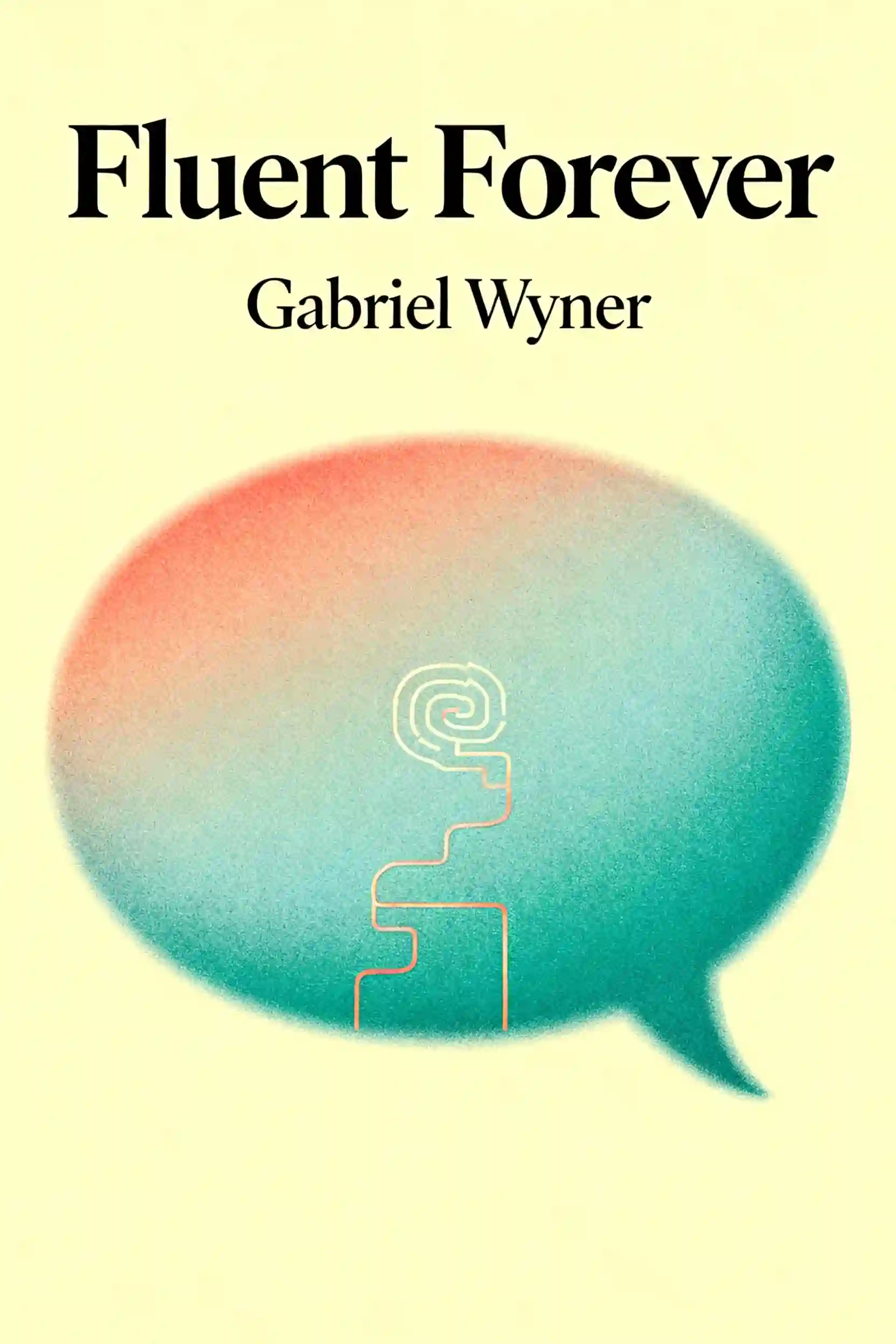
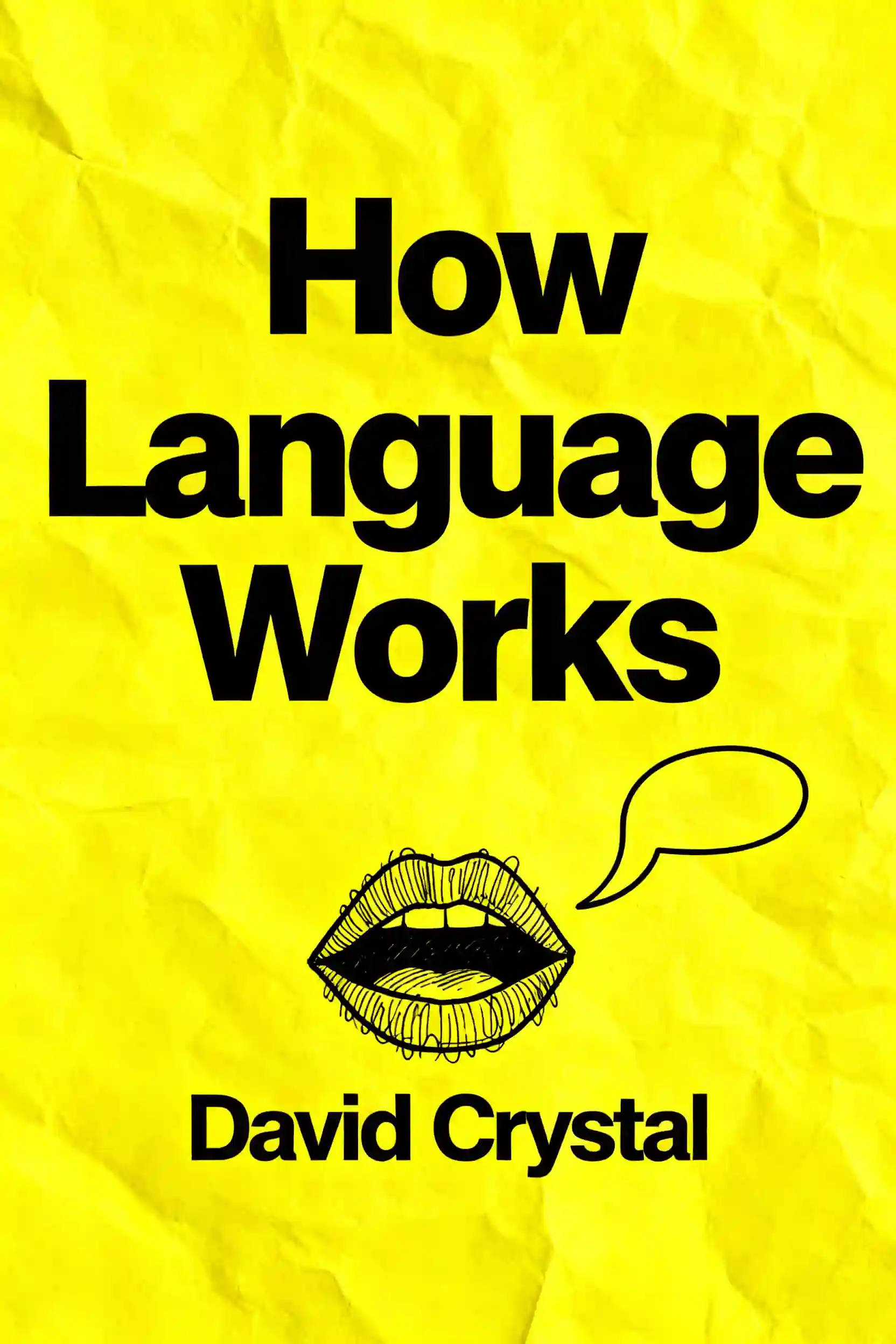
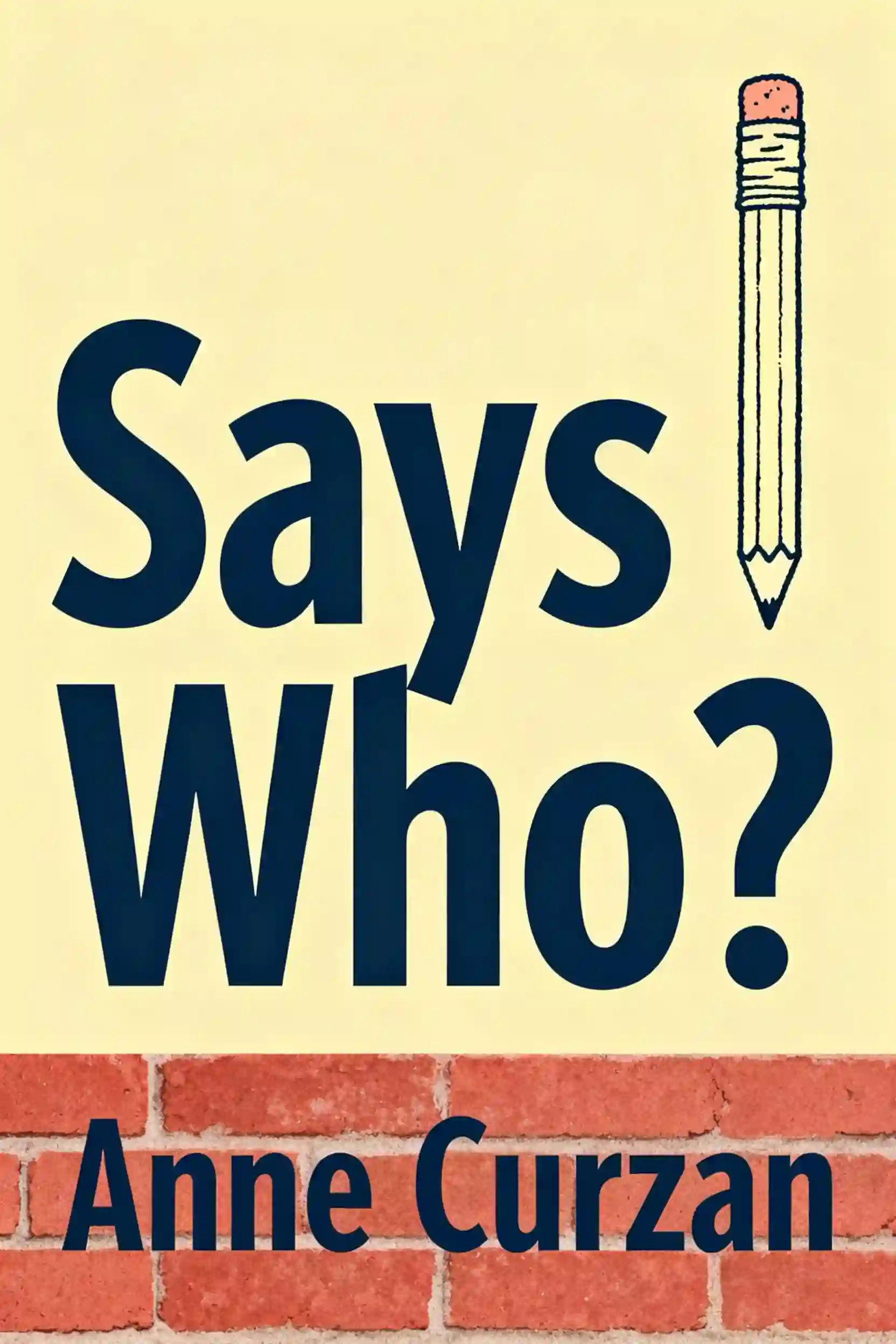
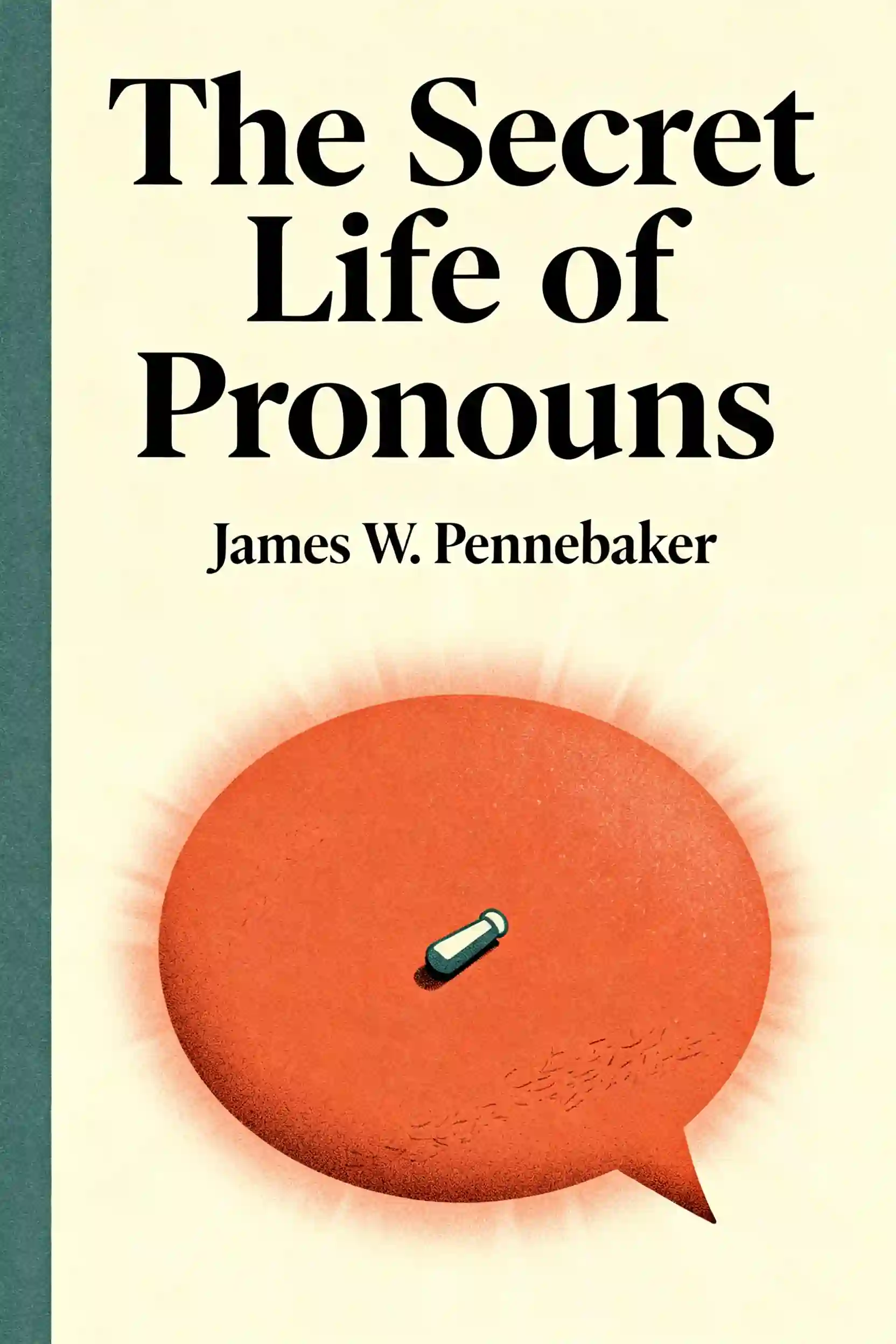

Часто задаваемые вопросы
The 80/20 rule suggests that focusing on high-frequency content yields the most significant results. Research indicates that the top 1,000 most frequently used words account for approximately 80% to 85% of everyday Japanese conversations. By prioritizing these core words and the top 100 statistical anchors—many of which are grammar particles like "no" and "wa"—learners can build a functional "survival kit" much faster than by memorizing a dictionary or textbook.
The Shoui Method is a framework that advocates for immersion from day one, even if the learner doesn't understand the content yet. It emphasizes "tolerating ambiguity," arguing that learners should watch native content like anime or dramas without any subtitles to train the ear. The goal is to accumulate at least 100 hours of raw listening to begin recognizing the "gist" of the language, using a recommended ratio of 75% listening to 25% reading.
A 4-ngram is a sequence of four syllables or words that function as a single "chunk" of language. Because Japanese is highly formulaic, native speakers process these blocks as single units rather than individual words. Learning these pre-fabricated patterns helps bypass the "Now-or-Never" bottleneck of working memory, allowing for faster retrieval and more native-like speech without the need to manually calculate grammar rules during a conversation.
A frictionless setup involves using specific tools to make studying as easy as possible so the learner doesn't quit. This includes using a PC with tools like Yomitan (a browser extension for instant lookups) and Anki (a flashcard app) to "mine" new words with a single click. By automating the creation of flashcards and using frequency-sorting add-ons, learners ensure they are always studying the most useful vocabulary without the administrative burden of manual data entry.
This strategy is designed to bridge the gap between passive listening and active reading. A learner first watches the anime adaptation of a series to understand the plot, characters, and voices. Afterward, they read the associated Light Novel or Visual Novel. Because the context is already established in the learner's mind, the brain can focus entirely on the language and new vocabulary rather than struggling to follow the story.
Создано выпускниками Колумбийского университета в Сан-Франциско
"Instead of endless scrolling, I just hit play on BeFreed. It saves me so much time."


"I never knew where to start with nonfiction—BeFreed’s book lists turned into podcasts gave me a clear path."


"Perfect balance between learning and entertainment. Finished ‘Thinking, Fast and Slow’ on my commute this week."
"Crazy how much I learned while walking the dog. BeFreed = small habits → big gains."
"Reading used to feel like a chore. Now it’s just part of my lifestyle."

"Feels effortless compared to reading. I’ve finished 6 books this month already."
"BeFreed turned my guilty doomscrolling into something that feels productive and inspiring."

"BeFreed turned my commute into learning time. 20-min podcasts are perfect for finishing books I never had time for."
"BeFreed replaced my podcast queue. Imagine Spotify for books — that’s it. 🙌"

"It is great for me to learn something from the book without reading it."
"The themed book list podcasts help me connect ideas across authors—like a guided audio journey."
"Makes me feel smarter every time before going to work"
Создано выпускниками Колумбийского университета в Сан-Франциско
"Instead of endless scrolling, I just hit play on BeFreed. It saves me so much time."
"I never knew where to start with nonfiction—BeFreed’s book lists turned into podcasts gave me a clear path."
"Perfect balance between learning and entertainment. Finished ‘Thinking, Fast and Slow’ on my commute this week."
"Crazy how much I learned while walking the dog. BeFreed = small habits → big gains."
"Reading used to feel like a chore. Now it’s just part of my lifestyle."
"Feels effortless compared to reading. I’ve finished 6 books this month already."
"BeFreed turned my guilty doomscrolling into something that feels productive and inspiring."
"BeFreed turned my commute into learning time. 20-min podcasts are perfect for finishing books I never had time for."
"BeFreed replaced my podcast queue. Imagine Spotify for books — that’s it. 🙌"
"It is great for me to learn something from the book without reading it."
"The themed book list podcasts help me connect ideas across authors—like a guided audio journey."
"Makes me feel smarter every time before going to work"
"Instead of endless scrolling, I just hit play on BeFreed. It saves me so much time."
"I never knew where to start with nonfiction—BeFreed’s book lists turned into podcasts gave me a clear path."
"Perfect balance between learning and entertainment. Finished ‘Thinking, Fast and Slow’ on my commute this week."
"Crazy how much I learned while walking the dog. BeFreed = small habits → big gains."
"Reading used to feel like a chore. Now it’s just part of my lifestyle."
"Feels effortless compared to reading. I’ve finished 6 books this month already."
"BeFreed turned my guilty doomscrolling into something that feels productive and inspiring."
"BeFreed turned my commute into learning time. 20-min podcasts are perfect for finishing books I never had time for."
"BeFreed replaced my podcast queue. Imagine Spotify for books — that’s it. 🙌"
"It is great for me to learn something from the book without reading it."
"The themed book list podcasts help me connect ideas across authors—like a guided audio journey."
"Makes me feel smarter every time before going to work"
"Instead of endless scrolling, I just hit play on BeFreed. It saves me so much time."
"I never knew where to start with nonfiction—BeFreed’s book lists turned into podcasts gave me a clear path."
"Perfect balance between learning and entertainment. Finished ‘Thinking, Fast and Slow’ on my commute this week."
"Crazy how much I learned while walking the dog. BeFreed = small habits → big gains."
"Reading used to feel like a chore. Now it’s just part of my lifestyle."
"Feels effortless compared to reading. I’ve finished 6 books this month already."
"BeFreed turned my guilty doomscrolling into something that feels productive and inspiring."
"BeFreed turned my commute into learning time. 20-min podcasts are perfect for finishing books I never had time for."
"BeFreed replaced my podcast queue. Imagine Spotify for books — that’s it. 🙌"
"It is great for me to learn something from the book without reading it."
"The themed book list podcasts help me connect ideas across authors—like a guided audio journey."
"Makes me feel smarter every time before going to work"