BeFreed
    Categories>Education>MS-900 Mastery: Obsidian Study System Revolution

    MS-900 Mastery: Obsidian Study System Revolution

    67분
    |
    |
    2026년 2월 18일
    • Education
    • Productivity
    • Technology

    Transform MS-900 confusion into exam confidence with an Obsidian vault system featuring service cards, X vs Y comparisons, and mistake logs. Master Microsoft concepts in just 10 minutes daily using phone-first workflows and strategic spaced repetition.

    MS-900 Mastery: Obsidian Study System Revolution
    0:00 / 0:00
    전달 방식을 선택하세요

    하나의 에피소드, 다양한 청취 방식.

    MS-900 Mastery: Obsidian Study System Revolution의 같은 아이디어를 나에게 맞는 목소리, 깊이, 속도로 만나보세요. 언제든 바꿀 수 있습니다.

    전체 대본 및 챕터

    챕터 1

    The MS-900 Study Revolution

    Miles: Hey Blythe, I've got to share something that completely changed how I think about studying for Microsoft exams. You know how everyone says "just read the docs and take practice tests"? Well, I discovered this approach using Obsidian that turns all that confusing MS-900 material into something that actually sticks.

    Blythe: Oh, this sounds intriguing! I mean, the MS-900 is notorious for those tricky questions where you're like "Wait, is this Entra ID or Active Directory Domain Services?" Right?

    Miles: Exactly! And here's the thing - one person I found uses what they call "service cards" and "X vs Y" tie-breaker notes in Obsidian, and they've passed 100% of their certification exams on the first try using this method. It's not just about taking notes - it's about building this interconnected vault that mirrors how your brain actually works.

    Blythe: That's fascinating! So instead of linear study guides, you're creating this web of connections between concepts. I can see how that would help with those confusing Microsoft product overlaps.

    Miles: Right! And the best part is, it's designed to work on your phone with just 10 minutes a day. So let's dive into exactly how to build this MS-900 mastery system from scratch.

    챕터 2

    Building Your MS-900 Command Center

    Blythe: Alright, so before we jump into the sexy stuff like spaced repetition and mistake logs, let's talk about setting up your Obsidian vault properly. Because here's the thing—if you don't get the foundation right, you'll end up with digital spaghetti instead of a knowledge system.

    Miles: Oh man, you're so right about that. I've seen people create these elaborate folder structures that look impressive but completely fall apart when they're trying to find something during actual study time. What's the mobile-first approach you mentioned?

    Blythe: So here's the key insight—most people set up Obsidian on their desktop and then wonder why they never use it. But your phone is always with you, right? The magic happens when you can capture confusion the moment it strikes. You're reading about Microsoft Defender for Endpoint on the train, you get confused about how it differs from Defender for Business, and boom—you capture that confusion immediately.

    Miles: That makes total sense. So we're talking about designing the entire system around those quick phone interactions first, then making it work beautifully on desktop later?

    Blythe: Exactly! Let me walk you through the folder structure that actually works. You start with just four main folders in your vault: "Service Cards," "Comparisons," "Mistakes," and "Dashboard." That's it. No nested hierarchies, no elaborate taxonomies—just four buckets that make sense whether you're on a tiny phone screen or a massive monitor.

    Miles: I love the simplicity. And I'm guessing each of these serves a specific purpose in the learning system?

    Blythe: Absolutely. Your "Service Cards" folder is where you create individual notes for each Microsoft service. Think of them like trading cards—each one has the essential info about that service. Your "Comparisons" folder holds those crucial "X vs Y" notes that tackle the confusing overlaps. "Mistakes" is your learning laboratory where you document every wrong answer and why you got it wrong. And "Dashboard" is your mission control center.

    Miles: Okay, but here's what I'm curious about—how do you make this work seamlessly between your phone and computer? Because I've tried note-taking apps before and the sync issues drive me crazy.

    Blythe: Great question! The secret is using Obsidian's official sync service if you can afford the ten dollars a month, or setting up your vault in a cloud folder like iCloud or Google Drive. But here's the crucial part—you need to test your setup thoroughly before you start studying. Create a test note on your phone, add a tag, link to another note, then check that everything appears correctly on your computer.

    Miles: That's smart. Test the workflow before you depend on it. What about the tagging system you mentioned? I imagine that's crucial for making everything findable.

    Blythe: Oh, the tags are where the magic really happens! You use just three core tags: #weakness for concepts you struggle with, #confusable for those tricky Microsoft product overlaps, and #mustknow for the absolute essentials that show up repeatedly on the exam. The beauty is that these tags work like a filtering system—you can quickly pull up everything you've marked as a weakness when you have ten minutes to study.

    Miles: I can see how that would be incredibly powerful for focused review sessions. But let's talk about the actual content creation process. How do you go from reading about, say, Microsoft Purview, to creating a useful service card?

    Blythe: Perfect example! So you're reading about Purview, and you create a note called "Microsoft Purview - Service Card." At the top, you write a one-sentence definition in your own words. Then you add the key features as bullet points, but here's the trick—you write them as questions your future self might ask. Instead of "Data Loss Prevention," you write "How does Purview prevent data leaks?"

    Miles: Ah, so you're building in the active recall from the very beginning. You're not just documenting information, you're creating retrieval practice opportunities.

    Blythe: Exactly! And then you link it to related services. So in your Purview note, you might link to [[Microsoft Defender for Cloud Apps]] or [[Azure Information Protection]]. These links aren't just decoration—they're pathways for your brain to follow when you're trying to remember how everything connects.

    Miles: This is brilliant. So when you're reviewing later, you're not just seeing isolated facts, you're seeing the relationships between concepts. But what about those "X vs Y" comparison notes? How do you structure those to actually help during the exam?

    Blythe: The comparison notes are absolute lifesavers for the MS-900. You create notes with titles like "Entra ID vs Active Directory Domain Services" or "Defender for Endpoint vs Defender for Business." But here's the format that works: you start with a simple table showing the key differences, then you add real-world scenarios where you'd use each one.

    Miles: Can you give me a concrete example of how that might look?

    Blythe: Sure! For "SharePoint Online vs OneDrive for Business," you might have a table showing that SharePoint is for team collaboration while OneDrive is for personal storage. But then you add scenarios: "Sarah needs to share quarterly reports with her entire department" goes to SharePoint. "John wants to sync his personal work files to his laptop" goes to OneDrive. The scenarios make the abstract differences concrete.

    Miles: That's so much more useful than just memorizing feature lists. And I'm guessing you tag these comparison notes with #confusable?

    Blythe: Absolutely! Because these are the exact topics that trip people up on the exam. Microsoft loves asking questions where the answer depends on subtle differences between similar services. When you've got these comparison notes tagged and linked, you can quickly review all the confusing overlaps before your exam.

    Miles: Now I'm really curious about the mistake log. This seems like it could be either incredibly valuable or just a depressing reminder of everything you got wrong.

    Blythe: Ha! I get that concern, but it's actually the most valuable part of the system. Every time you get a practice question wrong, you create a note in your Mistakes folder with the question, your wrong answer, the correct answer, and most importantly—why you got it wrong. Was it a knowledge gap? A misread question? A confusion between two similar services?

    Miles: So you're basically doing a post-mortem on every mistake to prevent it from happening again.

    Blythe: Exactly! And here's where it gets really powerful—you link each mistake note to the relevant service cards or comparison notes. So if you miss a question about Microsoft Teams governance, you link it to your Teams service card and maybe your "Teams vs Yammer" comparison note. This creates a feedback loop where your mistakes actively improve your knowledge base.

    Miles: That's incredibly smart. You're turning failures into learning opportunities and making sure they connect back to your broader understanding. What about the dashboard concept? How does that tie everything together?

    Blythe: The dashboard is your weekly command center. It's a single note that shows you what needs attention. You might have sections like "This Week's Focus" where you list the topics you're struggling with, "Quick Wins" for concepts you're almost mastering, and "Danger Zone" for anything tagged as both #weakness and #mustknow.

    Miles: So it's like having a personal study coach that knows exactly where you need to focus your limited time.

    Blythe: Perfect analogy! And the beauty is that it takes maybe two minutes to update each week, but it ensures you're always working on the highest-impact activities. No more random browsing through study materials hoping something sticks.

    이 에피소드로 더 깊이 배우기

    이 에피소드의 아이디어를 BeFreed의 가이드 학습 경험으로 더 깊이 탐구해 보세요.

    챕터 3

    The Service Card System That Eliminates Confusion

    Miles: Okay, I'm sold on the overall structure, but let's get really tactical here. When you're creating these service cards, what separates a useful card from just another piece of documentation that sits there collecting digital dust?

    Blythe: Oh, this is where most people go wrong! They create these elaborate cards with every possible detail about a service, and then they never look at them again because they're overwhelming. The key is thinking like a game designer—what's the minimum viable information that actually helps you answer exam questions?

    Miles: Game designer approach to studying—I love it. So what does that look like in practice?

    Blythe: Each service card follows what I call the "3-2-1 Rule." Three key capabilities, two common use cases, and one thing that makes it unique from similar services. That's it. For example, your Microsoft Intune card might list three capabilities: device management, app protection, conditional access. Two use cases: managing company phones, protecting corporate data on personal devices. One unique thing: it works without domain-joining devices.

    Miles: That's so much more digestible than trying to memorize every feature Microsoft has ever added to Intune. But how do you decide what makes it into those three capabilities?

    Blythe: Great question! You focus on what actually shows up in exam questions. Microsoft loves testing whether you understand what a service is fundamentally for, not whether you know every minor feature. So for Intune, they'll ask about mobile device management scenarios, not about the specific steps to configure a particular policy.

    Miles: Right, so you're optimizing for exam success, not for becoming a technical expert. That makes the cards much more focused.

    Blythe: Exactly! And here's a pro tip—you write everything in the form of questions and answers. Instead of "Intune manages mobile devices," you write "What does Intune manage?" with the answer "Mobile devices, apps, and access policies." This way, every time you review the card, you're practicing retrieval.

    Miles: Clever! So the card itself becomes a mini-quiz. What about linking between cards? I imagine that's crucial for understanding how these services work together.

    Blythe: The linking is where the real magic happens. Every service card should link to at least three other cards—services it integrates with, services it competes with, and services it depends on. So your Intune card might link to [[Azure Active Directory]] because Intune depends on it, [[Microsoft Defender for Endpoint]] because they integrate, and [[Configuration Manager]] because they sometimes compete.

    Miles: That creates this web of connections that mirrors how these services actually work in the real world. But let me ask you about a specific challenge—how do you handle services that seem to do everything, like Microsoft 365?

    Blythe: Ah, the "Swiss Army knife" services! These are tricky because Microsoft loves bundling things together. The key is to create multiple cards. You might have "Microsoft 365 - Core Apps," "Microsoft 365 - Security Features," and "Microsoft 365 - Compliance Tools." Each card focuses on one aspect, so you don't end up with this massive, unusable note.

    Miles: That makes sense. Break the complexity down into manageable chunks. What about keeping these cards current? Microsoft changes things constantly.

    Blythe: This is where the mobile-first approach really pays off. When you see an update or deprecation notice, you can immediately update the relevant card on your phone. But here's the key—you don't try to keep track of every minor change. You focus on changes that affect exam objectives or common use cases.

    Miles: So you're maintaining just enough currency to stay accurate for the exam, not trying to be a living encyclopedia of Microsoft updates.

    Blythe: Exactly! And speaking of exam focus, let's talk about how to make these cards work specifically for MS-900 question types. Microsoft has patterns in how they ask questions, and your cards should reflect those patterns.

    Miles: What kind of patterns are we talking about?

    Blythe: They love scenario-based questions. "Contoso needs to..." followed by some business requirement, and you need to pick the right service. So your service cards should include clear business scenarios. Your Teams card might say "Use when: company needs video meetings, file sharing, and chat in one platform."

    Miles: So you're not just learning what services do, you're learning when to recommend them. That's much more practical for both the exam and real-world application.

    Blythe: Right! And here's another pattern—they often ask about licensing and costs. So each card should have a simple note about the licensing model. Not detailed pricing, but whether it's included in Microsoft 365, requires a separate license, or has usage-based pricing.

    Miles: That's really smart. You're anticipating the types of decisions someone would actually need to make about these services. What about handling services that overlap significantly? That seems like it could get confusing fast.

    Blythe: This is where your comparison notes become crucial, but there's also a trick for the service cards themselves. You include a "Not to be confused with" section. So your SharePoint card might say "Not to be confused with: OneDrive (personal storage), Teams (communication platform), or Power Platform (app development)."

    Miles: So you're building the disambiguation right into each card. That's brilliant for preventing those mental mix-ups during the exam.

    Blythe: Exactly! And here's something really important—you test your cards regularly by trying to explain each service to an imaginary colleague. If you can't do it clearly and quickly, the card needs work. The goal is confident, conversational knowledge, not rote memorization.

    Miles: I love that test. If you can't explain it simply, you don't understand it well enough. Now, let's talk about the daily workflow with these cards. How do you actually use them for effective study sessions?

    Blythe: The daily workflow is where everything comes together. You spend maybe ten minutes each morning reviewing cards tagged with #weakness, then throughout the day, whenever you encounter confusion or new information, you either update existing cards or create new ones. It's like tending a garden—little and often.

    Miles: So it becomes this continuous process of capturing and refining knowledge rather than cramming sessions. That sounds much more sustainable.

    Blythe: Absolutely! And the beauty is that after a few weeks, you start to see patterns in your own learning. Maybe you consistently struggle with security services, or you keep confusing the different types of Office apps. Your cards become a mirror showing you exactly where to focus your effort.

    챕터 4

    X vs Y Tie-Breakers That Win Exams

    Miles: Alright Blythe, let's dive into what might be the most crucial part of this system for the MS-900—those "X vs Y" comparison notes. Because honestly, half the exam feels like it's testing whether you can distinguish between services that sound almost identical.

    Blythe: You've hit on the core challenge! Microsoft has this ecosystem where they've got multiple solutions that seem to overlap, and the exam questions are designed to test whether you understand the subtle but important differences. The comparison notes are your secret weapon here.

    Miles: So how do you structure these to be actually useful during those high-pressure exam moments when you're staring at four options that all seem plausible?

    Blythe: The key is what I call "decision trees in disguise." Each comparison note starts with a simple question: "When would you choose X over Y?" Then you build out the decision criteria. For example, take "SharePoint Online vs OneDrive for Business." The decision question is: "Is this for personal work storage or team collaboration?"

    Miles: Okay, so you're creating these mental shortcuts that help you quickly categorize the scenario in the question. That's much faster than trying to remember feature lists.

    Blythe: Exactly! And here's the structure that works best: you start with the "Quick Decision Rule"—one sentence that captures the main distinction. Then you have a "Scenario Test"—two contrasting examples that make the difference concrete. Finally, you include "Gotcha Alerts"—common misconceptions that might trip you up.

    Miles: Can you walk me through a specific example? Maybe one of those really tricky comparisons that everyone struggles with?

    Blythe: Perfect example: "Azure Active Directory vs Active Directory Domain Services." The quick decision rule is "Cloud identity vs on-premises identity management." The scenario test might be: "Company with remote workers using cloud apps = Azure AD. Company with on-site servers needing traditional domain authentication = AD DS." The gotcha alert: "Don't assume hybrid companies need both—many are moving purely to Azure AD."

    Miles: That's so much clearer than trying to memorize technical specifications. You're giving your brain a framework for making quick, accurate decisions. What about those Microsoft Defender products? Those seem particularly confusing.

    Blythe: Oh, the Defender family is a perfect case study in Microsoft's naming challenges! You need comparison notes for "Defender for Endpoint vs Defender for Business vs Defender for Office 365." The decision rules are based on company size and what you're protecting. Defender for Business is the small business version, Defender for Endpoint is enterprise device protection, Defender for Office 365 protects email and collaboration.

    Miles: So you're essentially creating a decision matrix that helps you match the right solution to the right scenario. But how do you handle situations where the distinctions are really subtle?

    Blythe: This is where the "Gotcha Alerts" become crucial. For subtle distinctions, you focus on the edge cases that Microsoft loves to test. Like with "Teams vs Yammer"—both are collaboration tools, but Teams is for structured team work while Yammer is for organization-wide social networking. The gotcha is that Microsoft often asks about scenarios where you need company-wide announcements or informal knowledge sharing.

    Miles: So you're anticipating the specific ways Microsoft tries to trick you in the exam questions. That's really strategic thinking about the test itself, not just the technology.

    Blythe: Absolutely! And here's something really important—you link each comparison note to real practice questions you've encountered. When you see a question that tests the SharePoint vs OneDrive distinction, you note it in your comparison. This helps you recognize question patterns.

    Miles: That creates this feedback loop where your comparison notes get smarter over time based on actual exam content. What about organizing these comparisons? Do you group them by category or keep them alphabetical?

    Blythe: I use a hybrid approach. The file names are descriptive like "Identity - Azure AD vs AD DS" or "Collaboration - Teams vs SharePoint vs Yammer." This way they're searchable, but you can also see the category at a glance. And each comparison note is tagged with #confusable so you can quickly review all the tricky distinctions.

    Miles: Smart! So when you're doing final exam prep, you can pull up everything tagged #confusable and do a rapid-fire review of all the potential confusion points. How do you make these comparisons stick in memory?

    Blythe: The secret is making them personal and visual. Instead of abstract feature comparisons, you create stories or scenarios that resonate with you. For "Power BI vs Excel," you might think "Power BI is for the CEO dashboard that impresses in meetings, Excel is for the detailed analysis I do at my desk." The more personal and specific, the more memorable.

    Miles: I love that approach. You're leveraging your own experiences and mental models to make the distinctions memorable. What about handling three-way or four-way comparisons? Some of these Microsoft product families have lots of overlapping options.

    Blythe: Multi-way comparisons can get messy fast, so I break them down into paired comparisons with a summary matrix. For the Office apps—Word, PowerPoint, Excel, OneNote—you might have separate "Word vs PowerPoint" and "Excel vs OneNote" comparisons, then a summary note that shows when to use each based on the type of content you're creating.

    Miles: That prevents cognitive overload while still capturing the relationships. How do you test yourself on these comparisons to make sure they're really sticking?

    Blythe: Great question! I use what I call "scenario flashing." You read the scenario part of a comparison note and try to predict which service it points to before looking at the answer. Or you take real practice question scenarios and try to apply your decision rules. The goal is automatic pattern recognition.

    Miles: So you're training yourself to quickly categorize scenarios and apply the right decision rule. That would definitely speed up your performance on the actual exam.

    Blythe: Exactly! And here's a pro tip—you can create "decision flowcharts" for complex comparisons. Like for the Microsoft 365 subscription tiers, you might have a simple flowchart: "Small business? Business Basic or Standard. Need advanced security? Enterprise plans. Need compliance features? E5." Visual decision trees work great for some people.

    Miles: That's a nice alternative format for people who think more visually. Now, let's talk about maintenance. How do you keep these comparisons accurate as Microsoft inevitably changes and updates their product lineup?

    Blythe: The key is focusing on fundamental distinctions rather than feature details. The core difference between SharePoint and OneDrive isn't likely to change even if Microsoft adds new features to both. But when there are significant changes—like when they rebranded Office 365 to Microsoft 365—you update the affected comparisons immediately.

    Miles: So you're building these comparisons on stable foundations that don't shift with every product update. That makes them much more maintainable long-term.

    Blythe: Right! And honestly, for exam prep, you don't need to track every minor feature addition. You need to understand the core positioning and use cases that Microsoft tests. The exam objectives are your guide for what level of detail matters.

    이 에피소드로 더 깊이 배우기

    이 에피소드의 아이디어를 BeFreed의 가이드 학습 경험으로 더 깊이 탐구해 보세요.

    챕터 5

    The Mistake Log That Transforms Failures

    Miles: Now let's talk about what might be the most psychologically challenging but potentially most valuable part of this system—the mistake log. Because let's be honest, nobody likes dwelling on their failures, but you're saying this is actually the secret sauce?

    Blythe: Oh, this is where the real learning happens! Most people treat mistakes like embarrassing secrets to forget as quickly as possible. But mistakes are actually data—incredibly valuable data about gaps in your knowledge and patterns in your thinking. The mistake log turns that data into learning gold.

    Miles: I can see the logic, but how do you structure it so it's actually useful rather than just a depressing catalog of everything you got wrong?

    Blythe: The structure is everything! Each mistake entry follows a specific format: the question, your wrong answer, the correct answer, and most importantly—the "why analysis." But here's the key—you don't just note what you got wrong, you categorize why you got it wrong. Was it a knowledge gap, a misread question, or a confusion between similar concepts?

    Miles: So you're doing forensics on your own thinking process. That's fascinating. What are the most common categories of mistakes you see?

    Blythe: There are usually four main buckets. "Knowledge Gap" means you simply didn't know the information. "Confusion Error" means you mixed up similar services or concepts. "Question Misread" means you understood the topic but misinterpreted what was being asked. And "Overthinking" means you knew the right answer but talked yourself out of it.

    Miles: Those categories are really insightful because they suggest different solutions. A knowledge gap needs more study, but overthinking needs confidence building, right?

    Blythe: Exactly! And this is where the mistake log becomes a diagnostic tool. If you're consistently making confusion errors between Teams and SharePoint, you know you need to strengthen that comparison note. If you're overthinking security questions, you might need to trust your first instincts more in that domain.

    Miles: So the log becomes this personalized learning system that adapts to your specific weaknesses and thinking patterns. How do you make entries without it becoming overwhelming or time-consuming?

    Blythe: Speed is crucial here. Each entry takes maybe two minutes max. You use a simple template: "Q: [question summary], My answer: [what you picked], Correct: [right answer], Why wrong: [category + brief explanation], Links: [relevant service cards or comparisons]." The links are key because they connect the mistake back to your knowledge base.

    Miles: The linking aspect is brilliant because it means your mistakes actively improve your study materials. When you're reviewing your SharePoint service card, you can see what mistakes you've made related to SharePoint.

    Blythe: Right! And here's where it gets really powerful—you start to see patterns across mistakes. Maybe you consistently struggle with licensing questions, or you always confuse services that have similar names. These patterns tell you where to focus your study time for maximum impact.

    Miles: That's like having a personalized tutor who knows exactly where you're weak. But how do you review these mistakes effectively? I imagine just reading through a list of failures isn't very motivating.

    Blythe: The review process is where the psychology matters. You don't just read through mistakes—you actively practice them. Once a week, you go through recent mistakes and try to answer similar questions correctly. It's like turning your mistakes into a personalized practice test.

    Miles: So you're essentially creating custom practice questions based on your actual weak spots. That's much more efficient than random practice tests.

    Blythe: Exactly! And here's a psychological trick that really helps—you celebrate when you correctly answer a question that you previously got wrong. You're not dwelling on the failure, you're celebrating the learning. That mistake becomes evidence of growth rather than a source of shame.

    Miles: That's a really important reframe. You're turning the mistake log into a progress tracker rather than a failure catalog. What about timing? When do you make these entries?

    Blythe: Immediately after getting something wrong, while the thinking process is still fresh in your mind. If you wait, you'll forget why you chose the wrong answer, and you'll lose that valuable diagnostic information. I keep my phone handy during practice tests specifically for this.

    Miles: That immediate capture makes sense. You're documenting not just what happened, but your state of mind when it happened. How do you handle mistakes that you make repeatedly?

    Blythe: Repeat mistakes get special treatment! They go into what I call the "Danger Zone"—mistakes that have happened more than twice get tagged with #danger. These become your highest priority for review because they represent stubborn misconceptions that could really hurt you on the exam.

    Miles: So the system automatically flags your most persistent weaknesses. That's like having an early warning system for exam disaster areas.

    Blythe: Exactly! And for danger zone mistakes, you don't just review them—you create multiple approaches to the same concept. Maybe you make a visual diagram, create a mnemonic, or find a different way to think about the distinction. The goal is to break the pattern of repeated errors.

    Miles: That's smart. If one learning approach isn't working, you try different angles until something clicks. What about positive reinforcement? Are there ways to make the mistake log feel less punitive?

    Blythe: Absolutely! I track "mistake elimination" as a positive metric. When you go two weeks without making a particular type of error, you celebrate that milestone. The log becomes evidence of mastery, not just a record of problems. Plus, you can see your mistake rate declining over time, which is incredibly motivating.

    Miles: So you're gamifying the learning process by making mistake reduction a measurable achievement. What about using the mistake log for final exam preparation?

    Blythe: The mistake log becomes your secret weapon for final review. Instead of randomly reviewing everything, you focus intensively on the concepts that have actually tripped you up. It's like having a personalized weak spot map that guides your last-minute studying.

    Miles: That's so much more strategic than generic cramming. You're using your own learning data to optimize your final preparation. How does this integrate with spaced repetition?

    Blythe: Perfect connection! Mistakes that you've logged come up more frequently in your review rotation. The spaced repetition system treats logged mistakes as "difficult" items that need more frequent reinforcement. So your biggest challenges automatically get the most practice time.

    Miles: This is creating this integrated system where every component reinforces the others. The mistake log feeds into spaced repetition, which connects to your service cards and comparison notes. It's like a learning ecosystem.

    Blythe: That's exactly right! And the beautiful thing is that over time, your mistake log gets shorter and shorter as you eliminate weak spots. Eventually, you're making fewer mistakes, which means less logging work, but also more confidence going into the exam.

    챕터 6

    Phone-First Workflows for Busy Professionals

    Miles: Okay, let's get really practical here. Most people studying for the MS-900 are working professionals who might have ten minutes on the train or fifteen minutes during lunch. How do you make this entire Obsidian system work seamlessly on a phone?

    Blythe: This is where most study systems completely fall apart! They're designed for people who have hours to sit at a desk with multiple monitors. But the reality is that your most valuable study time often happens in those tiny gaps throughout the day. The phone-first approach completely changes the game.

    Miles: So what does that actually look like in practice? Walk me through a typical day using this system on mobile.

    Blythe: Perfect! So you wake up, and while your coffee is brewing, you open Obsidian on your phone and tap your daily dashboard. You see that you've got three service cards tagged #weakness and two comparison notes that need review. That's maybe five minutes of focused review while you're still in bed.

    Miles: That's so much better than trying to cram study time into an already packed schedule. You're using those natural micro-moments that everyone has.

    Blythe: Exactly! Then you're on the train to work, reading through Microsoft documentation or taking a practice test. When you hit something confusing—let's say you can't remember the difference between Microsoft Viva and Yammer—you immediately create a quick note on your phone. Just "Viva vs Yammer - confused about use cases" with the #confusable tag.

    Miles: So you're capturing the confusion in real-time rather than hoping you'll remember to look it up later. That's brilliant for maintaining momentum.

    Blythe: Right! And here's the key—you don't try to solve it right then. You just capture it. Later, when you have a few more minutes, maybe during lunch, you flesh out that note into a proper comparison. The capture is instant, the development can wait for a better moment.

    Miles: That separation between capture and development seems crucial for making this work with a busy schedule. What about the technical aspects? Are there specific Obsidian mobile features that make this possible?

    Blythe: The Obsidian mobile app is surprisingly powerful. The quick switcher lets you find notes instantly by typing just a few characters. The tag search is lightning fast. And the linking works perfectly—you can create links to notes that don't exist yet, then create those notes later when you have time.

    Miles: So you can build the connections even when you're in a hurry, then fill in the details later. What about typing on a small screen? That seems like it could be a bottleneck.

    Blythe: Here's where the structure really helps. Because you're using templates and consistent formats, you're not typing long passages. A service card might be just a few bullet points. A mistake log entry is maybe two sentences. And you can use voice-to-text for longer entries when you're in a private space.

    Miles: Smart! The structured approach minimizes the typing burden. What about reviewing content on a small screen? How do you make that effective?

    Blythe: The key is designing your notes for mobile consumption from the beginning. Short paragraphs, clear headings, bullet points instead of dense text. Your service cards should be scannable in about thirty seconds. If you can't quickly digest a note on your phone, it needs to be restructured.

    Miles: So you're optimizing for quick comprehension rather than comprehensive detail. That makes sense for busy professionals who need to maximize their limited study time.

    Blythe: Exactly! And here's a game-changing feature—you can use Obsidian's random note plugin to get surprise review sessions. Waiting in line at the store? Tap the random note button and review whatever comes up. It's like having flashcards, but with your entire knowledge base.

    Miles: That's a brilliant way to use dead time productively. What about synchronization issues? I've had problems with notes getting out of sync between devices.

    Blythe: Sync is critical, and it's worth paying for Obsidian's official sync service if you're serious about this approach. But there are also workarounds—you can put your vault in iCloud or Google Drive. The key is testing your setup thoroughly and having a backup plan if sync fails.

    Miles: Good point about having contingencies. What about offline access? Sometimes you're in areas with poor connectivity.

    Blythe: Obsidian works great offline since everything is stored locally. You can review, edit, and create notes without any internet connection. Changes sync automatically when you're back online. This is actually a huge advantage over cloud-only study apps that become useless without connectivity.

    Miles: That's a major benefit for commuters or people who travel frequently. Now, let's talk about the weekly review process on mobile. How do you do the higher-level organizing and planning on a small screen?

    Blythe: The weekly review is where you might want to switch to a larger screen if possible, but it's definitely doable on mobile. You're looking at your dashboard, checking which tags need attention, updating your focus areas. It's more about strategic thinking than heavy typing.

    Miles: So the daily interactions are optimized for mobile, but the weekly planning might benefit from a bigger screen when available. That seems like a reasonable compromise.

    Blythe: Right! And here's something really important—you need to customize your phone's Obsidian setup for speed. Put the app on your home screen, set up shortcuts for your most common actions, maybe even use iOS shortcuts or Android automations to jump directly to specific notes.

    Miles: Those little optimizations probably save significant time over weeks and months of use. What about distractions? Phones are notorious for pulling your attention away from focused work.

    Blythe: This is crucial! When you're doing focused study, put your phone in do-not-disturb mode and close other apps. The beauty of the ten-minute sessions is that you can maintain focus for such a short time. It's much easier to ignore distractions for ten minutes than for an hour.

    Miles: That makes sense. The short sessions work with your brain's attention span rather than against it. What about people who are really resistant to studying on their phones? Maybe they associate phones with entertainment rather than learning.

    Blythe: That's a real psychological barrier for some people! The key is starting with just one tiny habit—maybe reviewing three service cards while drinking morning coffee. Once you prove to yourself that you can learn effectively on your phone, the resistance usually melts away. Plus, the convenience becomes addictive once you experience it.

    Miles: So you're building new associations between the phone and productive learning. What about battery life and eye strain? Those could be issues for extended use.

    Blythe: Good concerns! The ten-minute session limit helps with both issues. For eye strain, you can increase font size and use dark mode. For battery, Obsidian is pretty efficient, but you might want a portable charger if you're doing multiple sessions throughout the day.

    Miles: Those are practical considerations that could derail the system if you don't plan for them. What about sharing or collaborating? Can you easily share notes with study partners from mobile?

    Blythe: Obsidian has publish features, and you can always copy and paste notes into messages or emails. But honestly, the real value is in the personal knowledge base you're building. The structure and connections are customized to how your brain works, which makes sharing less critical than with traditional study groups.

    이 에피소드로 더 깊이 배우기

    이 에피소드의 아이디어를 BeFreed의 가이드 학습 경험으로 더 깊이 탐구해 보세요.

    챕터 7

    Daily 10-Minute Mastery Rituals

    Miles: Alright, so we've talked about the structure and the tools, but let's get down to the daily reality. How do you actually make this work with just ten minutes a day? That seems almost too good to be true.

    Blythe: I totally get that skepticism! But here's the thing—ten focused minutes of active recall and spaced repetition is worth way more than an hour of passive reading. The key is making those ten minutes incredibly intentional and leveraging the psychological principles that make learning stick.

    Miles: So it's not just any ten minutes—it's a very specific type of engagement. Walk me through what an ideal ten-minute session actually looks like.

    Blythe: Perfect! So you open your dashboard and see your daily priorities. Let's say it shows three service cards tagged #weakness, two comparison notes tagged #confusable, and one mistake from yesterday that needs reinforcement. That's your queue for today—no decision fatigue about what to study.

    Miles: I love that the system tells you exactly what needs attention. No time wasted wondering what to focus on.

    Blythe: Exactly! So you start with active recall. You look at the title of your first service card—let's say "Microsoft Intune"—and before opening it, you try to recite the key points. What does it do? When would you use it? How is it different from similar services? Then you open the note to check yourself.

    Miles: So you're forcing your brain to retrieve the information rather than just passively reviewing it. That's much more effective for building long-term memory.

    Blythe: Right! And here's where the ten-minute limit is actually helpful—you don't have time to be lazy about it. You can't just skim through notes. You have to engage actively because you know the session will be over soon.

    Miles: That creates a sense of urgency that probably helps with focus. What happens when you realize you've forgotten something or got it wrong during the recall?

    Blythe: That's gold! When you struggle to recall something, you immediately tag it with #weakness if it isn't already. The struggle is actually strengthening the memory pathway—it's called "desirable difficulty" in learning science. Your brain works harder to retrieve the information, which makes it more likely to stick.

    Miles: So the difficulty is actually a feature, not a bug. That's counterintuitive but makes sense from a learning perspective.

    Blythe: Exactly! Now, after you've done active recall on your service cards, you move to the comparison notes. Same process—you read the scenario and try to predict which service it points to before checking the answer. "Company needs to share files with external partners securely"—is that SharePoint, OneDrive, or something else?

    Miles: And I'm guessing the comparison notes are structured to make this kind of rapid-fire testing possible?

    Blythe: Absolutely! Each comparison note has these quick scenario tests built right in. You can run through multiple scenarios in just a couple of minutes. It's like having a personalized practice test that focuses on your specific confusion points.

    Miles: That's so much more efficient than generic practice tests that might not hit your weak spots. What about the mistake reinforcement part?

    Blythe: This is where you revisit questions you got wrong recently. But instead of just re-reading the correct answer, you try to solve similar scenarios. If you missed a question about Microsoft Teams governance yesterday, today you might work through a different governance scenario to make sure you really understand the concept.

    Miles: So you're not just memorizing specific answers—you're building understanding that can transfer to new questions. That's much more robust for exam success.

    Blythe: Exactly! And here's something really important—you track your confidence level along with your accuracy. After each recall attempt, you note whether you felt confident or uncertain. This helps identify knowledge that feels shaky even when you get it right.

    Miles: That's smart because overconfidence can be just as dangerous as ignorance on an exam. You need to know what you don't know solidly.

    Blythe: Right! Now, what happens during those ten minutes when you encounter something completely new or confusing? You don't try to solve it right then. You just capture it quickly—"Confused about Power Platform licensing" or "Need to compare Defender products"—and move on.

    Miles: So you maintain the momentum of the session while ensuring nothing gets lost. That capture for later processing seems crucial for the workflow.

    Blythe: Absolutely! The ten-minute sessions are for reinforcement and active recall, not for learning new material from scratch. New learning happens during longer sessions when you have time to really dig into concepts and create proper notes.

    Miles: That's an important distinction. The daily ritual is about maintenance and strengthening, not initial learning. What about weekends or days when you miss the session?

    Blythe: Missing a day isn't a disaster, but consistency is what makes this work. The spaced repetition algorithms assume regular engagement. If you miss more than two days in a row, you might need slightly longer sessions to catch up, but the system is forgiving.

    Miles: So it's flexible but benefits from consistency. What about measuring progress? How do you know this ten-minute approach is actually working?

    Blythe: Great question! You track simple metrics—accuracy on recall attempts, confidence ratings, and how quickly you can retrieve information. Over time, you should see faster recall and higher confidence on concepts you've been practicing.

    Miles: Those are objective measures that would give you confidence the system is working. What about motivation? How do you maintain enthusiasm for these daily sessions?

    Blythe: The key is seeing immediate results. When you nail a comparison that used to confuse you, or when you quickly recall a service definition that was fuzzy last week, you get this little dopamine hit. The progress is tangible and immediate, which makes it addictive in a good way.

    Miles: So the system provides its own motivation through visible progress. That's much more sustainable than relying on willpower alone.

    Blythe: Exactly! And here's a psychological trick—you celebrate small wins during the session. Got a tricky comparison right? Take a moment to acknowledge it. This positive reinforcement makes the learning experience enjoyable rather than just dutiful.

    Miles: That emotional component probably helps with retention too. Positive emotions enhance memory formation.

    Blythe: Absolutely! Now, let's talk about adaptation. After a few weeks, you might find certain concepts becoming automatic. Those get moved to longer intervals in your spaced repetition, and new challenging material takes their place in the daily rotation.

    Miles: So the system evolves with your growing competence. You're always working at the edge of your knowledge rather than reviewing things you've already mastered.

    Blythe: Right! And here's something really cool—as you get closer to your exam date, you can adjust the focus. Maybe you spend more time on high-frequency topics or concepts you're still shaky on. The system adapts to your changing needs.

    Miles: That flexibility seems crucial for exam preparation where priorities might shift as the test date approaches. What about people who want to do more than ten minutes? Is there a risk of overdoing it?

    Blythe: More isn't always better with this approach! The ten-minute limit forces efficiency and prevents mental fatigue. If you want to do more, it's better to add a second ten-minute session later in the day rather than one long session. The spacing enhances the benefit.

    챕터 8

    Weekly Dashboard Reviews and Strategic Planning

    Miles: So we've covered the daily ten-minute rituals, but let's zoom out to the bigger picture. How do you make sure all this daily activity is actually moving you toward exam success? That's where the weekly dashboard comes in, right?

    Blythe: Exactly! The daily sessions are like individual workouts, but the weekly review is where you assess your overall fitness and adjust your training plan. It's your strategic command center where you look at patterns, identify gaps, and make sure you're not just busy but actually progressing toward mastery.

    Miles: I love that fitness analogy. So what does a weekly dashboard actually look like? Is this a specific note in Obsidian, or something more elaborate?

    Blythe: It's a single note called "Weekly Dashboard" that becomes your mission control. At the top, you have your exam date and days remaining—that creates urgency and helps prioritize. Then you have sections like "This Week's Wins," "Danger Zone," "New Confusions," and "Next Week's Focus."

    Miles: So it's both a reflection on what happened and a planning tool for what's coming. How do you populate these sections efficiently?

    Blythe: The beauty is that Obsidian's search and tagging make this really fast. To find your danger zone items, you just search for notes tagged both #weakness and #mustknow. For new confusions, you look at what you've tagged #confusable this week. The system tells you where to focus rather than you having to guess.

    Miles: That's brilliant—you're using your own data to guide your strategy. What does "This Week's Wins" accomplish? It seems like it might just be feel-good fluff.

    Blythe: Oh, it's way more than that! Tracking wins serves multiple purposes. First, it's motivational—you can see concrete progress which maintains momentum. Second, it helps you identify what study techniques are working so you can do more of them. Third, it prevents you from over-focusing on problems and losing sight of your growth.

    Miles: So it's both psychological fuel and strategic intelligence. What kind of wins would you typically track?

    Blythe: Things like "Correctly distinguished SharePoint vs Teams in three practice questions," or "No longer confused about Intune licensing," or "Completed all daily sessions this week without missing any." You're tracking both knowledge gains and process improvements.

    Miles: That makes sense—you're celebrating both what you've learned and how well you're executing the learning process itself. What about the "Danger Zone" section?

    Blythe: The Danger Zone is where you face reality about your biggest risks. These are concepts tagged as both #weakness and #mustknow—things that are likely to be on the exam but you're still struggling with. This section gets your highest priority for the following week.

    Miles: So it's like a early warning system for potential exam disasters. How do you decide what counts as "must know" versus just "nice to know"?

    Blythe: Great question! You base it on the official MS-900 exam objectives and your practice test results. If something shows up repeatedly in practice questions or is explicitly called out in Microsoft's exam guide, it gets the #mustknow tag. You're not trying to learn everything about Microsoft 365—just what's actually tested.

    Miles: That focus is probably crucial for busy professionals who can't afford to study everything. What about the "New Confusions" section?

    Blythe: This captures the fresh confusion points that emerged during the week—maybe a practice question introduced a concept you hadn't seen before, or you realized you don't understand the difference between two similar services. These become the raw material for new comparison notes or service cards.

    Miles: So you're constantly expanding your knowledge base based on real gaps you discover, rather than trying to anticipate what you might need to know.

    Blythe: Exactly! And here's where the weekly review becomes really powerful—you can see patterns in your confusions. Maybe you consistently struggle with licensing questions, or you keep mixing up the different Defender products. These patterns tell you where to focus your study energy.

    Miles: That pattern recognition seems like it would be incredibly valuable for efficient studying. What goes into the "Next Week's Focus" section?

    Blythe: This is where you translate all your analysis into concrete action. You might decide to create two new comparison notes, spend extra time on security concepts, or add specific practice question types to your routine. It's turning insights into actionable plans.

    Miles: So you're not just reviewing what happened—you're actively planning how to improve. How long does this weekly review process typically take?

    Blythe: About 15-20 minutes, which is surprisingly short given how much strategic value it provides. The key is that Obsidian's search and tagging make gathering the data really fast. You're not manually hunting through notes—you're running quick searches and seeing patterns immediately.

    Miles: That efficiency is important for maintaining the habit. If it took an hour every week, people probably wouldn't stick with it. What about tracking overall progress toward exam readiness?

    Blythe: I use a simple traffic light system in the dashboard. Red for concepts I'm still struggling with, yellow for things I understand but aren't automatic yet, and green for solid mastery. The goal is to get everything to yellow or green before the exam, with the most critical concepts reaching green.

    Miles: That visual system would make it really easy to see at a glance where you stand. How do you handle it when the dashboard shows you're behind where you need to be?

    Blythe: That's when you might need to adjust your approach—maybe increase daily session time, add weekend review sessions, or focus more narrowly on the highest-impact topics. The dashboard gives you early warning so you can course-correct rather than being surprised by poor performance.

    Miles: So it's like having a personal coach who's tracking your progress and helping you adjust your training plan. What about when you're feeling overwhelmed by everything in the danger zone?

    Blythe: This is where prioritization becomes crucial. You can't fix everything at once, so you focus on the concepts that are both high-risk for the exam and have the biggest impact if you master them. Sometimes you have to accept that you won't know everything perfectly and focus on getting the most important things solid.

    Miles: That's probably a crucial mindset shift for perfectionist learners. What about using the dashboard data to predict exam readiness?

    Blythe: You can definitely use trends in your dashboard to gauge readiness. If your danger zone is shrinking each week, your wins are increasing, and your new confusions are becoming less frequent, you're probably on track. If those trends are flat or negative, you need to adjust your approach or potentially delay the exam.

    Miles: So the dashboard becomes a predictive tool for exam success, not just a retrospective review. That's really valuable for making strategic decisions about when to schedule the test.

    Blythe: Exactly! And here's something really important—you share key insights from your dashboard with any study partners or mentors. They can help you see blind spots or suggest different approaches to persistent problem areas.

    Miles: That external perspective could be really valuable for breaking through stubborn learning obstacles. How does the weekly review integrate with your daily practice routine?

    Blythe: The weekly review directly feeds into your daily sessions. The concepts you identify in the danger zone get prioritized in your daily rotation. The new comparison notes you plan get created during the week. It's a feedback loop where strategic planning drives tactical execution.

    Miles: So there's this beautiful integration between the high-level planning and the day-to-day learning activities. Everything is connected and reinforcing everything else.

    이 에피소드로 더 깊이 배우기

    이 에피소드의 아이디어를 BeFreed의 가이드 학습 경험으로 더 깊이 탐구해 보세요.

    챕터 9

    The 7-Day MS-900 Challenge Launch Plan

    Miles: Alright Blythe, we've covered all the theory and components, but I know our listeners are thinking "This sounds great, but how do I actually get started?" Let's give them a concrete 7-day challenge that transforms them from overwhelmed MS-900 candidates into confident, systematic learners.

    Blythe: Perfect! Because here's the thing—most people never start because they're waiting for the perfect moment or trying to set up the perfect system. This 7-day challenge is designed to get you up and running with immediate wins while building the foundation for long-term success.

    Miles: I love that approach. Don't wait for perfection, just start building momentum. So what does Day 1 look like?

    Blythe: Day 1 is "Foundation Day." You spend 30 minutes setting up your Obsidian vault with the basic folder structure we discussed—Service Cards, Comparisons, Mistakes, and Dashboard. Then you create your first three service cards for the Microsoft services you're most confused about right now. Don't make them perfect, just get something down.

    Miles: So you're starting with your biggest pain points rather than trying to be systematic about it. That makes sense for building motivation.

    Blythe: Exactly! The goal is to prove to yourself that this system can actually help with your real confusion, not just theoretical concepts. You might create cards for "Microsoft Teams," "SharePoint Online," and "Azure Active Directory"—whatever's been bugging you in your study materials.

    Miles: And I'm guessing these don't need to be comprehensive on Day 1?

    Blythe: Absolutely not! Each card just needs the basic 3-2-1 structure—three key capabilities, two use cases, one unique differentiator. Maybe five minutes per card. The goal is to start the habit and see immediate value, not to create perfect documentation.

    Miles: That's smart—lower the barrier to entry while still creating something useful. What about Day 2?

    Blythe: Day 2 is "Comparison Day." You create your first two X vs Y comparison notes for concepts that have been tripping you up. Maybe "Teams vs SharePoint" and "Azure AD vs Active Directory Domain Services." Use the decision tree format we discussed—quick decision rule, scenario test, gotcha alerts.

    Miles: So by Day 2, you're already building the tools to handle those tricky exam distinctions. What's the time commitment?

    Blythe: About 20 minutes total. Ten minutes per comparison note. Remember, you're not trying to capture every possible difference—just the core distinction that helps you make quick decisions. You can always expand these notes later.

    Miles: That keeps it manageable while building the most valuable part of the system. What happens on Day 3?

    Blythe: Day 3 is "Mistake Capture Day." You take a practice test—even if you're not ready, even if you expect to do poorly. The goal isn't to score well, it's to generate mistakes that you can log using your new system. Every wrong answer becomes a learning opportunity.

    Miles: That's psychologically brilliant—you're reframing failure as data collection. People might actually look forward to getting questions wrong because it feeds their learning system.

    Blythe: Exactly! And here's what's amazing—when you start logging mistakes systematically, you immediately see patterns. Maybe you're consistently missing security questions, or you keep confusing licensing concepts. That data is gold for focusing your future study time.

    Miles: So you're building intelligence about your own learning patterns right from the start. What's Day 4?

    Blythe: Day 4 is "Mobile Optimization Day." You set up Obsidian on your phone, test the sync, and do your first mobile review session. You practice the 10-minute daily ritual using the content you've created so far. This is where the system becomes truly practical for busy professionals.

    Miles: That mobile piece seems crucial for making this sustainable. If it only works at a desk, most working professionals won't stick with it.

    Blythe: Absolutely! And Day 4 is where people often have their "aha moment." They realize they can actually study effectively during their commute, while waiting for appointments, or during lunch breaks. It transforms dead time into learning time.

    Miles: That's a game-changer for people who think they don't have time to study. What about Day 5?

    Blythe: Day 5 is "Dashboard Creation Day." You create your first weekly dashboard and do a mini-review of your first four days. What's working? What's confusing? What patterns are you seeing in your mistakes? This becomes your template for future weekly reviews.

    Miles: So you're establishing the strategic planning component early in the process. That probably helps people see the bigger picture of how all these pieces fit together.

    Blythe: Exactly! And by Day 5, you've got enough data to make the dashboard meaningful. You're not just creating empty templates—you're working with real insights about your own learning patterns.

    Miles: What happens on Day 6?

    Blythe: Day 6 is "Expansion Day." Based on your dashboard insights, you create three more service cards and one more comparison note. But here's the key—you choose these based on what your mistake log is telling you, not on some predetermined curriculum.

    Miles: So the system is already becoming self-directing. Your own learning data is guiding what to study next.

    Blythe: Right! This is where people start to see the power of the approach. Instead of randomly studying everything, you're focusing laser-like on your actual knowledge gaps. It's incredibly efficient.

    Miles: And what's the grand finale on Day 7?

    Blythe: Day 7 is "Integration Day." You do a full 10-minute mobile session, update your dashboard, and most importantly—you take another practice test to see how much you've improved in just one week. The goal isn't perfection, it's measurable progress.

    Miles: That's brilliant because you're providing immediate feedback on whether the system is working. People can see concrete results after just one week.

    Blythe: Exactly! And here's what typically happens—people are shocked by how much clearer their thinking has become in just seven days. Concepts that were fuzzy are now clear. Distinctions that were confusing are now automatic. It builds tremendous confidence in the approach.

    Miles: That early success probably creates the motivation to continue with the system long-term. What happens after Day 7?

    Blythe: After Day 7, you've established the core habits and seen the value. From there, it's about consistency and gradual expansion. You continue the daily 10-minute sessions, do weekly dashboard reviews, and keep building out your knowledge base based on your evolving needs.

    Miles: So the 7-day challenge creates the foundation, and then the system becomes self-sustaining. What would you say to people who are skeptical that they can see real results in just seven days?

    Blythe: I'd say the skepticism is understandable, but the science is clear—active recall and spaced repetition work incredibly fast when applied systematically. Plus, you're not trying to learn everything in seven days. You're building a learning system that will serve you for the entire duration of your exam prep.

    Miles: That's a great reframe. You're not cramming for seven days—you're building a learning machine that gets more powerful over time.

    Blythe: Exactly! And here's something really important—the 7-day challenge is designed to be forgiving. If you miss a day or don't complete everything perfectly, you just keep going. The goal is progress, not perfection.

    Miles: That flexibility probably helps people stick with it rather than giving up after one imperfect day. Any final tips for people starting this challenge?

    Blythe: Three things: First, start today, not Monday or next month. Second, focus on consistency over perfection—better to do something small every day than something perfect once a week. Third, trust the process even when it feels unfamiliar. This approach is backed by decades of learning science research.

    Miles: Those are excellent principles for any learning endeavor, not just MS-900 prep. And I think what's really compelling about this entire approach is how it transforms studying from this overwhelming, anxiety-inducing process into something that's systematic, manageable, and actually kind of enjoyable.

    Blythe: That's exactly right! When you have a system that works, studying becomes less about willpower and more about following a proven process. You stop worrying about whether you're doing enough or focusing on the right things because the system tells you exactly what needs attention.

    Miles: And for our listeners who are ready to take this challenge, they can start literally today with just Obsidian and 30 minutes to set up their vault. No special tools, no expensive courses, just a systematic approach to turning confusion into clarity.

    Blythe: Absolutely! And here's what I find most exciting—once people experience the power of this approach for MS-900, they often apply it to other certifications, work skills, even personal learning projects. You're not just preparing for one exam, you're developing a superpower for lifelong learning.

    Miles: That's a beautiful way to think about it. You're investing in a learning system that pays dividends far beyond any single certification.

    챕터 10

    Beyond the Exam: Building Your Learning Superpower

    Miles: You know, Blythe, as we wrap up this deep dive into the MS-900 Obsidian system, I keep thinking about something you mentioned—how this approach becomes a superpower for lifelong learning. Can we explore that a bit more?

    Blythe: Absolutely! Because here's what's fascinating—once people master this system for MS-900, they start applying it everywhere. I've seen folks use it for other Microsoft certifications, AWS exams, even completely different domains like project management or learning new programming languages. The principles are universal.

    Miles: That makes total sense. You're essentially learning how to learn more effectively, which is probably the most valuable skill anyone can develop in today's rapidly changing world.

    Blythe: Exactly! And think about it—the average tech professional will probably pursue multiple certifications throughout their career. If you can cut your study time in half while improving retention, that's hundreds of hours saved and much higher success rates. The return on investment is enormous.

    Miles: Plus, there's something to be said for the confidence that comes from having a systematic approach. No more anxiety about whether you're studying the right things or whether the knowledge will stick.

    Blythe: That confidence factor is huge! When you trust your system, you can focus your mental energy on learning rather than worrying about learning. And the beautiful thing is that the system gets smarter over time as you refine your templates and understand your own learning patterns better.

    Miles: I'm curious about the broader implications. We've focused on technical certifications, but could this approach work for other types of professional development?

    Blythe: Oh, absolutely! I've seen people adapt this for everything from sales training to compliance requirements to industry regulations. Any domain where you need to retain complex information and make quick, accurate decisions can benefit from this structured approach.

    Miles: That's exciting because it suggests this isn't just a study hack—it's a fundamental improvement in how we manage professional knowledge. What advice would you give to someone who's successfully used this for MS-900 and wants to expand it to other areas?

    Blythe: Start with the same principles but adapt the structure to the new domain. Maybe for sales training, your "service cards" become "objection handling cards" or "competitive positioning cards." The core concepts of active recall, spaced repetition, and systematic mistake logging remain the same.

    Miles: So you're taking the proven framework and customizing it for different contexts. That's much more efficient than starting from scratch each time.

    Blythe: Right! And here's something really powerful—you can create cross-domain connections in your vault. Maybe your understanding of Microsoft security concepts helps you grasp cybersecurity principles in a different certification. Those connections make both domains stronger.

    Miles: That's fascinating. You're building this interconnected web of professional knowledge that becomes more valuable as it grows. What about staying current with rapidly changing technology fields?

    Blythe: This is where the system really shines! Instead of trying to re-learn everything when technologies change, you can update your existing cards and comparisons. When Microsoft rebrands a service or adds new features, you're updating a structured knowledge base rather than starting over.

    Miles: So you're building resilience against the pace of technological change. Your learning investment compounds rather than becoming obsolete.

    Blythe: Exactly! And the mistake logging becomes incredibly valuable for tracking how your understanding evolves. You can see which concepts consistently trip you up across different domains and develop personalized strategies for those types of challenges.

    Miles: That meta-learning aspect is really intriguing. You're not just learning content—you're learning about how you learn best.

    Blythe: That's probably the most valuable outcome of all! Understanding your own cognitive patterns, knowing which types of information you struggle with, recognizing when you're overconfident versus genuinely competent—these insights serve you in every learning context.

    Miles: For our listeners who are just starting this journey with MS-900, what would you want them to know about the long-term potential of what they're building?

    Blythe: I'd want them to understand that they're not just preparing for one exam—they're developing a professional superpower. Every service card they create, every comparison note they write, every mistake they log is building their capacity to learn faster and more effectively in the future.

    Miles: And the beautiful thing is that it starts paying dividends immediately. Even in that first week, they're seeing clearer thinking and better retention.

    Blythe: Right! There's no delayed gratification here. The system works from day one, but it also gets more powerful over time. It's like compound interest for your brain.

    Miles: That's such a compelling value proposition. Immediate benefits that grow exponentially over time. As we close out, what final thoughts would you share with someone who's on the fence about trying this approach?

    Blythe: I'd say this: you're going to spend time studying for MS-900 anyway. You can spend that time inefficiently, fighting confusion and forgetting what you've learned, or you can spend it systematically, building clarity and retention. The time investment is the same, but the outcomes are dramatically different.

    Miles: And really, what do you have to lose? If you try this approach for seven days and it doesn't work for you, you can always go back to traditional study methods. But if it does work—and the evidence suggests it will—you've just transformed how you learn forever.

    Blythe: Exactly! And here's something I find really exciting—as more people adopt systematic learning approaches like this, we're going to see a general elevation in professional competence. When everyone can learn more effectively, the whole industry benefits.

    Miles: That's a beautiful vision. Individual learning improvements creating collective advancement. Well, Blythe, this has been an incredibly rich exploration of how to turn MS-900 confusion into systematic mastery. I think we've given our listeners everything they need to transform their learning approach.

    Blythe: Absolutely! From the foundational vault setup to the daily 10-minute rituals to the 7-day challenge that gets everything started. The roadmap is clear, the tools are accessible, and the science is proven. Now it's just about taking that first step.

    Miles: And for everyone listening, remember that you don't need to wait for the perfect moment or have everything figured out. You can literally start today with a free Obsidian vault and 30 minutes of setup time. Your future self—whether that's the version of you taking the MS-900 exam or the version pursuing your next certification—will thank you for building this learning foundation now.

    Blythe: Couldn't agree more! The journey from confusion to clarity starts with a single service card, a single comparison note, a single logged mistake. But those small actions compound into something truly powerful—a systematic approach to mastering any complex domain.

    Miles: Thanks for joining us on this deep dive into transforming your MS-900 preparation. If you found this valuable, we'd love to hear about your experience with the system. Drop us a line and let us know how the 7-day challenge goes. Until next time, keep learning systematically!

    Blythe: And remember—every expert was once a beginner, but not every beginner becomes an expert. The difference is having a system that turns effort into results. Happy studying, everyone!

    ★★★★★

    MS-900 Mastery: Obsidian Study System Revolution의 끝까지 도달했어요

    “23일째 매일 사용하고 있어요. 이제 제 일상의 한 부분이 되었습니다.”

    jayallen

    MS-900 Mastery: Obsidian Study System Revolution 베스트 인용

    “

    Ten focused minutes of active recall and spaced repetition is worth way more than an hour of passive reading. The key is making those ten minutes incredibly intentional and leveraging the psychological principles that make learning stick.

    ”
    T

    Generated by Trevor

    질문 입력

    Create a 60-minute deep-dive that persuades me to use Obsidian for MS-900. Explain, with concrete examples, how a vault of linked “service cards,” “X vs Y” tie-breaker notes, and a mistake log turns confusion (Entra vs AD DS, DLP vs labels, Defender products) into fast exam decisions. Include a phone-first setup, folder structure, tags (#weakness #confusable #mustknow), a weekly dashboard, and a 10-minute/day workflow for active recall and spaced review. End with a 7-day challenge plan.

    호스트 음성
    Milesplay
    Blytheplay
    지식 출처
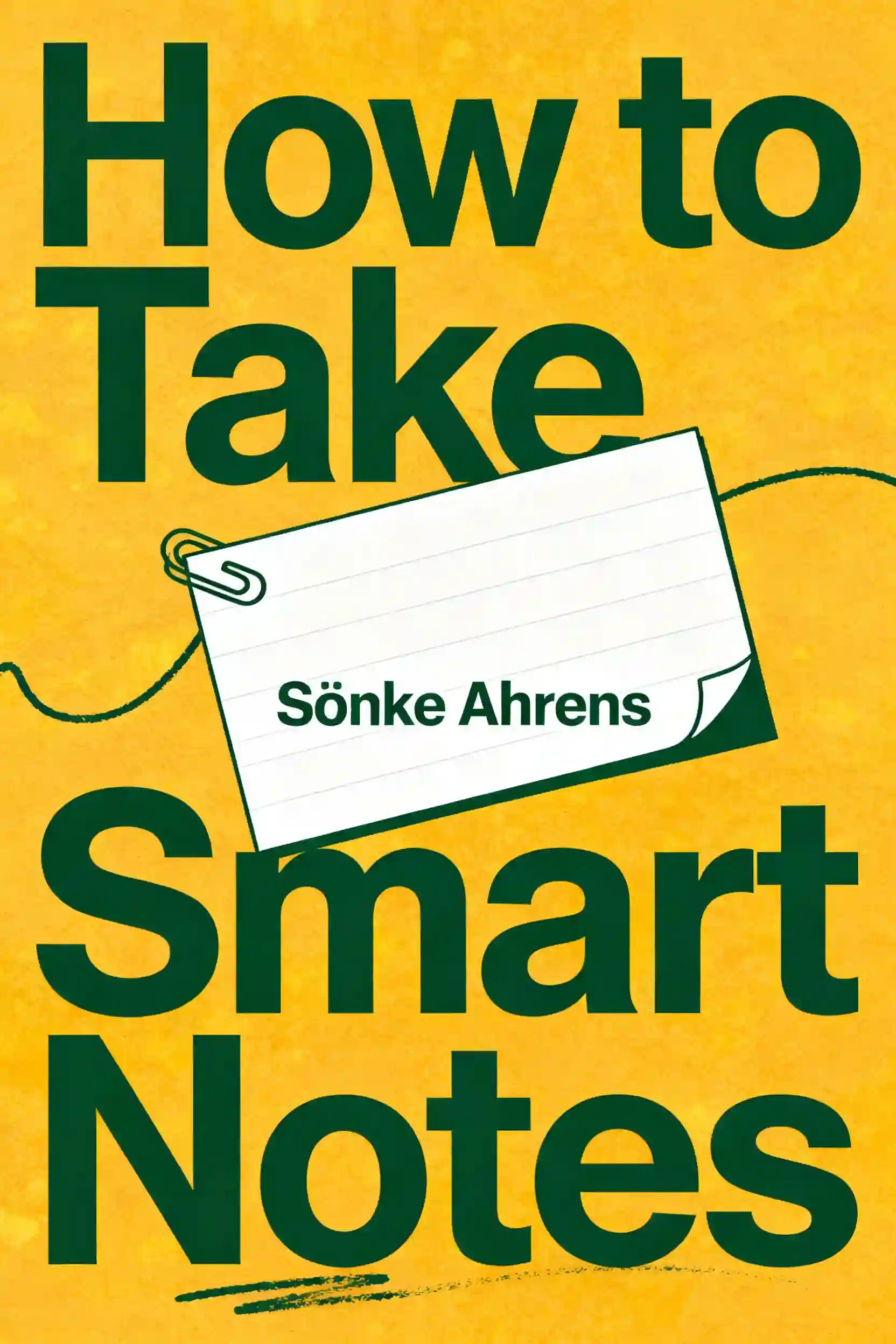
    How to Take Smart Notes
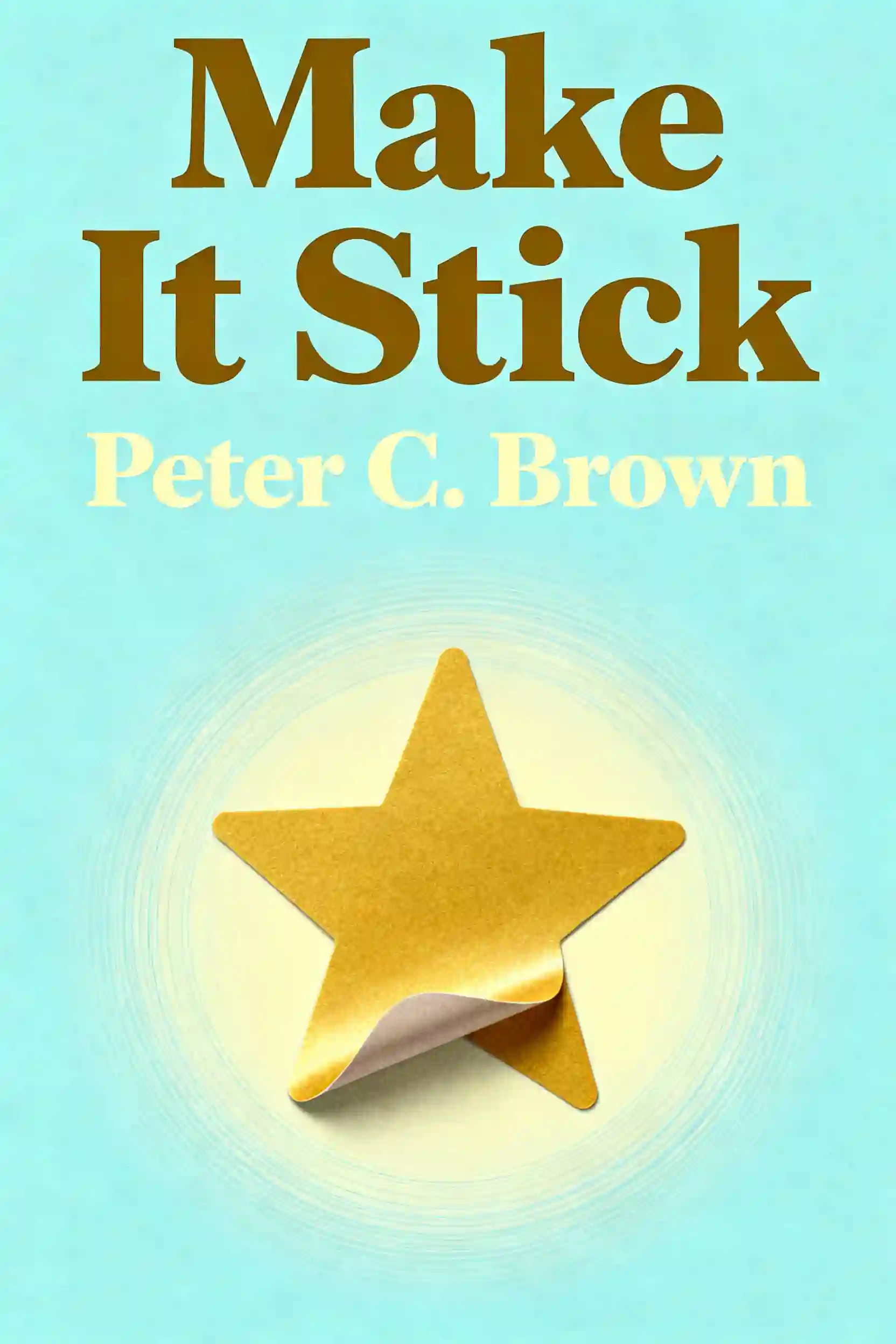
    Make It Stick: The Science of Successful Learning
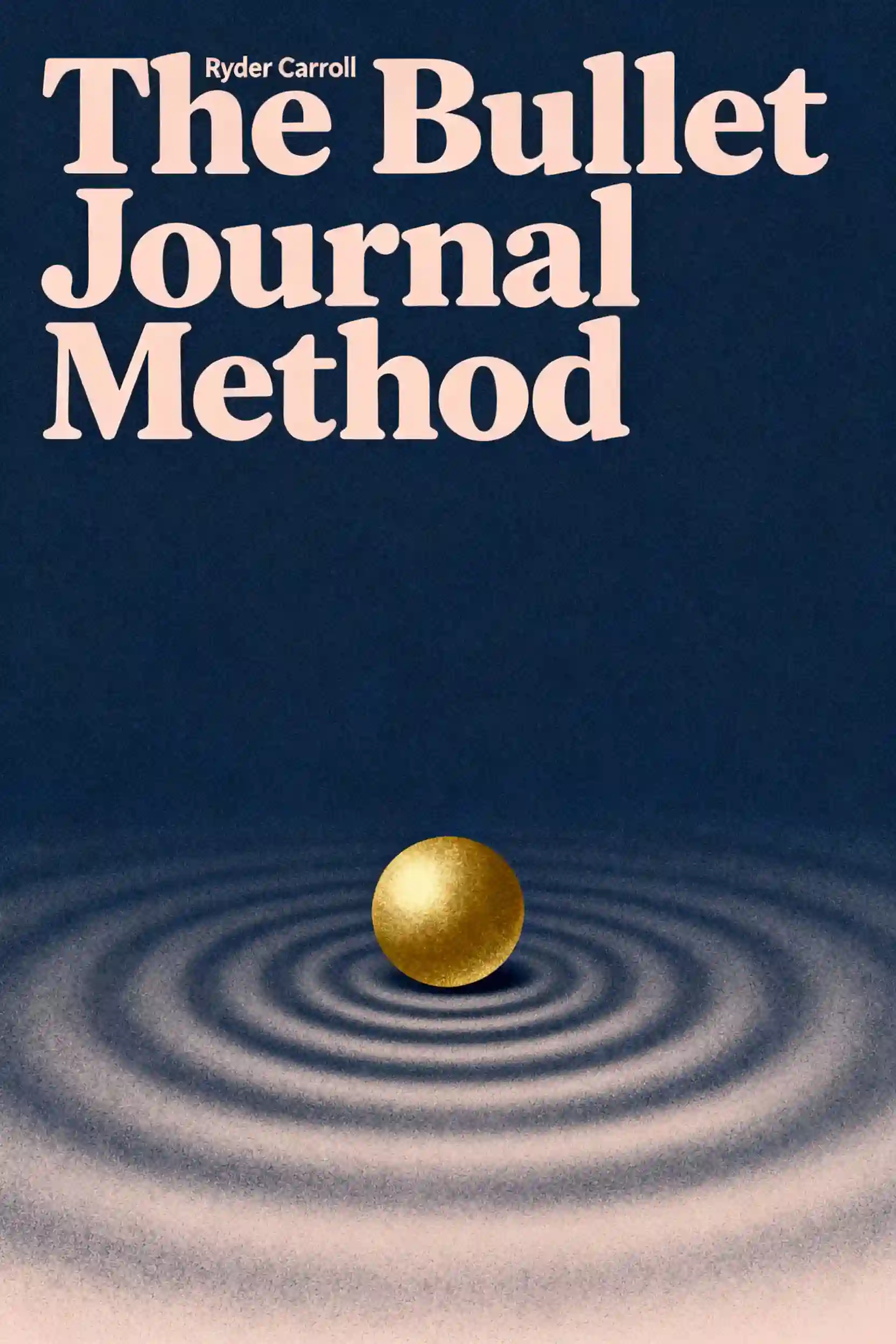
    Bullet Journal Method
    How to Pass Exams
    Learn Like a Pro
    CompTIA Security+ Get Certified Get Ahead

    컬럼비아 대학교 동문들이 제작 | 샌프란시스코에서 개발

    BeFreed는 호기심 넘치는 글로벌 커뮤니티를 하나로 연결합니다

    4.7

    평균 평점

    앱 평가 7.84천 개 이상

    BeFreed 커뮤니티

    정말이지 아직 앱을 다 써 보지도 않았는데, 며칠 써 본 것만으로도 깊은 인상을 받았어요… BeFreed는 제가 써 본 어떤 학습 앱과도 차원이 달라요. 몰입감이 엄청나고 집중력도 실제로 좋아져서, 스마트폰을 하염없이 스크롤하는 분들께 딱이에요!

    @ladyInfinity

    정확히 23일 전에 BeFreed를 구입했는데, 그날부터 하루도 빠짐없이 쓰고 있어요. 제 일상 업무 흐름과 학습 습관에 완전히 자리 잡았어요.

    @jayallen

    솔직히 이 앱은 제 기대를 전부 뛰어넘었어요. 어떤 주제든 오디오로 만들어 달라고 할 수 있고, 결과물이 놀라워요. 제 전문 분야는 심리치료 쪽이고 여러 학문이 얽혀 있는데도 답변이 아주 정확해요.

    @Raguipa

    제일 고마운 건 스크롤하는 시간이 확 줄었다는 거예요. 검색하는 시간은 줄고 흡수하는 시간은 늘었어요. 오디오북 전권, 팟캐스트, 학습 플랜의 조합이 정말 훌륭해요.

    @colonyofcreatorsNGO

    저는 24년째 PhotoReading 속진 학습 강사로 일하고 있어요… 책과 독서, 배움이 제 전문인데, BeFreed는 정보를 소화하기 쉽게 전달하는 혁신적인 방식을 정말 잘 구현했어요.

    @BeFreed user

    단순한 책 요약 앱이 아니에요. '재미' 스타일을 써 봤는데, 전통적인 방식보다 훨씬 나은 요약이고 아이디어를 이해하기도 쉬워요. 이것만으로도 값어치를 해요.

    @austinakon

    이 앱이 정말 좋아요. 며칠 써 봤는데 듣는 걸 멈출 수가 없어요. 시작하기에 이보다 좋을 수 없어요.

    @jcrules328

    정말 마음에 들어요. 한 달 정도 써 봤는데 숨은 보석을 찾은 기분이에요. BeFreed로 제가 원하는 주제를 직접 만들 수 있어서 좋고, 목소리도 훌륭한 데다 내레이션 선택지가 무궁무진해요.

    @DanielCZ

    정말이지 아직 앱을 다 써 보지도 않았는데, 며칠 써 본 것만으로도 깊은 인상을 받았어요… BeFreed는 제가 써 본 어떤 학습 앱과도 차원이 달라요. 몰입감이 엄청나고 집중력도 실제로 좋아져서, 스마트폰을 하염없이 스크롤하는 분들께 딱이에요!

    @ladyInfinity

    정확히 23일 전에 BeFreed를 구입했는데, 그날부터 하루도 빠짐없이 쓰고 있어요. 제 일상 업무 흐름과 학습 습관에 완전히 자리 잡았어요.

    @jayallen

    솔직히 이 앱은 제 기대를 전부 뛰어넘었어요. 어떤 주제든 오디오로 만들어 달라고 할 수 있고, 결과물이 놀라워요. 제 전문 분야는 심리치료 쪽이고 여러 학문이 얽혀 있는데도 답변이 아주 정확해요.

    @Raguipa

    제일 고마운 건 스크롤하는 시간이 확 줄었다는 거예요. 검색하는 시간은 줄고 흡수하는 시간은 늘었어요. 오디오북 전권, 팟캐스트, 학습 플랜의 조합이 정말 훌륭해요.

    @colonyofcreatorsNGO

    저는 24년째 PhotoReading 속진 학습 강사로 일하고 있어요… 책과 독서, 배움이 제 전문인데, BeFreed는 정보를 소화하기 쉽게 전달하는 혁신적인 방식을 정말 잘 구현했어요.

    @BeFreed user

    단순한 책 요약 앱이 아니에요. '재미' 스타일을 써 봤는데, 전통적인 방식보다 훨씬 나은 요약이고 아이디어를 이해하기도 쉬워요. 이것만으로도 값어치를 해요.

    @austinakon

    이 앱이 정말 좋아요. 며칠 써 봤는데 듣는 걸 멈출 수가 없어요. 시작하기에 이보다 좋을 수 없어요.

    @jcrules328

    정말 마음에 들어요. 한 달 정도 써 봤는데 숨은 보석을 찾은 기분이에요. BeFreed로 제가 원하는 주제를 직접 만들 수 있어서 좋고, 목소리도 훌륭한 데다 내레이션 선택지가 무궁무진해요.

    @DanielCZ

    유용한 정보와 아이디어를 8~15분짜리 팟캐스트 스타일 오디오로 압축해서 들을 수 있다는 게 정말 좋아요. 원래 팟캐스트는 군더더기가 많아서 안 좋아했는데, 여기는 그걸 싹 걷어냈어요.

    @BeFreed user

    박사 과정을 마무리하는 중이라 낯선 자료를 많이 읽어야 해요… BeFreed에서는 프롬프트만 입력하면 앱이 자료를 찾아서 오디오 팟캐스트로 만들어 줘요. BeFreed의 과정이 NotebookLM보다 더 매끄럽게 느껴져요.

    @Brad

    아침을 준비하거나 산책하거나 출퇴근할 때 들을 것을 YouTube에서 자주 찾곤 했는데, BeFreed는 광고도 군더더기도 없이 훨씬 더 딱 맞는 걸 들려줘요!

    @BeFreed user

    이 플랫폼의 가장 큰 장점은 활용도예요. 다루지 못하는 주제가 말 그대로 하나도 없어요. 무엇을 던져도 다 소화해요… 제한이 전혀 없으면서 약속을 실제로 지키는 학습 도구는 정말 드물어요.

    @jayallen

    BeFreed는 환상적이에요. 디자인이 편해서 헤매는 시간은 줄고 배우는 시간은 늘었어요. 오디오북, 팟캐스트, 학습 플랜의 조합은 천재적이에요. 제 하루가 완전히 달라졌어요.

    @BeFreed user

    처음엔 이탈리아어로 팟캐스트를 만드는 방법을 이해하는 데 시간이 좀 걸렸는데, 알고 나니까 — 와! 정말 대단해요! 어떤 주제든 설명해 달라고 하면 정말 똑똑하게 잘 설명해 줘요!

    @matteo77

    BeFreed는 제가 매일 쓰는 오디오북 앱이 됐어요… 제일 마음에 드는 건 텍스트를 넣으면 이동 중에도 들을 수 있는 오디오로 만들어 준다는 점이에요.

    @kotanzu1

    유용한 정보와 아이디어를 8~15분짜리 팟캐스트 스타일 오디오로 압축해서 들을 수 있다는 게 정말 좋아요. 원래 팟캐스트는 군더더기가 많아서 안 좋아했는데, 여기는 그걸 싹 걷어냈어요.

    @BeFreed user

    박사 과정을 마무리하는 중이라 낯선 자료를 많이 읽어야 해요… BeFreed에서는 프롬프트만 입력하면 앱이 자료를 찾아서 오디오 팟캐스트로 만들어 줘요. BeFreed의 과정이 NotebookLM보다 더 매끄럽게 느껴져요.

    @Brad

    아침을 준비하거나 산책하거나 출퇴근할 때 들을 것을 YouTube에서 자주 찾곤 했는데, BeFreed는 광고도 군더더기도 없이 훨씬 더 딱 맞는 걸 들려줘요!

    @BeFreed user

    이 플랫폼의 가장 큰 장점은 활용도예요. 다루지 못하는 주제가 말 그대로 하나도 없어요. 무엇을 던져도 다 소화해요… 제한이 전혀 없으면서 약속을 실제로 지키는 학습 도구는 정말 드물어요.

    @jayallen

    BeFreed는 환상적이에요. 디자인이 편해서 헤매는 시간은 줄고 배우는 시간은 늘었어요. 오디오북, 팟캐스트, 학습 플랜의 조합은 천재적이에요. 제 하루가 완전히 달라졌어요.

    @BeFreed user

    처음엔 이탈리아어로 팟캐스트를 만드는 방법을 이해하는 데 시간이 좀 걸렸는데, 알고 나니까 — 와! 정말 대단해요! 어떤 주제든 설명해 달라고 하면 정말 똑똑하게 잘 설명해 줘요!

    @matteo77

    BeFreed는 제가 매일 쓰는 오디오북 앱이 됐어요… 제일 마음에 드는 건 텍스트를 넣으면 이동 중에도 들을 수 있는 오디오로 만들어 준다는 점이에요.

    @kotanzu1

    웹에서 BeFreed가 어떻게 논의되고 있는지 더 보기
    129.7K19.5K
    55.2K19.2K
    154.2K10827355
    48.1K2.5K
    81.2K6.6K
    82.3K1.8K
    지금 바로 학습 여정을 시작하세요
    BeFreed 앱
    BeFreed

    무엇이든 개인화된 학습

    DiscordLinkedIn
    추천 도서 요약
    Crucial ConversationsThe Perfect MarriageInto the WildNever Split the DifferenceAttachedGood to GreatSay Nothing
    인기 카테고리
    Self HelpCommunication SkillRelationshipMindfulnessPhilosophyInspirationProductivity
    유명인 추천 도서
    Elon MuskCharlie KirkBill GatesSteve JobsAndrew HubermanJoe RoganJordan Peterson
    수상작 컬렉션
    Pulitzer PrizeNational Book AwardGoodreads Choice AwardsNobel Prize in LiteratureNew York TimesCaldecott MedalNebula Award
    추천 주제
    ManagementAmerican HistoryWarTradingStoicismAnxietySex
    연도별 베스트 도서
    2025 Best Non Fiction Books2024 Best Non Fiction Books2023 Best Non Fiction Books
    추천 저자
    Chimamanda Ngozi AdichieGeorge OrwellO. J. SimpsonBarbara O'NeillWinston ChurchillCharlie Kirk
    BeFreed vs 다른 앱
    BeFreed vs. Other Book Summary AppsBeFreed vs. ElevenReaderBeFreed vs. ReadwiseBeFreed vs. Anki
    학습 도구
    Knowledge VisualizerAI Podcast Generator
    정보
    회사 소개arrow
    가격arrow
    FAQarrow
    블로그arrow
    채용arrow
    파트너십arrow
    앰배서더 프로그램arrow
    디렉토리arrow
    BeFreed
    Try now
    © 2026 BeFreed
    이용 약관개인정보 처리방침
    BeFreed

    무엇이든 개인화된 학습

    DiscordLinkedIn
    추천 도서 요약
    Crucial ConversationsThe Perfect MarriageInto the WildNever Split the DifferenceAttachedGood to GreatSay Nothing
    인기 카테고리
    Self HelpCommunication SkillRelationshipMindfulnessPhilosophyInspirationProductivity
    유명인 추천 도서
    Elon MuskCharlie KirkBill GatesSteve JobsAndrew HubermanJoe RoganJordan Peterson
    수상작 컬렉션
    Pulitzer PrizeNational Book AwardGoodreads Choice AwardsNobel Prize in LiteratureNew York TimesCaldecott MedalNebula Award
    추천 주제
    ManagementAmerican HistoryWarTradingStoicismAnxietySex
    연도별 베스트 도서
    2025 Best Non Fiction Books2024 Best Non Fiction Books2023 Best Non Fiction Books
    학습 도구
    Knowledge VisualizerAI Podcast Generator
    추천 저자
    Chimamanda Ngozi AdichieGeorge OrwellO. J. SimpsonBarbara O'NeillWinston ChurchillCharlie Kirk
    BeFreed vs 다른 앱
    BeFreed vs. Other Book Summary AppsBeFreed vs. ElevenReaderBeFreed vs. ReadwiseBeFreed vs. Anki
    정보
    회사 소개arrow
    가격arrow
    FAQarrow
    블로그arrow
    채용arrow
    파트너십arrow
    앰배서더 프로그램arrow
    디렉토리arrow
    BeFreed
    Try now
    © 2026 BeFreed
    이용 약관개인정보 처리방침

    비슷한 콘텐츠

    MS-900 Audio Exam: 45 Questions Fast-Track 책 표지
    CompTIA Security+ Get Certified Get AheadSystem Design Interview – An Insider's GuideSaunders Comprehensive Review for the NCLEX-RN ExaminationHit Refresh
    25 sources
    MS-900 Audio Exam: 45 Questions Fast-Track
    Experience a real-time MS-900 certification practice with 45 strategically weighted questions across all domains. Get 3 seconds to think, then hear the correct answer with rapid explanations - just like the actual exam pressure.
    46 min
    Study for exams by focusing on the Big Rocks 책 표지
    Direct source: docs.google.com
    1 source
    Study for exams by focusing on the Big Rocks
    Stop wasting time on tiny details. Learn how to identify core frameworks and use a practical playbook to turn complex theories into test-day success.
    26 min
    Microsoft AI-900: Your Path to Certification 책 표지
    Study guide for Exam AI-900: Microsoft Azure AI FundamentalsExam AI-900: Microsoft Azure AI Fundamentals - CertificationsAI-900: Microsoft Azure AI Fundamentals — Study Guide & Exam Objectives | A Guide to Cloud & AIMicrosoft AI-900 Certification: Complete Study Guide & Practice Plan | Hashmeta
    7 sources
    Microsoft AI-900: Your Path to Certification
    Struggling to start your AI journey before the exam changes? Master the five core Azure AI workloads and secure your certification without coding.
    17 min
    The Obsidian Business Brain 책 표지
    AI-Native Obsidian Vault Setup GuideHow I Built a Business Brain in Obsidian — And | AraptusThe Transferability Trap: How Speaker Coaching Moves Your Talk from Good to Unforgettable | Phil Mershongiving-presentations/SKILL.md
    9 sources
    The Obsidian Business Brain
    Stop losing brilliant ideas to digital clutter. Learn to build a centralized hub in Obsidian that connects your coaching, teaching, and life calling.
    722 min
    The Science of Locking In for Academic Mastery 책 표지
    Learn Like a ProLevel UpMastering Focus: Brain Science to Beat DistractionThe Master Key System
    28 sources
    The Science of Locking In for Academic Mastery
    Discover how to reclaim your focus from an eight-second attention span and build a personalized system for deep work, distraction-free study, and flow-state learning.
    15 min
    The Illusion of Competence 책 표지
    MAKE IT STICK , BROWN, PETER C. [Hardcover] HARVARD UNIVERSITY PRESSLearn Like a Pro15 Best Study Methods That Actually Work (2026) | Cramd BlogPsychologists Identify the Best Ways to Study | Scientific American
    6 sources
    The Illusion of Competence
    Stop wasting hours on passive rereading that fails during exams. Learn how to use retrieval and spaced repetition to build lasting memory and mastery.
    17 min
    The Atomic Method for Rapid Mastery 책 표지
    Make It StickLearn Like a ProRewire Your Brain: How Neuroscience and AI Transform LearningTim Ferriss's Learning Revolution: Master Any Skill Faster
    17 sources
    The Atomic Method for Rapid Mastery
    Stop falling into the passive learning trap and start rewiring your brain. Discover how to use the protégé effect and memory palaces to absorb information 3x faster and defeat the forgetting curve.
    19 min
    Microsoft Copilot and Teams: Mastering the CRIT Framework 책 표지
    Work Together AnywhereTotal Workday Control Using Microsoft OutlookRadical OutcomesTeam
    27 sources
    Microsoft Copilot and Teams: Mastering the CRIT Framework
    Stop staring at a blank prompt. Learn the CRIT framework and 20 use cases to turn Microsoft Teams into a productivity engine and fix messy folders.
    32 min

    Recommended Learning Plans

    The Science of Test Mastery
    학습 계획

    The Science of Test Mastery

    This learning plan is essential for students and professionals facing high-stakes technical or academic examinations. It provides a comprehensive framework that bridges cognitive science with practical test-taking strategies to ensure peak performance under pressure.

    35 m•5 섹션
    Mastering the Science of Learning
    학습 계획

    Mastering the Science of Learning

    This plan is essential for students, professionals, and lifelong learners who want to move beyond rote memorization toward true cognitive mastery. It leverages neuroplasticity and evidence-based strategies to transform how you absorb and apply information in any field.

    2 h 30 m•5 섹션
    Master Focus and Science-Based Habits
    학습 계획

    Master Focus and Science-Based Habits

    This learning plan is essential for professionals and students seeking to reclaim their attention in the digital age. It combines neuroscience with practical systems, making it ideal for high-performers looking to build lasting habits and superior cognitive resilience.

    4 h 51 m•4 섹션
    From Messy Notes to Test-Day Calm
    학습 계획

    From Messy Notes to Test-Day Calm

    Many students struggle with exam anxiety and inefficient study habits that lead to poor retention. This plan is designed for learners who want to replace frantic cramming with structured note-taking and science-based retrieval methods to ensure peak performance under pressure.

    1 h 30 m•3 섹션
    Memory, Focus, and Habit Architecture
    학습 계획

    Memory, Focus, and Habit Architecture

    In an era of information overload, the ability to process, retain, and automate knowledge is a critical competitive advantage. This plan is designed for professionals and students who need to master complex subjects quickly while building sustainable systems for long-term productivity.

    1 h 45 m•4 섹션
    The Science of Rapid Comprehension
    학습 계획

    The Science of Rapid Comprehension

    Traditional study methods often ignore how the brain actually encodes information, leading to rapid forgetting and wasted effort. This plan is essential for students and professionals who need to master complex subjects quickly by leveraging cognitive science and active recall.

    2 h•4 섹션
    The Driver’s Seat: Mastering Your Mind
    학습 계획

    The Driver’s Seat: Mastering Your Mind

    In an era of constant distraction and information overload, mastering your own cognitive processes is the ultimate competitive advantage. This plan is designed for professionals and students who want to reclaim their focus, optimize their learning speed, and achieve deep mastery in complex subjects.

    2 h•4 섹션
    Rewire Your Mind for Mastery
    학습 계획

    Rewire Your Mind for Mastery

    This plan is designed for lifelong learners and professionals seeking a cognitive edge in a rapidly changing world. By combining neuroscience, metacognition, and social psychology, it provides a comprehensive toolkit for personal and professional evolution.

    1 h 30 m•3 섹션