Learn how to create a lesson from a file with our step-by-step guide. Master file to lesson conversion using digital teaching tools for faster curriculum development.

We’re using technology to become more human. By delegating the repetitive parts of curriculum design to AI, we can be more present, more creative, and more supportive in the classroom.
Cree par des anciens de Columbia University a San Francisco
"Instead of endless scrolling, I just hit play on BeFreed. It saves me so much time."
"I never knew where to start with nonfiction—BeFreed’s book lists turned into podcasts gave me a clear path."
"Perfect balance between learning and entertainment. Finished ‘Thinking, Fast and Slow’ on my commute this week."
"Crazy how much I learned while walking the dog. BeFreed = small habits → big gains."
"Reading used to feel like a chore. Now it’s just part of my lifestyle."
"Feels effortless compared to reading. I’ve finished 6 books this month already."
"BeFreed turned my guilty doomscrolling into something that feels productive and inspiring."
"BeFreed turned my commute into learning time. 20-min podcasts are perfect for finishing books I never had time for."
"BeFreed replaced my podcast queue. Imagine Spotify for books — that’s it. 🙌"
"It is great for me to learn something from the book without reading it."
"The themed book list podcasts help me connect ideas across authors—like a guided audio journey."
"Makes me feel smarter every time before going to work"
Cree par des anciens de Columbia University a San Francisco

Lena: Hey Miles, I was reading this morning that teachers spend an average of seven or more hours every single week just on lesson planning. Can you imagine? That’s basically an entire work day gone before you even step in front of the students.
Miles: It’s a massive drain on energy, Lena. You know, most educators feel like they're spending way more time preparing the lessons than actually delivering them. It leads to serious burnout when you’re staring at a blank template every Sunday night.
Lena: Exactly! But I found something fascinating—platforms like Edcafe AI and Monsha are turning that whole "blank page" struggle on its head. You can actually take a single file or a web link and transform it into a full five-day lesson plan in under five minutes.
Miles: It’s a total game-changer. We’re talking about moving from manual clicking to a streamlined, tool-driven workflow. Let’s explore how you can turn your existing materials into interactive lessons and assessments instantly.
Lena: So, if we’re moving away from that Sunday night dread, we need to talk about what’s actually happening under the hood when we upload a file. Miles, I noticed that Duetoday emphasizes something called source grounding. It sounds technical—but why does it matter for a teacher?
Miles: It’s actually the most important part of the whole setup. Most general AI tools just pull from the entire internet—it’s like a giant smoothie of facts and opinions that you can’t really verify. But Duetoday is different. It’s architecturally designed to answer only from the specific sources you upload. If the info isn’t in your PDF or your textbook chapter—it doesn’t guess. It just tells you it doesn’t know.
Lena: That’s a huge relief for accuracy! So, if I upload a research paper on the Calvin Cycle, the AI isn’t going to start hallucinating facts about something else just because it’s on the web?
Miles: Exactly. Google calls this "source grounding." It means the AI is tethered to your materials. In fact, experts call it a "research-to-product pipeline." You aren't just summarizing a PDF—you're turning that specific piece of knowledge into a usable educational product.
Lena: And you can upload almost anything, right? I saw that the Sources Panel on some of these platforms supports Google Docs, Slides, YouTube links, and even images. It feels like you’re building a customized brain for your classroom.
Miles: Totally. And the cool thing is you can toggle those sources on and off. Say you have an advanced research paper and a basic textbook chapter both uploaded. You can tell the AI to only look at the textbook for your intro lesson, then flip on the research paper when you’re building the extension activities for your high achievers.
Lena: I love that. It’s about having a thinking partner that actually follows your lead—rather than one that just wanders off into the deep end of the internet. It sets a rock-solid foundation before you even write your first learning objective.
Miles: Once you’ve got your sources in there—the next step is mapping it all out. One big mistake people make is thinking a book chapter and a course module are the same thing. They aren't.
Lena: Oh, interesting. How so?
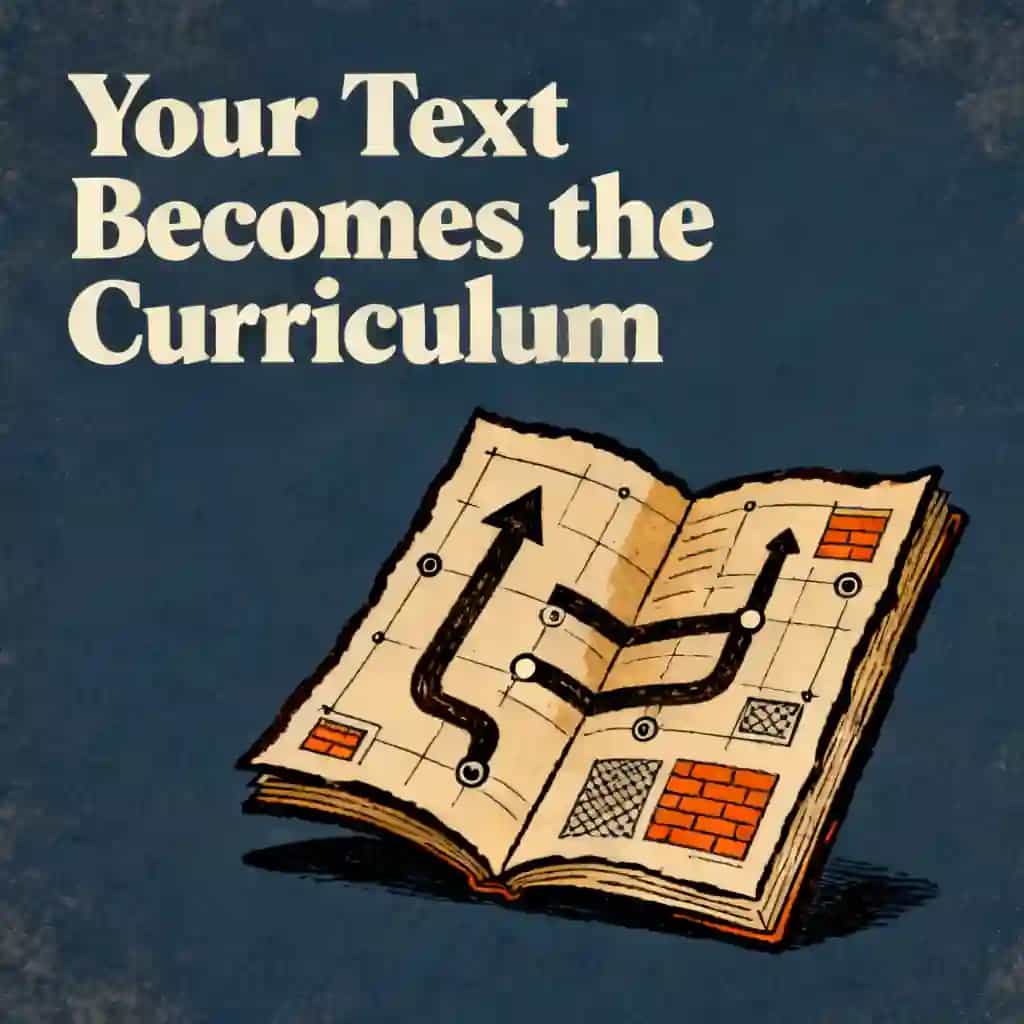
Miles: Well, think about it—a book chapter is usually a self-contained narrative. It’s passive reading. But a course module is a learning unit. It needs a specific progression: you introduce a concept, you demonstrate it, you let the students practice, and then you assess them.
Lena: Right, so you’re moving from "just giving information" to "building a skill." I read that a ten-chapter book usually expands into eight to twelve modules once you add an orientation at the start and a final project at the end.
Miles: Spot on. And each of those modules should have three to five focused lessons, maybe ten to fifteen minutes each. It gives students those natural stopping points and clear markers of progress. You know—that feeling of "I actually finished something today."
Lena: And the AI handles that restructuring? Because doing that manually sounds like it would take weeks.
Miles: It traditionally takes an instructional designer three to six weeks. But with these tools—like Inkfluence AI or Duetoday—you can map that entire architecture in about two hours. You just feed the AI your core teaching chapters and ask it to generate a modular outline with lesson titles and time estimates.
Lena: It’s like having a structural engineer for your curriculum. You provide the raw materials—the "bricks" of your content—and the AI helps you build the actual house so people can live in it and learn.
Miles: That’s a great way to put it. And because it’s modular, it’s flexible. If a certain section feels too dense, you can use a "split" feature to break it into smaller, more manageable units. It’s all about creating that linear flow where Module 3 builds on Module 2, rather than just being a pile of random info.
Lena: So we have the structure—but we need to know where we’re going. I’ve noticed these platforms really push for "measurable" learning objectives. Why is the AI so picky about how we word these?
Miles: Because "understand" is a trap, Lena! If you tell an AI "make sure students understand photosynthesis," that's too vague. But if you use Bloom’s Taxonomy verbs—like "analyze," "evaluate," or "create"—the AI has a target to aim for.
Lena: I saw a great example of this. Instead of saying "students will know the Calvin Cycle," you’d prompt the AI to ensure "students can predict how changes in CO2 concentration affect glucose production."
Miles: Exactly! When you use those specific action verbs, the AI uses them as anchors for everything it generates next. If the objective is to "predict," the AI is going to build a quiz question that asks for a prediction—not just a definition.
Lena: It’s a feedback loop. The more precise you are with the "what," the more effective the AI is with the "how." And you can even choose the difficulty level—like "foundational" for a general introduction or "advanced" for a professional certification.
Miles: Right. And if the output feels too broad, you can just hop into the AI tutor chat and say, "Hey, this objective for Module 4 is too advanced for my 10th graders. Can you revise it to focus only on the basic chemical reactions?"
Lena: It’s that "human-in-the-loop" model we always talk about. The AI drafts the objectives in seconds—which is a huge time saver—but you’re the one who looks at them and says, "Yes, this actually aligns with my state standards."
Miles: And some tools even let you upload the standards documents themselves! So the AI is cross-referencing your lesson against the actual Common Core or NGSS codes while it’s writing. It’s like having a compliance officer sitting right there with you.
Lena: This is the part I’m most excited about—the actual student materials. Because let’s be honest—giving a student a fifty-page PDF is a recipe for them to tune out immediately.
Miles: You’ve hit the nail on the head. A course has to add what a book lacks—active exercises. A book tells you to "consider" a topic. A course gives you a worksheet and says, "Fill in these three columns using the framework we just covered."
Lena: And the AI can generate those implementation tools directly from the text?
Miles: Every single one. You can ask for fill-in worksheets, reflection prompts, or even a "30-day challenge" based on the content. It’s about turning advice into action. For example, if your PDF is about client acquisition, the AI can generate a script for a discovery call or a template for a proposal.
Lena: I love that. And it’s not just one-size-fits-all. I saw that you can prompt the AI to create different versions of the same activity. Like a version with visual aids for English language learners, or a more complex extension for students who need a challenge.
Miles: That’s smart differentiation. In a traditional setup, creating three versions of one activity could double your prep time. With these tools, it’s a thirty-second request. You’re building a truly inclusive classroom without staying at school until 8:00 PM.
Lena: It’s also about the format. You can generate flashcards—both for definitions and "cloze deletions" where they fill in the blank. Or even interactive quizzes where the AI explains why a wrong answer was incorrect, citing the exact page in the PDF where the right info lives.
Miles: That’s the "testing effect" in action. Even ungraded quizzes can improve retention by about forty percent. By generating these "knowledge checks" after every module, you’re ensuring the students aren't just skimming—they’re actually processing.
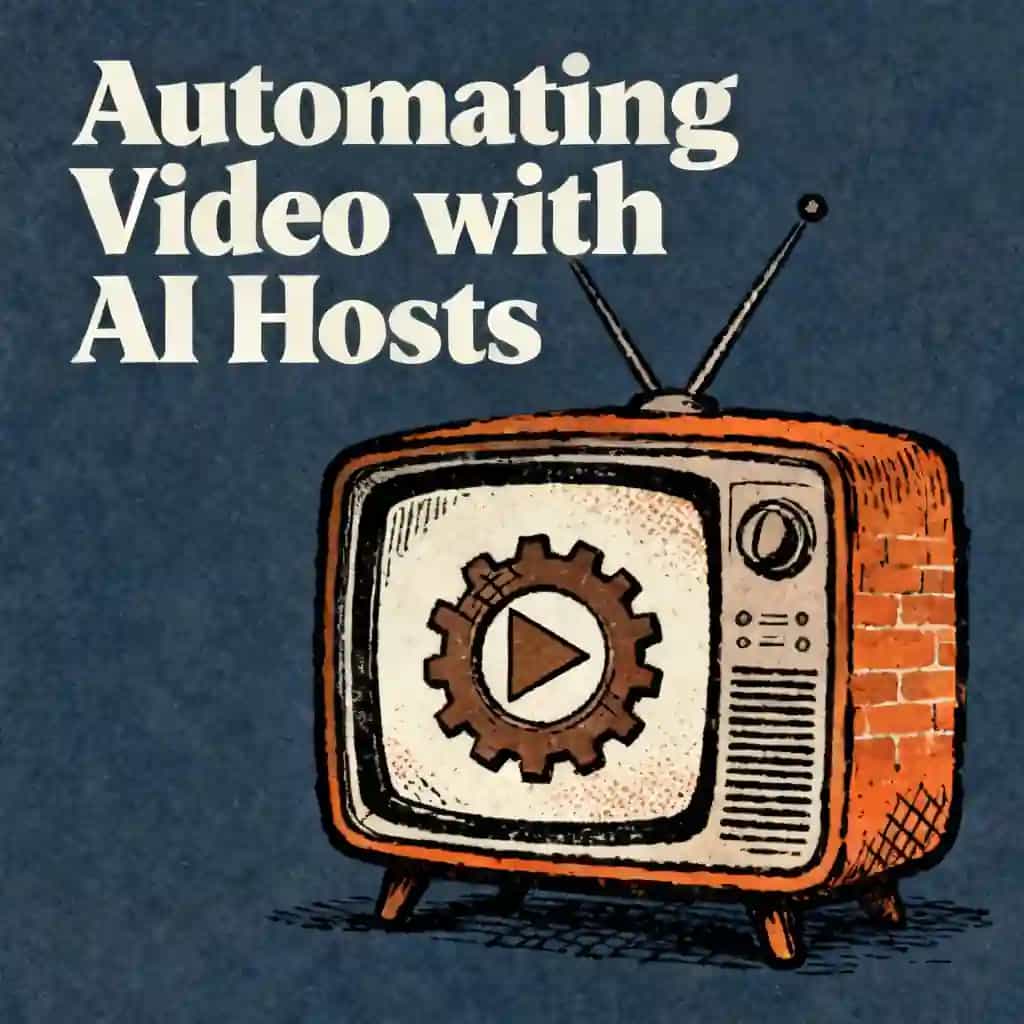
Miles: We should talk about the "Studio" side of things, because it’s not just about text anymore. Imagine taking that dry PDF and, with one click, turning it into a podcast-style discussion between two AI hosts.
Lena: Wait, like what we're doing right now?
Miles: Exactly! Some platforms call them "Audio Overviews." You can choose a "Deep Dive" for a long conversation, or a "Debate" where the hosts argue different sides of a topic from your sources. It’s amazing for auditory learners or anyone with a long commute.
Lena: That’s wild. So a student could listen to a summary of the reading on the bus ride to school?
Miles: Absolutely. And it’s all grounded in the teacher's specific materials. But it goes further—you can generate slide decks with speaker notes already written, or even infographics in different styles, like a "whiteboard marker" look or a clean grid layout.
Lena: It’s like having a full production team. I’m thinking about how much time I’ve spent over the years trying to make my slides look professional and finding the right images.
Miles: Right? And now there are "Video Overviews" too. They take the diagrams and quotes directly from your documents and turn them into a narrated explainer video. It’s the ultimate "flipped classroom" resource. You send the video out before class, and then you use the actual class time for those deep-dive discussions.
Lena: It really changes the role of the teacher. You’re moving from being a "content deliverer"—which is what the AI is great at—to being a "learning architect." You're designing the experience rather than just standing there lecturing for an hour.
Miles: And it helps with accessibility too. If a student is struggling with a dense paragraph, you can use the AI tutor to say, "Explain page four to me as if I’m a beginner." It takes the exact same source material and just re-phrases it to meet the learner where they are.
Lena: Okay Miles, let's get practical for everyone listening. If someone wants to try this tomorrow—what’s the stepwise move?
Miles: Step one: clean your PDF. This is a big one. Before you upload, remove the table of contents, the bibliography, and any advertisements. You want the AI focused on the "meat" of the content. If it’s a massive textbook, upload it chapter by chapter instead of all at once. It keeps the output much more granular and specific.
Lena: Got it. Focus the input to get better output. What’s step two?
Miles: Upload and define your goal. Don't just let the AI guess. Use the chat to say, "I’m building a lesson for 10th graders on environmental science. I want three learning objectives and a five-day roadmap based on this file." Providing that context—the grade level and the field—is what tailors the complexity.
Lena: And once you have the draft?
Miles: That’s step three: the "human-in-the-loop" review. Check the generated notes for any personal anecdotes you want to add. Rename the headings so they match your syllabus exactly. This is where you put your "soul" back into the lesson.
Lena: Then you hit the "Generate" button for the extras, right?
Miles: Exactly. Move to the quiz section. Choose your style—multiple choice or short answer. Then go to the flashcard generator. In under a minute, you’ve gone from a single PDF to a full study suite: notes, quizzes, flashcards, and a discussion prompt.
Lena: And don't forget the export! You can move everything into a Word doc, a slide deck, or even export flashcards to apps like Anki. You aren't locked into the platform.
Miles: Right. It’s about building the content where it’s fast, then moving it to where you actually teach. If you follow this workflow, you’re looking at planning a whole unit in about an hour rather than a whole weekend.
Lena: It’s amazing how these tools are basically giving teachers their lives back. It’s not just about the convenience—it’s about the mental space it opens up. When you aren't bogged down by the "administrative slog" of formatting rubrics or drafting bullet points, you can actually focus on the students who are struggling.
Miles: That’s the heart of it. We’re using technology to become more human. By delegating the repetitive parts of curriculum design to AI, we can be more present, more creative, and more supportive in the classroom.
Lena: I love that idea—using the machine to make us more human. It’s a bit of a paradox, but it really works. Instead of being a "writer of everything," you become an "expert curator." You're still the one in charge, but you have a very fast assistant doing the heavy lifting.
Miles: Exactly. And for our listeners, the best thing you can do is just start small. You don’t have to convert your entire semester tonight. Just take one PDF—maybe a difficult one you’ve been dreading—and see what the AI can do with it. Try generating three discussion prompts or a quick five-question exit ticket.
Lena: I think people will be surprised at how much it sparks their own creativity. Sometimes seeing a draft from the AI makes you realize, "Oh! I could actually teach it this way instead." It’s a brainstorming partner as much as a generator.
Miles: It really is. So, to everyone listening—think about that one file sitting on your desktop right now. What could it become? A podcast? A set of flashcards? A full unit plan? The tools are there, and they’re ready when you are.
Lena: Thank you so much for exploring this with us today. It’s been a blast diving into how we can all work a little smarter and keep that passion for teaching alive. Take a moment to reflect on which part of your planning process is the biggest "time sink" for you—and maybe give one of these tools a shot to see if it can clear that hurdle for you. Happy teaching, everyone!
Miles: Catch you later.