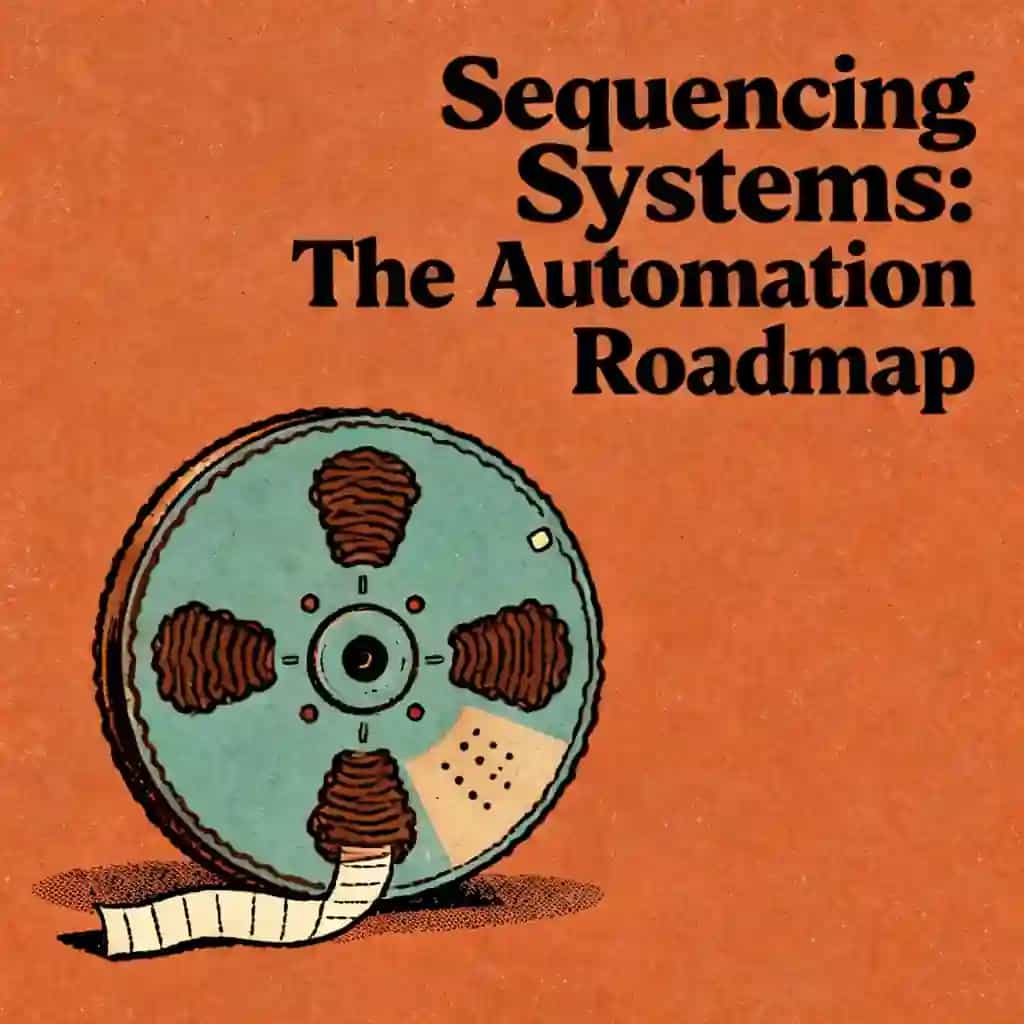
Webhook and API Integration Steps for Workforce Automation
Learn the essential steps for webhook and API integration to streamline workforce automation using platforms like Boost.space, TaskMagic, and ZeroWork.

Webhook and API Integration Steps for Workforce Automation最佳语录
We spend so much time acting like the glue between our apps, copying a name from here and pasting it there. But once you understand the handshake—from the trigger link to the payload—the chaos of having fifty different apps starts to disappear and it becomes one cohesive system.
Generated by Freedee_DC0837A9
Webhook and api integration process and steps for the workforce automation in platforms like boost.space, taskmagic, zerowork,tiny commands


常见问题
The API integration process for workforce automation involves identifying the specific endpoints required for your workflow and establishing a secure connection between platforms. Using tools like Boost.space or ZeroWork, you must configure authentication, map data fields accurately, and test the request-response cycle. This ensures that data flows seamlessly between your software stack, reducing manual tasks and improving overall operational efficiency across your chosen automation platforms.
Webhooks facilitate real-time workforce automation by pushing data instantly from one application to another when a specific event occurs. Unlike traditional polling, webhook integration allows platforms like TaskMagic and Tiny Commands to react immediately to triggers. By setting up a listener URL and configuring the payload, you can create highly responsive automated workflows that ensure your team has the most up-to-date information without manual intervention.
Several leading automation platforms specialize in different aspects of the integration process. Boost.space is excellent for centralizing data, while TaskMagic and ZeroWork offer powerful browser-based and API-driven automation capabilities. Tiny Commands provides streamlined tools for executing specific automated tasks. Choosing the right platform depends on your specific workforce automation needs, the complexity of the API integration process, and the level of technical customization required for your business.
"Instead of endless scrolling, I just hit play on BeFreed. It saves me so much time."


"I never knew where to start with nonfiction—BeFreed’s book lists turned into podcasts gave me a clear path."


"Perfect balance between learning and entertainment. Finished ‘Thinking, Fast and Slow’ on my commute this week."
"Crazy how much I learned while walking the dog. BeFreed = small habits → big gains."
"Reading used to feel like a chore. Now it’s just part of my lifestyle."

"Feels effortless compared to reading. I’ve finished 6 books this month already."
"BeFreed turned my guilty doomscrolling into something that feels productive and inspiring."

"BeFreed turned my commute into learning time. 20-min podcasts are perfect for finishing books I never had time for."
"BeFreed replaced my podcast queue. Imagine Spotify for books — that’s it. 🙌"

"It is great for me to learn something from the book without reading it."
"The themed book list podcasts help me connect ideas across authors—like a guided audio journey."
"Makes me feel smarter every time before going to work"
"Instead of endless scrolling, I just hit play on BeFreed. It saves me so much time."
"I never knew where to start with nonfiction—BeFreed’s book lists turned into podcasts gave me a clear path."
"Perfect balance between learning and entertainment. Finished ‘Thinking, Fast and Slow’ on my commute this week."
"Crazy how much I learned while walking the dog. BeFreed = small habits → big gains."
"Reading used to feel like a chore. Now it’s just part of my lifestyle."
"Feels effortless compared to reading. I’ve finished 6 books this month already."
"BeFreed turned my guilty doomscrolling into something that feels productive and inspiring."
"BeFreed turned my commute into learning time. 20-min podcasts are perfect for finishing books I never had time for."
"BeFreed replaced my podcast queue. Imagine Spotify for books — that’s it. 🙌"
"It is great for me to learn something from the book without reading it."
"The themed book list podcasts help me connect ideas across authors—like a guided audio journey."
"Makes me feel smarter every time before going to work"
"Instead of endless scrolling, I just hit play on BeFreed. It saves me so much time."
"I never knew where to start with nonfiction—BeFreed’s book lists turned into podcasts gave me a clear path."
"Perfect balance between learning and entertainment. Finished ‘Thinking, Fast and Slow’ on my commute this week."
"Crazy how much I learned while walking the dog. BeFreed = small habits → big gains."
"Reading used to feel like a chore. Now it’s just part of my lifestyle."
"Feels effortless compared to reading. I’ve finished 6 books this month already."
"BeFreed turned my guilty doomscrolling into something that feels productive and inspiring."
"BeFreed turned my commute into learning time. 20-min podcasts are perfect for finishing books I never had time for."
"BeFreed replaced my podcast queue. Imagine Spotify for books — that’s it. 🙌"
"It is great for me to learn something from the book without reading it."
"The themed book list podcasts help me connect ideas across authors—like a guided audio journey."
"Makes me feel smarter every time before going to work"
"Instead of endless scrolling, I just hit play on BeFreed. It saves me so much time."
"I never knew where to start with nonfiction—BeFreed’s book lists turned into podcasts gave me a clear path."
"Perfect balance between learning and entertainment. Finished ‘Thinking, Fast and Slow’ on my commute this week."
"Crazy how much I learned while walking the dog. BeFreed = small habits → big gains."
"Reading used to feel like a chore. Now it’s just part of my lifestyle."
"Feels effortless compared to reading. I’ve finished 6 books this month already."
"BeFreed turned my guilty doomscrolling into something that feels productive and inspiring."
"BeFreed turned my commute into learning time. 20-min podcasts are perfect for finishing books I never had time for."
"BeFreed replaced my podcast queue. Imagine Spotify for books — that’s it. 🙌"
"It is great for me to learn something from the book without reading it."
"The themed book list podcasts help me connect ideas across authors—like a guided audio journey."
"Makes me feel smarter every time before going to work"