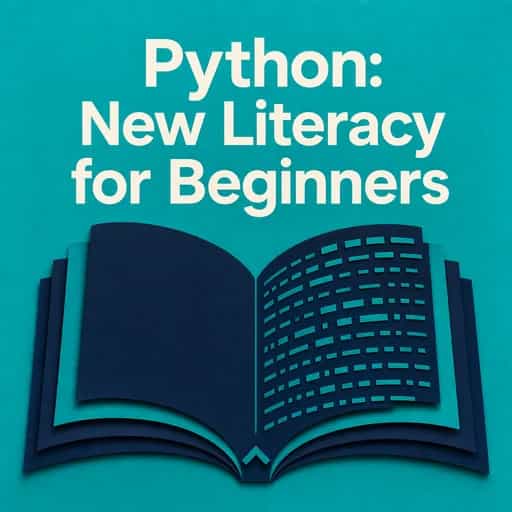
Unlock Python's power with Jason Cannon's beginner-friendly guide that transformed countless coding novices into confident programmers. With a 3.91/5 Goodreads rating and praised for its crystal-clear approach, this 2014 classic remains the secret weapon in today's booming tech education landscape.
通过作者的声音感受这本书
将知识转化为引人入胜、富含实例的见解
快速捕捉核心观点,高效学习
Python has become the rockstar of programming languages, beloved by everyone from Silicon Valley engineers to academic researchers. What's the secret to its popularity? It might be the clean, English-like syntax that makes code readable even to beginners. Or perhaps it's the incredible versatility that powers Netflix recommendations, Instagram's backend, and scientific research worldwide. Did you know Python was named after Monty Python, not the snake? This playful origin perfectly captures the language's approachable nature. With Python consistently ranking among the top three programming languages globally and growing 27% year-over-year, there's never been a better time to dive in. Python transforms complex programming concepts into accessible knowledge, opening doors to countless technological possibilities. Whether you're looking to automate tedious tasks, analyze data, or build the next great app, Python offers the perfect balance of simplicity and power to bring your ideas to life. Getting Python ready on your computer is surprisingly straightforward, though the process varies slightly depending on your operating system. Python comes in two major versions: Python 2 (the legacy version) and Python 3 (the modern standard). Always choose Python 3 for new projects - it's where all the exciting development happens. Windows users can simply visit python.org, download the installer, and follow the prompts. One crucial step: check the "Add Python to PATH" option during installation. This small checkbox saves hours of frustration by allowing your computer to find Python from any folder. Mac users often discover their system already has Python 2 pre-installed. However, you'll want to download Python 3 from python.org to access modern features and compatibility with current tutorials and libraries. Linux enthusiasts can typically install Python 3 with a simple command like `apt-get install python3` or `yum install python3`, depending on your distribution. After installation, test your setup by opening a terminal or command prompt and typing `python3` (or just `python` on some systems). When you see the `>>>` prompt appear, you've entered Python's interactive mode - a playground where you can experiment with code snippets and test ideas immediately.
将《Python Programming for Beginners》的核心观点拆解为易于理解的要点,了解创新团队如何创造、协作和成长。
将《Python Programming for Beginners》提炼为快速记忆要点,突出坦诚、团队合作和创造力的关键原则。

随心提问,选择声音,共同创造真正与你产生共鸣的见解。

"Instead of endless scrolling, I just hit play on BeFreed. It saves me so much time."
"I never knew where to start with nonfiction—BeFreed’s book lists turned into podcasts gave me a clear path."
"Perfect balance between learning and entertainment. Finished ‘Thinking, Fast and Slow’ on my commute this week."
"Crazy how much I learned while walking the dog. BeFreed = small habits → big gains."
"Reading used to feel like a chore. Now it’s just part of my lifestyle."
"Feels effortless compared to reading. I’ve finished 6 books this month already."
"BeFreed turned my guilty doomscrolling into something that feels productive and inspiring."
"BeFreed turned my commute into learning time. 20-min podcasts are perfect for finishing books I never had time for."
"BeFreed replaced my podcast queue. Imagine Spotify for books — that’s it. 🙌"
"It is great for me to learn something from the book without reading it."
"The themed book list podcasts help me connect ideas across authors—like a guided audio journey."
"Makes me feel smarter every time before going to work"

免费获取《Python Programming for Beginners》摘要的 PDF 或 EPUB 版本。可打印或随时离线阅读。