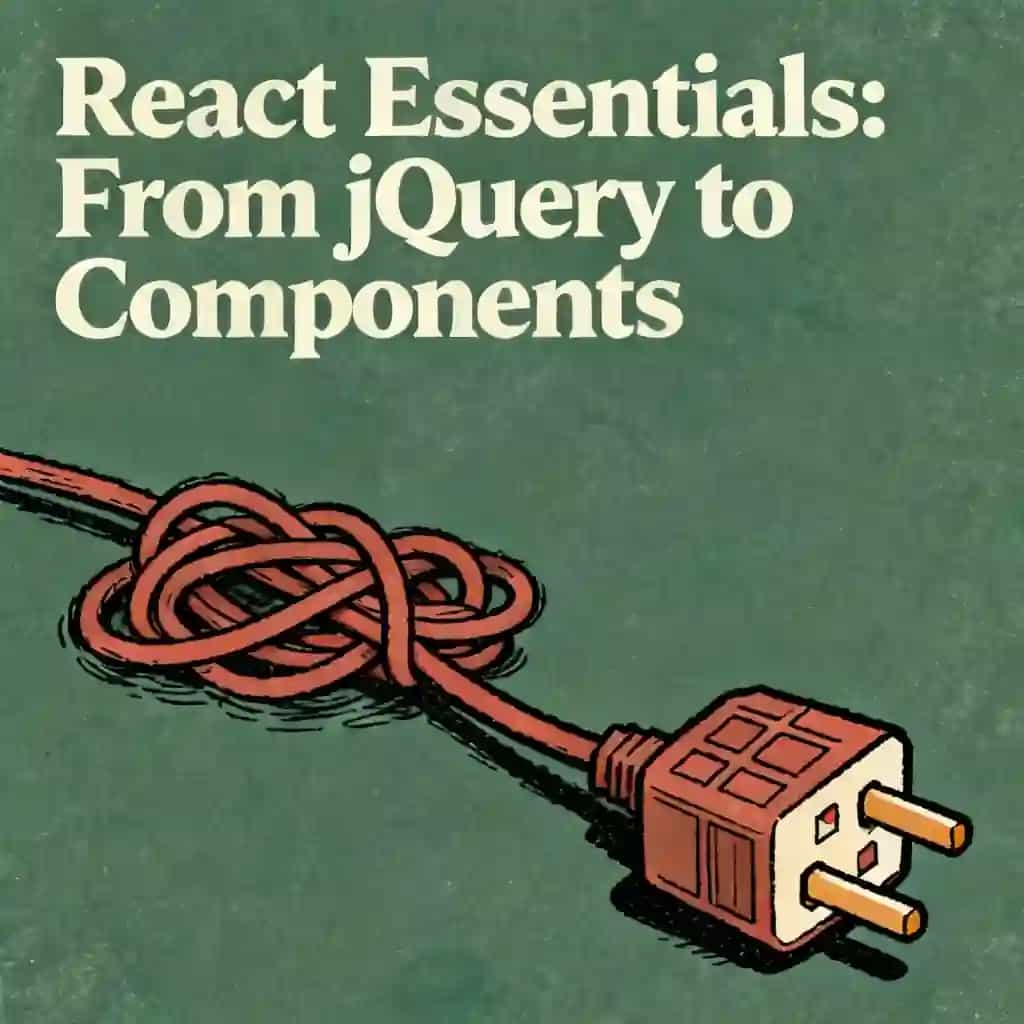
The Lego Logic of React Components
Discover how React uses simple JavaScript 'recipes' to build complex interfaces. Learn to compose reusable UI components and see how state acts like a digital mood ring to trigger instant updates.

The Lego Logic of React Componentsのベスト引用
React components are like digital Lego bricks; instead of writing a static document, you're writing a series of tiny, reusable recipes that return a piece of the UI for the screen.

このオーディオレッスンはBeFreedコミュニティメンバーが作成しました
Explain React components as functions that return UI. Cover reusable pieces, composition, and how React re-renders when state changes. Use simple real-world analogies. No heavy code. End with 3 quick recap points.

よくある質問
In React, a component is a small, reusable piece of the user interface, much like an individual Lego brick. Technically, it is a standard JavaScript function that acts as a "recipe" to return a description of the UI, known as JSX. Because these components are self-contained functions, they are portable and can be reused across different parts of an application without rewriting the code, which saves significant time for developers building large-scale sites.
Organization is achieved through a concept called "composition," where components are nested inside one another to create a hierarchy or tree structure. Similar to Russian nesting dolls, smaller components like buttons or avatars live inside larger components like sidebars or user profiles, which eventually roll up into a single "Root" or "App" component. This structure allows developers to isolate changes; for example, updating a single "Avatar" recipe will instantly update every instance of that avatar across the entire digital mansion.
State represents a component's internal memory or "mood." When a user interacts with a component—such as clicking a "Like" button—the component's state updates. This change triggers a "re-render," where React runs the function again to take a new snapshot of the UI. To keep the experience snappy, React uses a process called "reconciliation" or "diffing," where it compares the old snapshot to the new one and only updates the specific parts of the browser that actually changed, rather than rebuilding the entire page.
Data generally moves in a predictable, one-way "waterfall" from parent components down to their children through "props," which act as inputs or instructions. If a child component needs to communicate back up to its parent, it uses "callback functions"—described in the script as a "walkie-talkie." The child triggers a function provided by the parent, which allows the parent to update its state and send new information back down the waterfall, ensuring the entire system stays in sync without creating "spaghetti code."
もっと発見

Learn React, speaking, and interview skills
In today's competitive tech landscape, technical proficiency alone is rarely enough for rapid career growth. This learning plan is designed for developers who want to bridge the gap between building robust React applications and communicating their expertise effectively to land top-tier roles.

Logic and Layout in Windows Forms
This plan is essential for developers looking to move beyond simple UI design into functional application architecture. It is ideal for those building desktop tools who need to balance intuitive user layouts with robust backend decision-making logic.

Practical Logic for Everyday Life
In an era of information overload, the ability to think critically is a vital survival skill. This plan is designed for professionals and students who want to move beyond intuition and master the formal tools of clear, persuasive communication.

I want to learn react native
React Native is one of the most in-demand skills for mobile development, allowing developers to build iOS and Android apps with a single codebase. This learning plan is ideal for JavaScript developers looking to break into mobile development, web developers wanting to expand their skillset, or anyone seeking to build professional cross-platform mobile applications efficiently.

Orchestrating the Intelligent Home
This plan is designed for smart home enthusiasts looking to transition from basic app-based rules to professional-grade automation logic. It bridges the gap between simple device control and a truly intelligent, context-aware living environment.

Master Logic Pro to produce exceptional music
This comprehensive learning plan transforms aspiring music producers into Logic Pro experts capable of creating professional-quality music from concept to release. Whether you're a bedroom producer looking to elevate your craft, a songwriter wanting technical skills, or an aspiring audio engineer aiming for industry standards, this path provides the complete toolkit needed to succeed in modern music production and build a sustainable creative career.
Master Conceptual Tech for Expert Vibecoding
This plan is designed for developers who want to move beyond syntax and master the underlying philosophy of software creation. It is ideal for engineers seeking to bridge the gap between technical execution and high-level architectural intuition.
Designing and Programming Software
This comprehensive path is designed for developers looking to transition from writing scripts to engineering robust, production-ready systems. It provides the essential bridge between basic syntax and complex architectural decision-making required in modern tech roles.
"Instead of endless scrolling, I just hit play on BeFreed. It saves me so much time."


"I never knew where to start with nonfiction—BeFreed’s book lists turned into podcasts gave me a clear path."


"Perfect balance between learning and entertainment. Finished ‘Thinking, Fast and Slow’ on my commute this week."
"Crazy how much I learned while walking the dog. BeFreed = small habits → big gains."
"Reading used to feel like a chore. Now it’s just part of my lifestyle."

"Feels effortless compared to reading. I’ve finished 6 books this month already."
"BeFreed turned my guilty doomscrolling into something that feels productive and inspiring."

"BeFreed turned my commute into learning time. 20-min podcasts are perfect for finishing books I never had time for."
"BeFreed replaced my podcast queue. Imagine Spotify for books — that’s it. 🙌"

"It is great for me to learn something from the book without reading it."
"The themed book list podcasts help me connect ideas across authors—like a guided audio journey."
"Makes me feel smarter every time before going to work"
"Instead of endless scrolling, I just hit play on BeFreed. It saves me so much time."
"I never knew where to start with nonfiction—BeFreed’s book lists turned into podcasts gave me a clear path."
"Perfect balance between learning and entertainment. Finished ‘Thinking, Fast and Slow’ on my commute this week."
"Crazy how much I learned while walking the dog. BeFreed = small habits → big gains."
"Reading used to feel like a chore. Now it’s just part of my lifestyle."
"Feels effortless compared to reading. I’ve finished 6 books this month already."
"BeFreed turned my guilty doomscrolling into something that feels productive and inspiring."
"BeFreed turned my commute into learning time. 20-min podcasts are perfect for finishing books I never had time for."
"BeFreed replaced my podcast queue. Imagine Spotify for books — that’s it. 🙌"
"It is great for me to learn something from the book without reading it."
"The themed book list podcasts help me connect ideas across authors—like a guided audio journey."
"Makes me feel smarter every time before going to work"
"Instead of endless scrolling, I just hit play on BeFreed. It saves me so much time."
"I never knew where to start with nonfiction—BeFreed’s book lists turned into podcasts gave me a clear path."
"Perfect balance between learning and entertainment. Finished ‘Thinking, Fast and Slow’ on my commute this week."
"Crazy how much I learned while walking the dog. BeFreed = small habits → big gains."
"Reading used to feel like a chore. Now it’s just part of my lifestyle."
"Feels effortless compared to reading. I’ve finished 6 books this month already."
"BeFreed turned my guilty doomscrolling into something that feels productive and inspiring."
"BeFreed turned my commute into learning time. 20-min podcasts are perfect for finishing books I never had time for."
"BeFreed replaced my podcast queue. Imagine Spotify for books — that’s it. 🙌"
"It is great for me to learn something from the book without reading it."
"The themed book list podcasts help me connect ideas across authors—like a guided audio journey."
"Makes me feel smarter every time before going to work"
"Instead of endless scrolling, I just hit play on BeFreed. It saves me so much time."
"I never knew where to start with nonfiction—BeFreed’s book lists turned into podcasts gave me a clear path."
"Perfect balance between learning and entertainment. Finished ‘Thinking, Fast and Slow’ on my commute this week."
"Crazy how much I learned while walking the dog. BeFreed = small habits → big gains."
"Reading used to feel like a chore. Now it’s just part of my lifestyle."
"Feels effortless compared to reading. I’ve finished 6 books this month already."
"BeFreed turned my guilty doomscrolling into something that feels productive and inspiring."
"BeFreed turned my commute into learning time. 20-min podcasts are perfect for finishing books I never had time for."
"BeFreed replaced my podcast queue. Imagine Spotify for books — that’s it. 🙌"
"It is great for me to learn something from the book without reading it."
"The themed book list podcasts help me connect ideas across authors—like a guided audio journey."
"Makes me feel smarter every time before going to work"