正直、まだアプリを使いこなせていませんが、この数日使っただけで本当に感動しました… BeFreed は、今まで使ったどの学習アプリともレベルが違います。夢中になれるうえに集中力も実際に上がるので、スマホをだらだら見てしまう人にぴったりです!
@ladyInfinity
Before smartphones, digital mapping was just a desktop experiment. Discover how a scrappy startup evolved into a global lens using AI and 360-degree tech.

It’s a classic engineering trade-off—perfection versus progress. Google operates on this principle of just getting started and iterating later rather than sitting in a boardroom debating the perfect way to do it for years.
History of google maps and how street view works




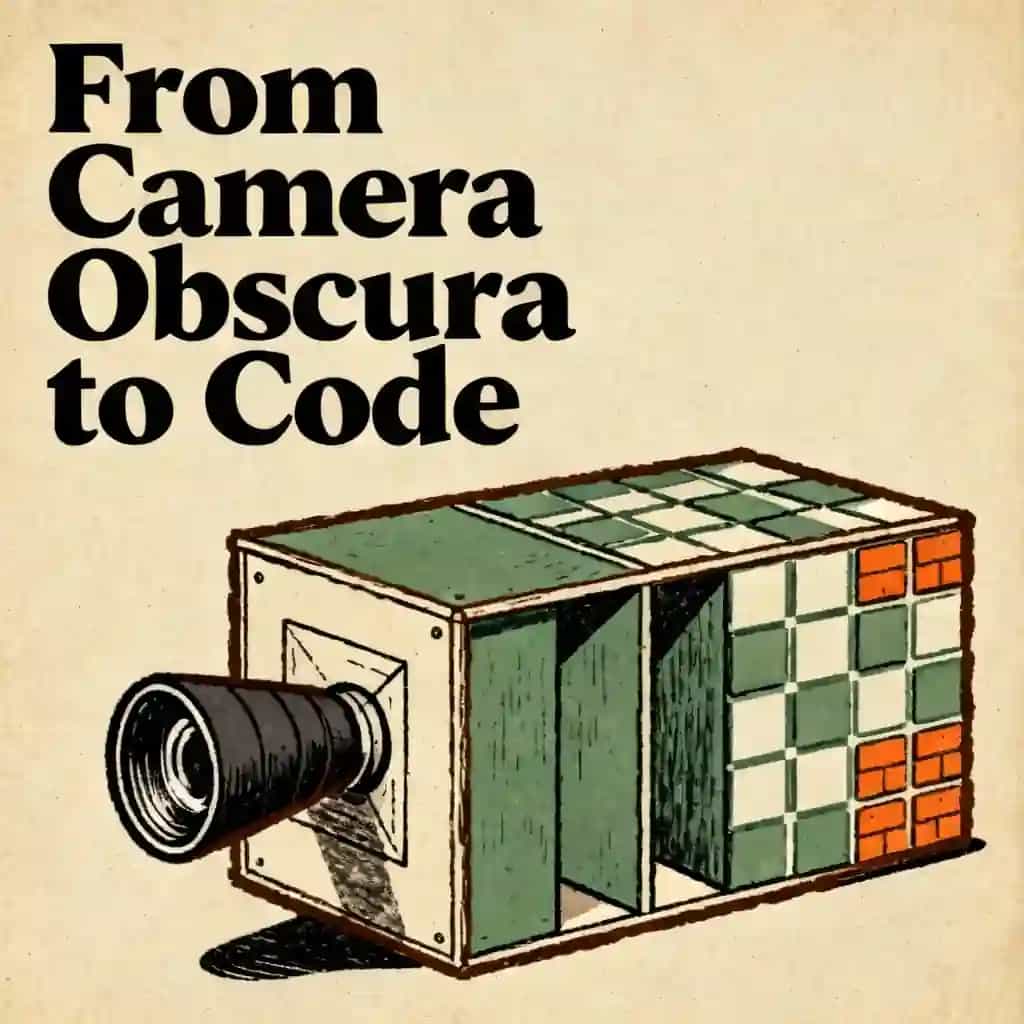
The project began with a GIS expert building a prototype in just two weeks that featured 360-degree video captured from a camera hanging under a helicopter. Before it became a polished product, Google co-founder Larry Page personally drove around the San Francisco Bay Area with a camcorder to test if building facade footage would be useful. By 2007, the first official fleet consisted of SUVs outfitted with cameras, lasers, and GPS units, with trunks full of computers to prove that users wanted to see a street before arriving at their destination.
Google has adapted its technology to various environments using a diverse range of "vehicles." For snowy terrain like the 2010 Winter Olympics or ski resorts, they used modified snowmobiles. To navigate pedestrian zones and narrow urban areas like Stonehenge, they developed the "Trike," a three-wheeled bicycle. For hiking trails and desert dunes, they utilized the "Trekker" backpack and even strapped cameras to camels. Additionally, they used underwater apparatuses to map the Great Barrier Reef and a pushcart called the "Trolley" to capture the interiors of museums and the International Space Station.
Before any imagery is made public, it undergoes a compute-intensive processing step to detect and blur faces and license plates. This system has been in development since 2008 and currently uses a sophisticated combination of a "sliding-window" detector and a fast post-processor to ensure high accuracy. The automated system successfully blurs approximately 89% of faces and 94% of license plates. In cases where the technology misses a detail or over-blurs an object, users can flag the image for manual review by Google’s team.
Street View creates an immersive experience by building a low-resolution depth map for every panorama. Newer imagery uses laser scanners to measure the distance to surfaces like buildings and roads, creating a 3D mesh. For older imagery captured without lasers, Google uses a computer vision technique called "optical flow," which analyzes how objects move across the screen as the car drives by to calculate depth. When a user moves their cursor, the app stretches the 2D photos over this 3D model, making it feel like the user is walking through a physical space rather than just looking at a flat image.
Immersive View is a living 3D model of a city rather than a static photo. It uses AI and "neural radiance fields" to fuse billions of Street View and aerial images into a volumetric representation. This technology allows the map to simulate real-time conditions, such as changing the lighting based on the actual weather and time of day or showing the current "busyness" of a restaurant. It also enables "Immersive View for routes," which allows users to fly through their entire planned journey in a 3D environment before they start driving.
コロンビア大学卒業生が開発 | サンフランシスコ発
平均評価
7,840件以上のアプリ評価
BeFreedコミュニティ
正直、まだアプリを使いこなせていませんが、この数日使っただけで本当に感動しました… BeFreed は、今まで使ったどの学習アプリともレベルが違います。夢中になれるうえに集中力も実際に上がるので、スマホをだらだら見てしまう人にぴったりです!
@ladyInfinity
ちょうど 23 日前に BeFreed を購入して、それから毎日欠かさず使っています。仕事の流れと学習習慣に完全に溶け込みました。
@jayallen
正直なところ、このアプリは期待をすべて超えてきました。どんなテーマでも音声を生成してもらえて、その結果には驚かされます。私の専門は心理療法で、多分野にまたがる領域ですが、それでも回答はとても正確です。
@Raguipa
何よりありがたいのは、スマホをだらだら見る時間が減ったことです。探す時間が減って、吸収する時間が増えました。オーディオブック、ポッドキャスト、学習プランの組み合わせが素晴らしいです。
@colonyofcreatorsNGO
私は 24 年間、PhotoReading 加速学習のインストラクターをしています… 本と読書と学びが私の専門ですが、BeFreed は情報を消化しやすい形で届ける革新的なアプローチを見事に実現しています。
@BeFreed user
ただの本の要約アプリではありません。「ファン」スタイルを使ってみたら、従来のやり方よりずっと良い要約で、アイデアもつかみやすいです。これだけでも十分元が取れます。
@austinakon
このアプリが大好きです。数日使っただけで、聞くのが止まらなくなりました。始め方として最高です。
@jcrules328
本当に気に入っています。約 1 か月試していますが、まさに掘り出し物だと感じます。BeFreed で自分だけのテーマを作れるのが便利で、声も素晴らしく、ナレーションの選択肢は無限です。
@DanielCZ
役立つ情報やアイデアを 8〜15 分のポッドキャスト風音声にぎゅっとまとめて聞けるのが最高です。ポッドキャストは余計な話が多くて苦手でしたが、これは無駄を全部そぎ落としてくれます。
@BeFreed user
博士課程の仕上げの段階で、なじみのない資料を大量に読む必要があります… BeFreed ならプロンプトを入力するだけで、アプリが資料を探して音声ポッドキャストを作ってくれます。BeFreed のほうが NotebookLM よりも流れがスムーズだと感じます。
@Brad
朝食を作りながら、散歩しながら、通勤しながら聞くものを YouTube でよく探していましたが、BeFreed は広告も余計な話もなしで、もっと的を絞った聞き方をさせてくれます!
@BeFreed user
このプラットフォームの一番の魅力は、その万能さです。扱えないテーマは文字どおりひとつもありません。何を投げても応えてくれます… 制限がまったくないのに約束をきちんと果たしてくれる学習ツールには、なかなか出会えません。
@jayallen
BeFreed は素晴らしいです。使いやすいデザインのおかげで、操作に迷う時間が減り、学ぶ時間が増えました。オーディオブック、ポッドキャスト、学習プランの組み合わせは天才的で、毎日の習慣がすっかり変わりました。
@BeFreed user
最初はイタリア語でポッドキャストを作る方法を理解するのに少し時間がかかりましたが、わかった瞬間、最高でした!どんなテーマでも説明してもらえて、しかもとても賢く、うまく話してくれます!
@matteo77
BeFreed は毎日使うオーディオブックアプリになりました… 一番気に入っているのは、自分のテキストを入れると、外出先でも聞ける音声にしてくれるところです。
@kotanzu1




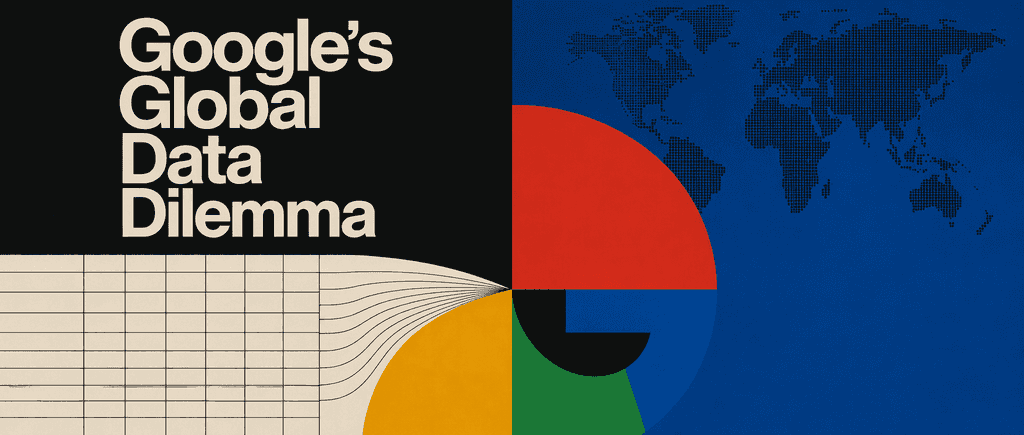
In an era of instant global access, engineers must solve the complex challenge of keeping data consistent across continents. This plan is essential for backend developers and system architects looking to master the high-stakes engineering required to power worldwide platforms like Google.

This multidisciplinary framework is essential for thinkers who want to bridge the gap between biological evolution, historical narrative, and physical laws. It is designed for visionaries and problem-solvers looking to build a holistic understanding of how to reboot global systems.

This learning plan is essential for anyone seeking to understand one of America's most culturally influential cities and how its unique history shaped modern technology, social movements, and urban culture. It's ideal for residents wanting deeper connection to their city, visitors preparing for meaningful exploration, urban planners and historians studying metropolitan development, or anyone interested in how geography, disaster, and innovation intersect to create transformative change.

As AI shifts from static text to physical reasoning, world models have become the foundational architecture for the next generation of autonomy. This plan is essential for AI engineers and roboticists looking to bridge the gap between latent simulation and real-world application.

This plan demystifies the historic achievement of capturing the first image of a black hole. It is ideal for space enthusiasts and aspiring astrophysicists who want to understand the intersection of general relativity, global radio astronomy, and data science.

This blueprint is essential for aspiring creators and journalists looking to break into the competitive world of on-the-street content. It provides a practical roadmap for mastering technical audio challenges and public space management to produce high-quality, viral-ready interviews.

Strong information architecture is the foundation of any successful digital product, ensuring users can navigate complex data with ease. This plan is ideal for product designers and developers who want to master mobile-specific patterns and validate their logic before committing to high-fidelity designs.

This plan explores how a simple material transformed human perception and global connectivity. It is ideal for history enthusiasts, science students, and curious minds interested in the intersection of material science and technological progress.