


正直、まだアプリを使いこなせていませんが、この数日使っただけで本当に感動しました… BeFreed は、今まで使ったどの学習アプリともレベルが違います。夢中になれるうえに集中力も実際に上がるので、スマホをだらだら見てしまう人にぴったりです!
@ladyInfinity
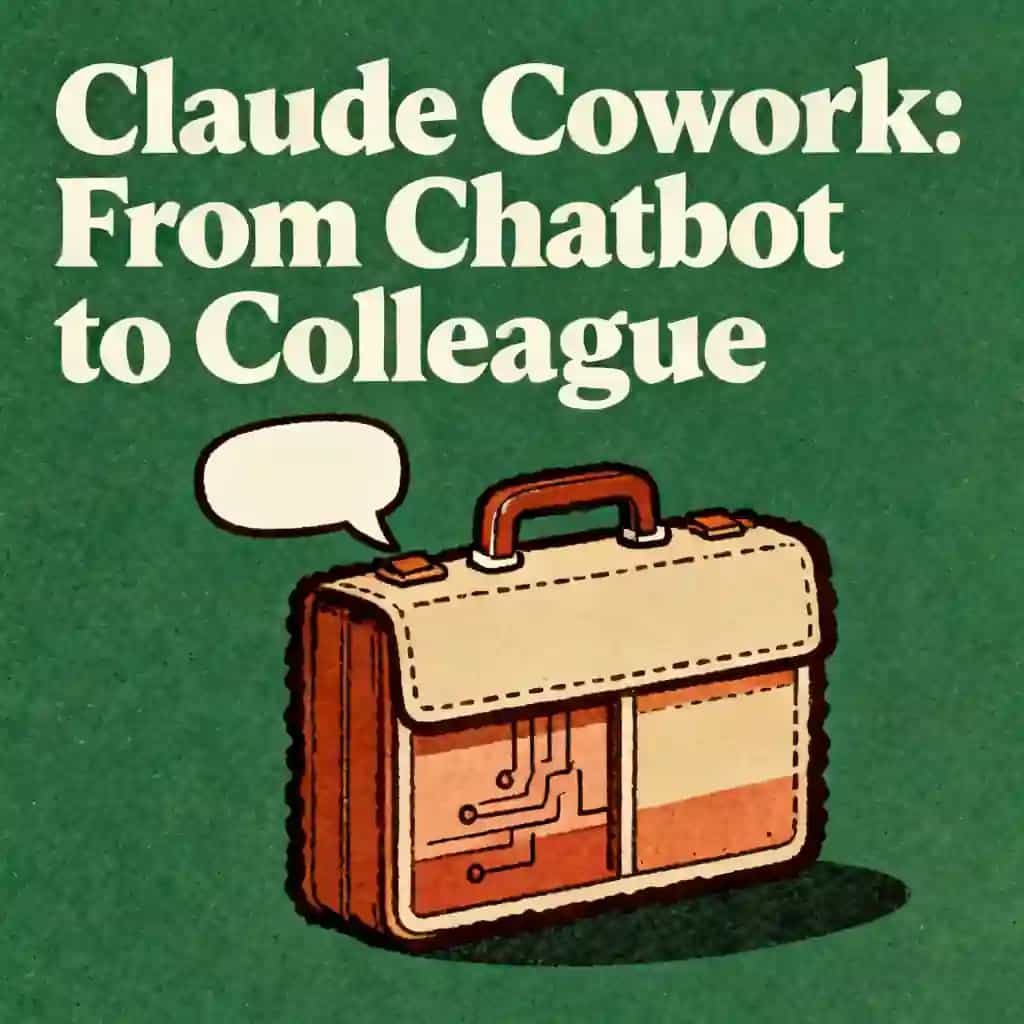
Learn how to transform Claude AI into a digital partner. Stop repeating prompts and use Claude Projects, audio features, and deep search for a personalized workflow.

The biggest hurdle for any beginner is the 'context wall.' This is about moving from 'talking to a bot' to 'collaborating with a system' by creating a persistent workspace where the AI already knows the context before you type a single word.
A comprehensive guide for a beginner using Claude AI covering: 1. Personalizing responses (Custom Instructions/Project context) so answers are tailored to the user. 2. Voice and audio capabilities, specifically whether Claude can read answers back and how to use that feature. 3. The benefits of a paid subscription (Claude Pro). 4. Explaining features like 'add sources' and 'deep search' (reasoning models) in the context of the Claude ecosystem.

Claude Projects allows you to create a persistent workspace that eliminates the need to repeat your job title, brand voice, or data in every new chat. By setting the stage with specific context and uploaded sources, you move away from treating the AI like a forgetful intern and instead build a digital partner that remembers your project details. This optimization ensures Claude knows your requirements before you type a single word, making your workflow significantly more efficient.
The deep search and add sources features are designed to demystify how the AI finds information, allowing users to move from guessing to receiving precise, cited answers. By providing Claude with specific spreadsheets or documents as sources, you ensure the system collaborates with your actual data rather than general information. This shift from talking to a bot to collaborating with a system allows for more professional and reliable outputs tailored to your specific business needs.
Moving to a paid plan for Anthropic Claude can be a highly profitable investment for those looking to optimize their AI workflow. The paid tier supports advanced features like Claude Projects and enhanced digital interactions that save time by preventing the repetitive cycle of re-explaining context. For twenty dollars a month, users gain the ability to build a more robust digital partner, utilizing audio features and deeper personalization tools that are essential for professional-grade AI collaboration.
コロンビア大学卒業生が開発 | サンフランシスコ発
平均評価
7,840件以上のアプリ評価
BeFreedコミュニティ
正直、まだアプリを使いこなせていませんが、この数日使っただけで本当に感動しました… BeFreed は、今まで使ったどの学習アプリともレベルが違います。夢中になれるうえに集中力も実際に上がるので、スマホをだらだら見てしまう人にぴったりです!
@ladyInfinity
ちょうど 23 日前に BeFreed を購入して、それから毎日欠かさず使っています。仕事の流れと学習習慣に完全に溶け込みました。
@jayallen
正直なところ、このアプリは期待をすべて超えてきました。どんなテーマでも音声を生成してもらえて、その結果には驚かされます。私の専門は心理療法で、多分野にまたがる領域ですが、それでも回答はとても正確です。
@Raguipa
何よりありがたいのは、スマホをだらだら見る時間が減ったことです。探す時間が減って、吸収する時間が増えました。オーディオブック、ポッドキャスト、学習プランの組み合わせが素晴らしいです。
@colonyofcreatorsNGO
私は 24 年間、PhotoReading 加速学習のインストラクターをしています… 本と読書と学びが私の専門ですが、BeFreed は情報を消化しやすい形で届ける革新的なアプローチを見事に実現しています。
@BeFreed user
ただの本の要約アプリではありません。「ファン」スタイルを使ってみたら、従来のやり方よりずっと良い要約で、アイデアもつかみやすいです。これだけでも十分元が取れます。
@austinakon
このアプリが大好きです。数日使っただけで、聞くのが止まらなくなりました。始め方として最高です。
@jcrules328
本当に気に入っています。約 1 か月試していますが、まさに掘り出し物だと感じます。BeFreed で自分だけのテーマを作れるのが便利で、声も素晴らしく、ナレーションの選択肢は無限です。
@DanielCZ
役立つ情報やアイデアを 8〜15 分のポッドキャスト風音声にぎゅっとまとめて聞けるのが最高です。ポッドキャストは余計な話が多くて苦手でしたが、これは無駄を全部そぎ落としてくれます。
@BeFreed user
博士課程の仕上げの段階で、なじみのない資料を大量に読む必要があります… BeFreed ならプロンプトを入力するだけで、アプリが資料を探して音声ポッドキャストを作ってくれます。BeFreed のほうが NotebookLM よりも流れがスムーズだと感じます。
@Brad
朝食を作りながら、散歩しながら、通勤しながら聞くものを YouTube でよく探していましたが、BeFreed は広告も余計な話もなしで、もっと的を絞った聞き方をさせてくれます!
@BeFreed user
このプラットフォームの一番の魅力は、その万能さです。扱えないテーマは文字どおりひとつもありません。何を投げても応えてくれます… 制限がまったくないのに約束をきちんと果たしてくれる学習ツールには、なかなか出会えません。
@jayallen
BeFreed は素晴らしいです。使いやすいデザインのおかげで、操作に迷う時間が減り、学ぶ時間が増えました。オーディオブック、ポッドキャスト、学習プランの組み合わせは天才的で、毎日の習慣がすっかり変わりました。
@BeFreed user
最初はイタリア語でポッドキャストを作る方法を理解するのに少し時間がかかりましたが、わかった瞬間、最高でした!どんなテーマでも説明してもらえて、しかもとても賢く、うまく話してくれます!
@matteo77
BeFreed は毎日使うオーディオブックアプリになりました… 一番気に入っているのは、自分のテキストを入れると、外出先でも聞ける音声にしてくれるところです。
@kotanzu1