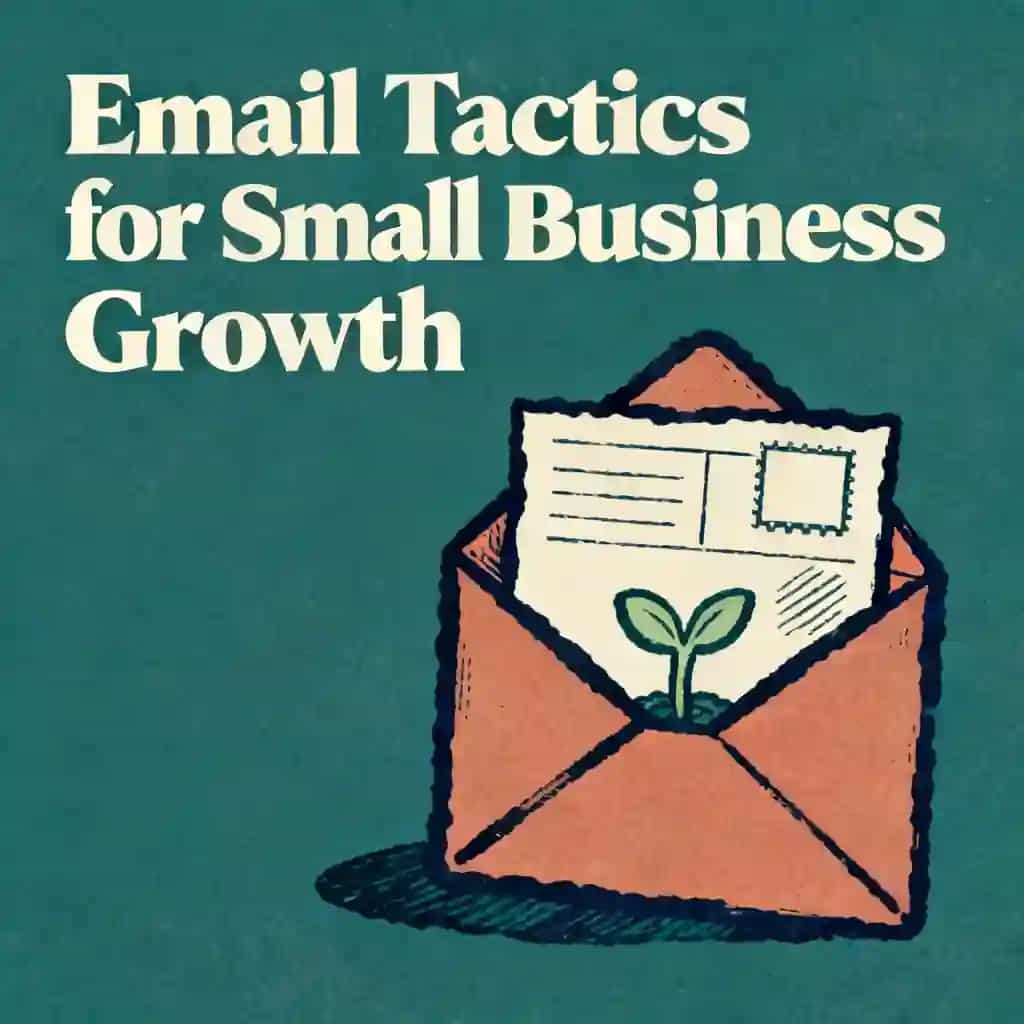
Efficient Support Ticket Management for Small Business Owners
Learn how small business owners can master support ticket management. Discover strategies to build a support system, manage volume, and resolve issues quickly.

Meilleure citation de Efficient Support Ticket Management for Small Business Owners
Stop being a hero and start being a system designer. Automation handles the 'what' so humans can handle the 'how,' allowing you to survive growth without losing your soul.

Cette leçon audio a été créée par un membre de la communauté BeFreed
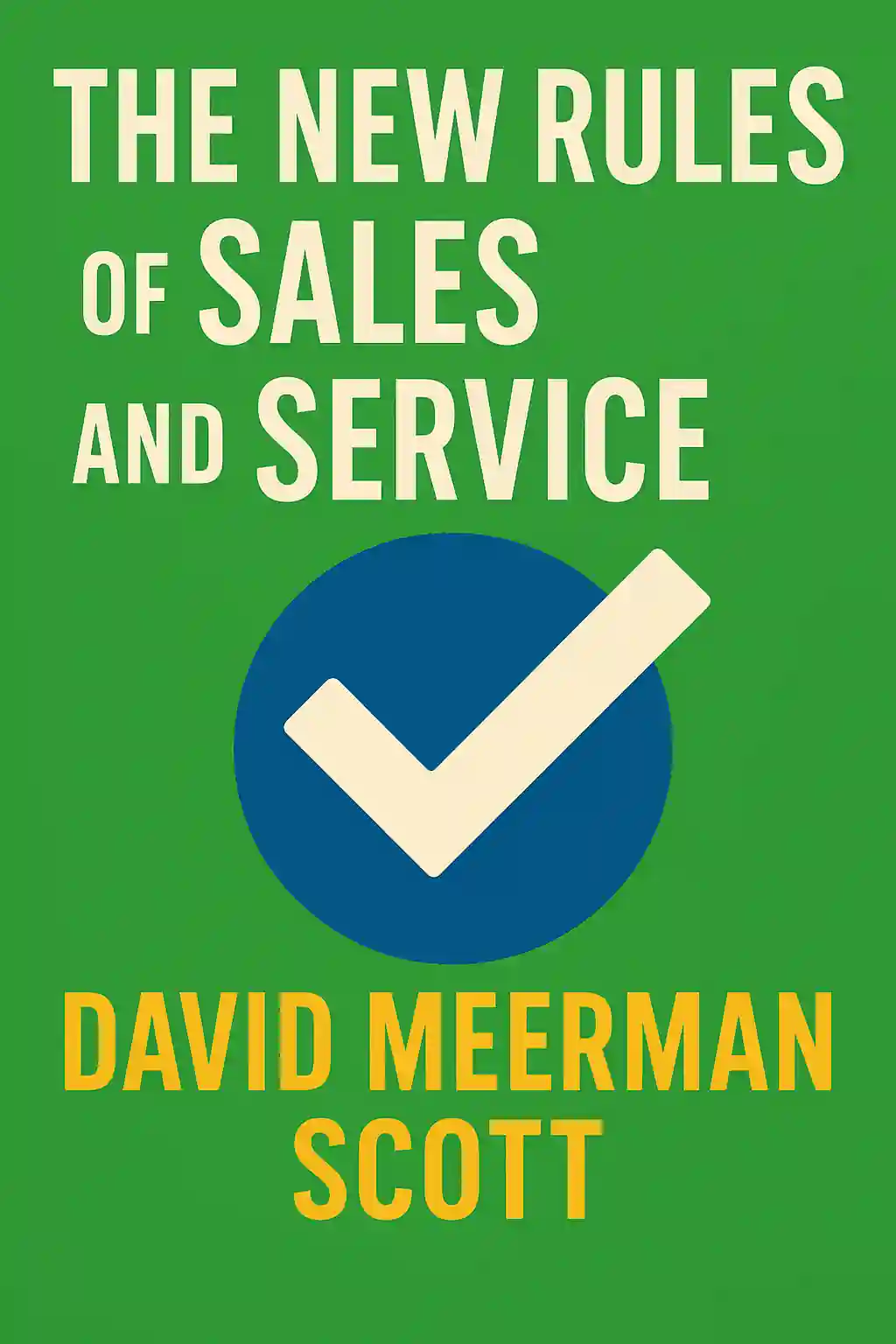
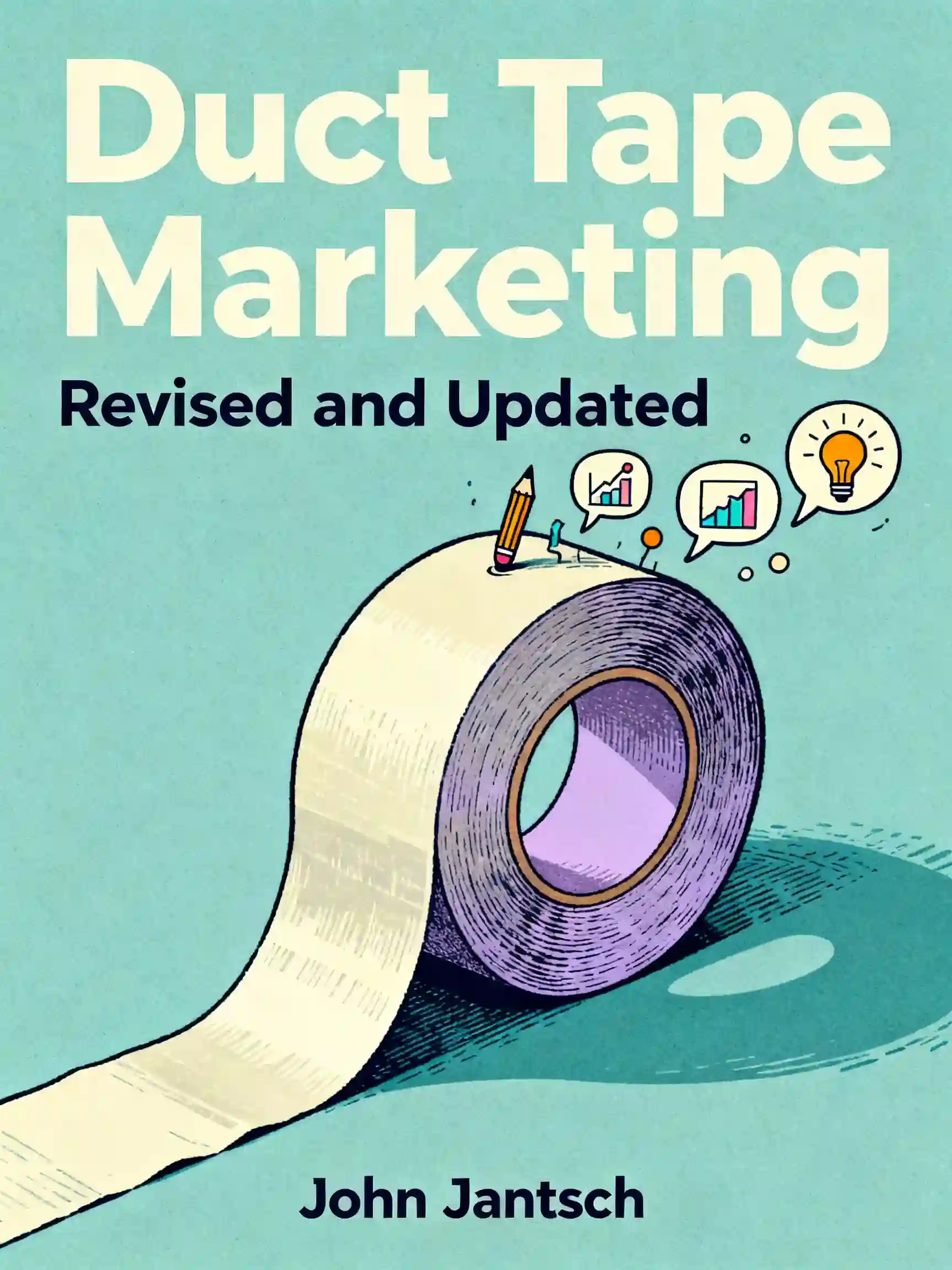
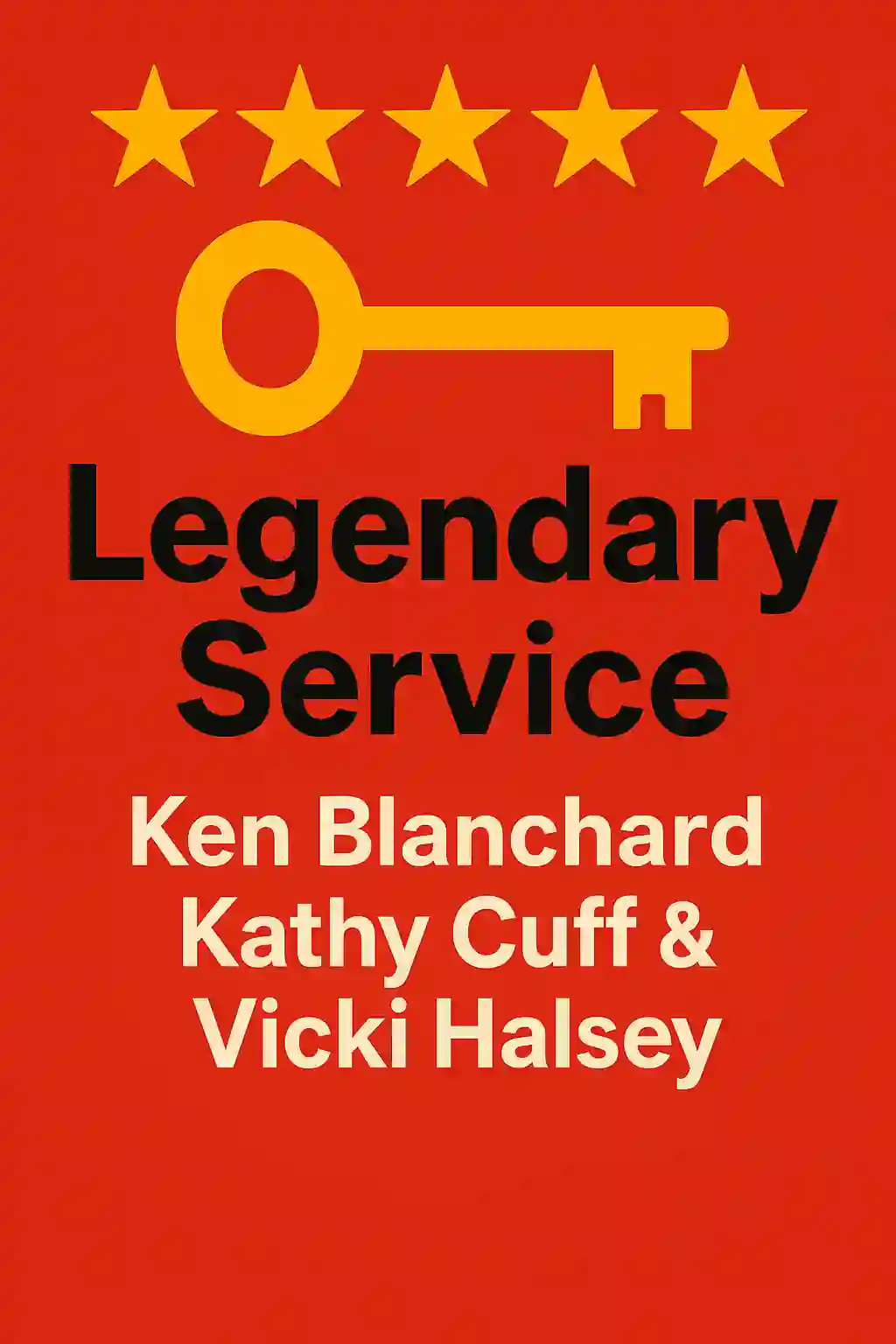
This subtopic will explore the importance of efficient support ticket management for small business owners, including how to create a support system, manage ticket volume, and resolve issues quickly and effectively.



Foire aux questions
Efficient support ticket management is crucial for small business operations because it ensures that customer inquiries are organized and addressed promptly. By implementing a structured help desk strategy, business owners can prevent requests from falling through the cracks, leading to higher customer satisfaction and better retention. Streamlining this process allows a small team to handle customer issue resolution effectively without becoming overwhelmed by manual tracking.
Creating a small business support system involves selecting the right tools and defining clear workflows for handling incoming requests. Start by identifying the primary channels where customers seek help and centralizing those into a single management platform. Establishing standardized response protocols and prioritizing tickets based on urgency helps maintain a consistent level of service, ensuring that every customer receives a timely and professional resolution to their concerns.
Managing high ticket volume requires a combination of automation and prioritization. Small businesses can use support ticket management software to categorize issues automatically and route them to the appropriate person. Implementing self-service options, such as a knowledge base, can also reduce the overall volume by helping customers find answers independently. These strategies ensure that the team remains focused on complex tasks while maintaining a fast pace for customer issue resolution.
Découvrir plus

Automate property management
Automate property management
Property managers and real estate investors often struggle with time-consuming manual tasks that limit growth and profitability. This learning plan is designed for landlords, property managers, and real estate entrepreneurs who want to reduce operational overhead, improve tenant satisfaction, and scale their portfolio without proportionally increasing their workload.

Boost My Productivity
Boost My Productivity
In an era of constant digital distractions, mastering your focus and workflow is a critical competitive advantage. This plan is designed for professionals and creators who want to move beyond basic to-do lists to build a sophisticated, automated productivity system.

Tech-optimize small business
Tech-optimize small business
Small business owners often struggle with technology decisions and operational inefficiencies that limit growth potential. This learning plan is ideal for entrepreneurs and small business operators who want to leverage technology strategically, automate manual processes, and build scalable systems without becoming overwhelmed by technical complexity or expensive consultants.
Time tracking
Time tracking
Time tracking is the foundation of effective productivity, yet most people operate on autopilot without understanding where their hours actually disappear. This learning plan is essential for professionals, entrepreneurs, and anyone feeling overwhelmed by competing demands who wants to regain control of their schedule and accomplish what truly matters. By combining awareness, practical tools, and optimization strategies, you'll transform from reactive to intentional in how you spend your most valuable resource.
Help my coaching business grow.
Help my coaching business grow.
This learning plan is essential for coaches who have mastered their craft but struggle with the business mechanics of scaling. It provides a strategic roadmap for transitioning from manual client hunting to a systematized, high-ticket business model.

Build AI Agent Sales & Marketing Workflows
Build AI Agent Sales & Marketing Workflows
As businesses shift toward automation, mastering AI-driven workflows is essential for staying competitive. This plan is ideal for sales leaders, marketers, and entrepreneurs looking to scale operations using autonomous AI agents and integrated CRM systems.

Boost Motivation & Focus: Online Business
Boost Motivation & Focus: Online Business
This plan is designed for aspiring and established digital entrepreneurs who struggle with burnout or inconsistent results. It bridges the gap between peak performance psychology and practical business automation to ensure sustainable success.

Scale business while maximizing family time
Scale business while maximizing family time
This learning plan is designed for overwhelmed entrepreneurs who feel trapped by their own success and struggle to balance growth with home life. It provides the structural and leadership tools necessary to transition from a solo operator to a true business owner who prioritizes family.
Cree par des anciens de Columbia University a San Francisco
"Instead of endless scrolling, I just hit play on BeFreed. It saves me so much time."


"I never knew where to start with nonfiction—BeFreed’s book lists turned into podcasts gave me a clear path."


"Perfect balance between learning and entertainment. Finished ‘Thinking, Fast and Slow’ on my commute this week."
"Crazy how much I learned while walking the dog. BeFreed = small habits → big gains."
"Reading used to feel like a chore. Now it’s just part of my lifestyle."

"Feels effortless compared to reading. I’ve finished 6 books this month already."
"BeFreed turned my guilty doomscrolling into something that feels productive and inspiring."

"BeFreed turned my commute into learning time. 20-min podcasts are perfect for finishing books I never had time for."
"BeFreed replaced my podcast queue. Imagine Spotify for books — that’s it. 🙌"

"It is great for me to learn something from the book without reading it."
"The themed book list podcasts help me connect ideas across authors—like a guided audio journey."
"Makes me feel smarter every time before going to work"
Cree par des anciens de Columbia University a San Francisco
"Instead of endless scrolling, I just hit play on BeFreed. It saves me so much time."
"I never knew where to start with nonfiction—BeFreed’s book lists turned into podcasts gave me a clear path."
"Perfect balance between learning and entertainment. Finished ‘Thinking, Fast and Slow’ on my commute this week."
"Crazy how much I learned while walking the dog. BeFreed = small habits → big gains."
"Reading used to feel like a chore. Now it’s just part of my lifestyle."
"Feels effortless compared to reading. I’ve finished 6 books this month already."
"BeFreed turned my guilty doomscrolling into something that feels productive and inspiring."
"BeFreed turned my commute into learning time. 20-min podcasts are perfect for finishing books I never had time for."
"BeFreed replaced my podcast queue. Imagine Spotify for books — that’s it. 🙌"
"It is great for me to learn something from the book without reading it."
"The themed book list podcasts help me connect ideas across authors—like a guided audio journey."
"Makes me feel smarter every time before going to work"
"Instead of endless scrolling, I just hit play on BeFreed. It saves me so much time."
"I never knew where to start with nonfiction—BeFreed’s book lists turned into podcasts gave me a clear path."
"Perfect balance between learning and entertainment. Finished ‘Thinking, Fast and Slow’ on my commute this week."
"Crazy how much I learned while walking the dog. BeFreed = small habits → big gains."
"Reading used to feel like a chore. Now it’s just part of my lifestyle."
"Feels effortless compared to reading. I’ve finished 6 books this month already."
"BeFreed turned my guilty doomscrolling into something that feels productive and inspiring."
"BeFreed turned my commute into learning time. 20-min podcasts are perfect for finishing books I never had time for."
"BeFreed replaced my podcast queue. Imagine Spotify for books — that’s it. 🙌"
"It is great for me to learn something from the book without reading it."
"The themed book list podcasts help me connect ideas across authors—like a guided audio journey."
"Makes me feel smarter every time before going to work"
"Instead of endless scrolling, I just hit play on BeFreed. It saves me so much time."
"I never knew where to start with nonfiction—BeFreed’s book lists turned into podcasts gave me a clear path."
"Perfect balance between learning and entertainment. Finished ‘Thinking, Fast and Slow’ on my commute this week."
"Crazy how much I learned while walking the dog. BeFreed = small habits → big gains."
"Reading used to feel like a chore. Now it’s just part of my lifestyle."
"Feels effortless compared to reading. I’ve finished 6 books this month already."
"BeFreed turned my guilty doomscrolling into something that feels productive and inspiring."
"BeFreed turned my commute into learning time. 20-min podcasts are perfect for finishing books I never had time for."
"BeFreed replaced my podcast queue. Imagine Spotify for books — that’s it. 🙌"
"It is great for me to learn something from the book without reading it."
"The themed book list podcasts help me connect ideas across authors—like a guided audio journey."
"Makes me feel smarter every time before going to work"