Chapitre 1
The Modern Life Admin Revolution: How to Reclaim Your Time and Sanity
Ever felt like you're drowning in a sea of paperwork, digital accounts, and endless to-do lists? You're not alone. The average adult spends nearly 5 hours weekly on life administration-those essential but tedious tasks that keep our lives functioning. That's over 10 days annually spent managing passwords, scheduling appointments, and organizing finances. This hidden "second shift" has become a modern epidemic, with studies showing it contributes significantly to stress and burnout in today's fast-paced world.
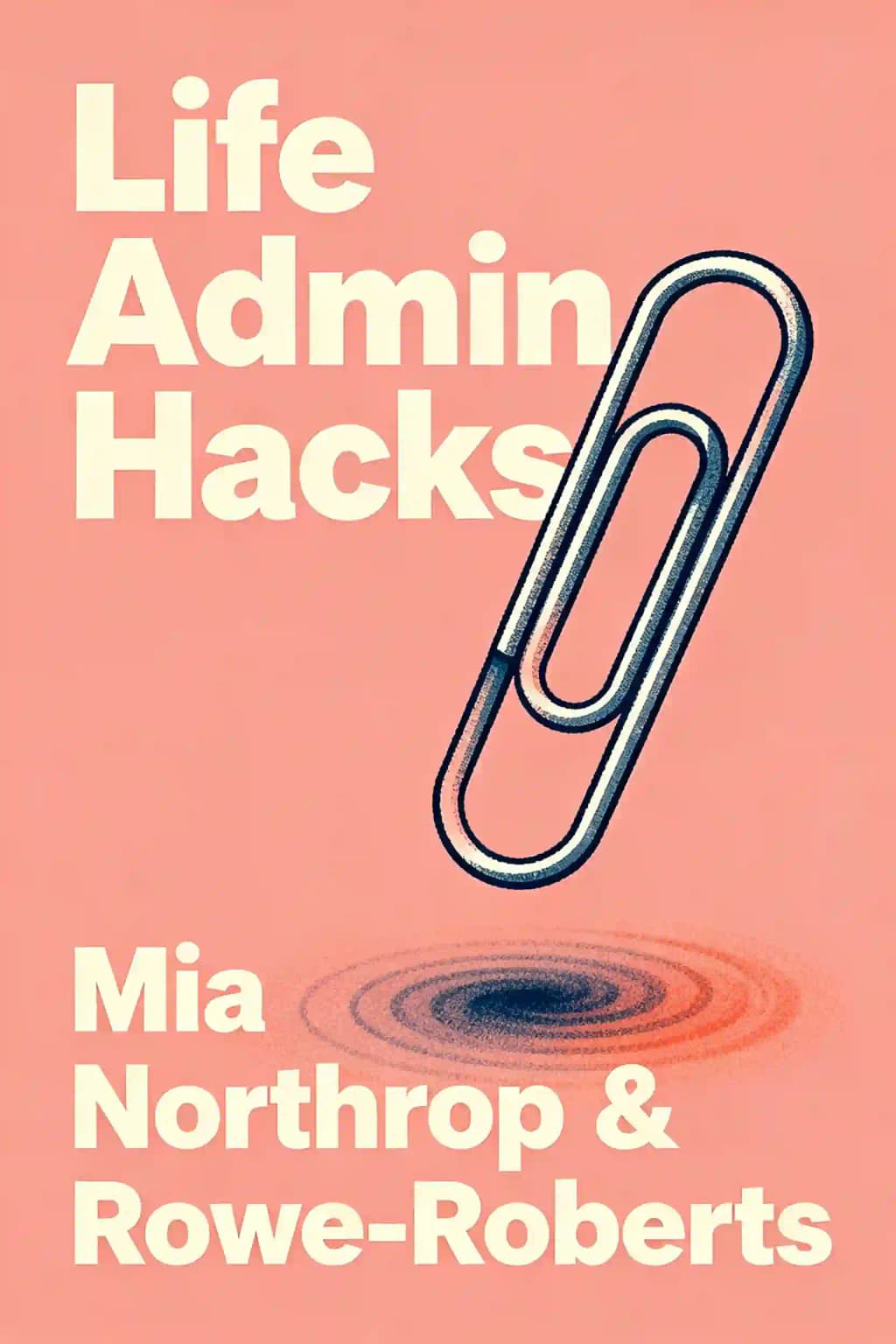
Mia Northrop and Dinah Rowe-Roberts, lifelong friends who maintained their connection through marriages, global corporate careers, and parenthood, discovered that even their senior experience in strategy and customer roles didn't shield them from life admin chaos. Their solution? A methodical approach to transforming this overwhelming burden into manageable systems-the foundation of their company Time & Grace and their groundbreaking book "Life Admin Hacks."
Chapitre 2
The Calendar: Your Life's Command Center
Your calendar is more than just a schedule-it's a reflection of your priorities and obligations. Yet while most people diligently manage their work calendars, personal life often exists as scattered notes or, worse, solely in our overloaded minds. This creates a perfect storm of forgotten commitments, double bookings, and constant mental burden.
The solution is surprisingly simple: treat your personal calendar with the same respect as your professional one. Beyond tracking appointments and events, your calendar should allocate time for household tasks, family commitments, and personal activities that support both important and enjoyable aspects of life. This comprehensive approach gives peace of mind, supports habit formation, fights procrastination, enables proactive life admin, and reveals when you're trying to pack too much into your days.
Digital calendars offer particular advantages: they provide a dedicated place to offload mental tasks, offer a single source of truth, enable recurring events, separate personal from work commitments, allow constant access via devices, and facilitate seamless sharing with household members. For co-parenting families, a shared family calendar communicates children's commitments while personal calendars remain private.
The process begins by setting up a digital calendar everyone can access. Choose Google Calendar or Microsoft Exchange for their seamless integration across devices. Add household members' email addresses with appropriate permissions, set up notifications, and use color coding to distinguish between shared and personal calendars. Make this your definitive source of truth by consistently adding events and referring others to check it.
What should you schedule? Start with inevitable recurring activities-meal planning, grocery shopping, meal preparation, laundry, cleaning, gardening, dog walking, and school drop-offs/pick-ups. While this might seem excessive, it prevents common household problems like running out of clean clothes or constantly reminding family members about their responsibilities.
Next, designate a recurring "Hour of Power" each week to tackle substantial to-do list items requiring concentration. Give this period a motivating name like "Set Me Up Sunday" or "Monday Magic Time," and create a pleasant environment to make it more appealing. For maximum effectiveness, hold a monthly "Momentum Meeting" to review your schedule, prioritize tasks aligned with your goals, and maintain your life admin system.
Finally, after scheduling the "musts" and "shoulds," make time for your "wants." How you use your time reflects your values, so schedule activities that support your wellbeing and happiness, reinforce good habits, and align with what matters most to you. Remember, how we spend our days is how we spend our lives.
Chapitre 3
Digital Life Management: Passwords, Forms, and Files
The daily frustration of password errors and constantly filling out forms with the same personal information wastes significant time. Most people manage their digital lives haphazardly-using browser password storage, sticky notes, or variations of the same password across multiple sites. This approach is both inefficient and dangerous.
Password managers create and store strong unique passwords in a secure vault accessed by one master password. They autofill login credentials, reduce hacking risks, enable safe password sharing for family accounts, and work across all devices. They also store and autofill personal and payment information for online forms, saving time with every web interaction.
To implement this system, select a well-rated password manager like LastPass, Keeper, 1Password, or Dashlane. Free versions offer basic functionality, while subscription plans provide additional features such as multi-device syncing, browser extensions, unlimited storage, document vaults, family sharing plans, and legacy access options.
Once installed, import passwords from your web browsers and disable their native password-saving features. Copy passwords saved on your phone into the manager, then delete them from your device. Add any passwords you've kept elsewhere, including those on sticky notes or in memory. If you have family members, enable password sharing for household accounts like utilities and school portals.
Next, compile the details you frequently enter into forms-personal information, government numbers, healthcare details, emergency contacts, and identification numbers. Add all this data into your password manager as individual records. Finally, upload scans of important identification documents and digital versions of legal documents to your password manager for convenient access when completing tasks.
Equally important is creating a paperless system for managing documents. Start by establishing a dedicated life admin email account to centralize provider correspondence. Choose a platform you're familiar with (Gmail with Google Drive or Outlook with OneDrive) and select an evergreen address not tied to your location.
Set up cloud storage with a logical folder structure to help file documents quickly. Choose a provider like Dropbox, Microsoft OneDrive, or Google Drive, all offering free options with sufficient storage for most households. Organize by categories like Communications and Entertainment, Financial, House Maintenance, ID and legal documents, and Insurance, with appropriate subfolders for each.
Stop the flood of paper by opting out of physical billing, statements, and messages. Log into each provider's account portal and change settings from paper to digital communication. For documents worth keeping, scan and upload them to your cloud storage using your printer, phone camera, or scanning apps. Store important original documents like passports or birth certificates in a fireproof safe.
Chapitre 4
Setting Yourself Up for Success
Creating change requires awareness, action, acceptance and self-compassion. Reflect on why you want to transform your life admin-beyond saving time or reducing headaches. What values drive you? Family wellbeing? Responsible resource use? Anchoring change to your desired future helps maintain steady progress instead of ricocheting between tasks.
Most life admin doesn't require optimal solutions-just acceptable results achieved efficiently. "Satisficing" combines satisfying and sufficing. Clear values help set acceptable standards, making it easier to relinquish perfectionism. With partners, discuss minimum acceptable standards and compromise. Don't let minor preferences prevent offloading major responsibilities.
Life admin should be consciously shared between partners or coparents. Each person is accountable for their own behavior and feelings, not responsible for others' reactions. If you want to change the status quo, start with yourself. Over-functioners should stop over-functioning and set boundaries for their own actions, letting go of attempts to control their partner.
Regular, explicit conversations about household logistics are essential. Discuss your weekly schedule, life admin tasks and time requirements, individual preferences and skills, systems to prevent chaos, and reasonable standards. Acknowledge feelings and validate each other during these talks.
When introducing changes, practice patience as others adjust. Resist rescuing under-functioners and maintain focus on the long-term benefits of clarity and calm. Schedule regular check-ins paired with something enjoyable like dinner or coffee to make the habit stick.
If you feel too time-poor to address your life admin, break that cycle by learning to be more efficient with your schedule, building skills for faster task completion, and setting appropriate time limits for tasks with diminishing returns. Categorize tasks into "Hour of Power," "Ten Minute Time Killer," or "Two Minutes Too Easy" groups, ensuring everything gets done appropriately. The ultimate goal is creating more time, money and energy for what truly matters to you.
Chapitre 5
The To-Do List: Your Brain's Best Friend
Despite our digital age, many people still manage tasks through scattered notes, phone reminders, refrigerator magnets, and worst of all-their email inbox. This fragmentation creates anxiety as important items get lost among trivial ones, and our brains waste energy trying to remember everything.
The solution is a unified digital list system that's accessible across all your devices. While paper lists have their charm, digital options ensure your lists are always available, easily editable, and shareable. Look for features like voice commands, email integration, location-based reminders, sharing capabilities, recurring tasks, and consider the cost. Popular options include Todoist, Asana (with its motivating animations when tasks are completed), WorkFlowy, and iOS Reminders.
Begin by gathering all your scattered lists from phone notes, calendars, refrigerator magnets, notebooks, Post-its, and your email inbox. Do a comprehensive brain dump to get everything into one place. Resist using your email inbox as a pseudo to-do list-it's for communication, not task management.
Review your compiled list and separate items that aren't actually tasks. Books you want to read, movies to watch, or gift ideas belong in reference lists. Reminders like packing items for trips should go in checklists for recurring activities. Your to-do list should only contain actionable items with verbs (call, order, fix, make, email, book).
Break large tasks into smaller, more manageable steps to avoid procrastination and build momentum. Order items by urgency and importance, asking yourself how much of your list serves others' needs rather than your own priorities. Be selective about what makes it onto your list-what you decide not to include is just as important as what you do include.
Remember the Two Minutes Too Easy rule-if it takes less than two minutes, do it immediately rather than adding it to your list. For longer tasks, schedule them during your Momentum Meeting, tackle difficult work when you're at your mental peak based on your chronotype (morning lark or night owl), and focus on single-tasking rather than multitasking for greater productivity.
Check your to-do list regularly, perhaps pairing this review with a daily habit like your morning coffee. Enjoy the satisfaction of ticking off completed items. Periodically reorder your list to reflect current priorities-it's easy to become blind to items that remain at the top without progress. A well-prioritized list delivers an immense sense of control and promises action, which is the antidote to anxiety.
Chapitre 6
Financial Foundations: Budgeting and Superannuation
Budgeting is essential to life admin, ensuring you have enough money for necessities. While many view it as tedious, modern apps can handle the heavy lifting without requiring spreadsheet expertise. The process involves five steps: getting in the mood (with music and a small reward planned), setting big-picture goals, understanding current spending patterns, making a plan to allocate money according to priorities, and establishing a system to monitor adherence to the plan.
Before budgeting, clarify your objectives-whether saving for specific events, building emergency funds, or simply living within your means. Consider timeframes and reconcile different money attitudes with your partner. Scott Pape's "bucket approach" suggests allocating income as: 60% Daily Expenses, 20% Fire Extinguisher (debt/large expenses), 10% Splurge (feel-good spending), and 10% Smile (long-term savings).
Understanding your current financial situation requires transparency about earnings and spending. Examine your transactions over the past year during an Hour of Power. Budgeting apps like Pocketbook, MoneyBrilliant, or YNAB can import and categorize transactions from various accounts, displaying spending patterns in charts and graphs.
After analyzing your spending, revisit your goals to determine if your current financial trajectory will achieve them. If not, consider ways to earn more or spend less. Create a budget using your app, spreadsheet, or paper to map out income, expenses, and savings targets, identifying specific changes needed to meet your objectives.
For monitoring your spending, there are two main approaches: the "Automate me" method involves setting up separate accounts for spending and saving so income automatically flows to the right places, eliminating the need for frequent decisions. Alternatively, the "Micromanage me" approach uses budgeting apps with savings goals, category limits and notifications to influence behavior through constant feedback.
Equally important is managing your superannuation-the retirement savings that represent about 15 hours of work each month. Starting your first job often means setting up superannuation, but in the excitement, 70% of Australians simply choose their employer's default fund. Years later, many have multiple accounts without knowing how they're invested, what fees they're paying, or what insurance coverage they have.
With $13.8 billion in unclaimed super waiting to be found, this neglect is costly. The investment choices and fees significantly impact your retirement balance-an extra 0.5% in fees can reduce your retirement savings by $100,000, while a 2% higher return could add $400,000.
Begin by tracking down all your superannuation accounts through online access or annual statements, checking for lost super through myGov's ATO section. Note key information for each fund including balance, employer contributions, fees, investment options, returns, insurance details, and beneficiaries. Verify your employer has been making required contributions, review investment options against your needs, and assess whether your insurance coverage is sufficient.
Create a comparison table with columns for your current fund and two alternatives. Use the ATO's YourSuper comparison tool to compare MySuper products. Enter your age and super balance, then sort results by performance or fees depending on your priority. Find two appealing funds and visit their websites for details to complete your comparison table.
Chapitre 7
Health and Legal Essentials: Managing What Matters Most
Taking an active role in managing your health records and appointments is crucial for living a long, comfortable life. While you might focus on nutrition, exercise and mental wellbeing, the administrative side often gets neglected. Setting up efficient systems pays dividends during illness or emergencies.
Develop long-term relationships with doctors and dentists who can monitor your health over time, understand your conditions, and provide holistic care. Find these professionals before you urgently need them by asking for recommendations or using healthdirect.gov.au to search for services matching your criteria. When transferring to a new practice, request your health records from your previous clinic for continuity of care.
Take advantage of online booking systems and try to schedule the first appointment of the day to minimize waiting. Include buffer time in your calendar for potential delays. For follow-up appointments, schedule your next visit before leaving, even if it's a year away. For regular appointments, request a year's schedule to secure your preferred times.
Ask your pharmacy to keep your scripts on file and send email reminders about repeats, making it easy to order online for click-and-collect or delivery. Request electronic prescriptions (eScripts) from doctors, which can be emailed or texted to you for instant access anywhere.
Whether you rarely visit doctors or live with chronic conditions, keeping health records is crucial as historical test results can reveal patterns or changes over time. Australia's My Health Record provides a digital health summary connecting hospitals, pharmacies, imaging services, pathologists and GPs. For a complete picture, store additional health information in cloud storage, including test results, imaging, cardiac tests, hospital discharge summaries, prescriptions, and screening results.
Nearly half of adult Australians don't have a will. This avoidance stems from discomfort with mortality, presumed complexity, and cost concerns. Even if you think you have little of value, if you have superannuation, life insurance, pets, digital assets, children, or property, you need a will. Without one, the Supreme Court applies a formula to allocate your assets, and your next of kin administers your estate-potentially not your preferred person.
Estate planning isn't just about distributing possessions; it's about appointing advocates if you're incapacitated and stipulating end-of-life care preferences. By providing clear direction, you maintain dignity, minimize suffering, and reduce complications for loved ones during the grieving process.
If your intentions are basic-giving everything to one person or a few people in equal shares-a will kit from State Trustees, Australian Seniors, or Law Depot may suffice. For complex situations involving high-value assets, family trusts, self-managed super funds, blended families, special needs beneficiaries, or potential disputes, consult a lawyer for a customized will.
Your estate plan consists of several documents addressing what happens to you and your possessions when you die: a will that distributes your assets, a Statement of Wishes that guides executors and beneficiaries on your family's future, a Financial Power of Attorney that authorizes someone to manage your finances if you're incapacitated, a Medical Treatment Decision-maker who can authorize or refuse treatment, and an Advanced Care Directive that outlines your position on life-saving interventions.
Chapitre 8
Creating Systems That Last: From Meals to Memories
Meal planning transforms the daily dinner dilemma into an organized system that saves time, money and stress. Without a methodical approach, feeding ourselves consumes significant mental energy, creates daily panic, and contributes to Australia's massive food waste problem-300 kilos per person annually. The average person spends about 75 hours yearly grocery shopping, essentially dedicating two weeks of vacation time to this task.
Dedicate 15 minutes in your calendar for meal planning, ideally the morning of or day before your grocery shop. Start by planning one week at a time, as this timeframe makes it easy to anticipate your schedule and food preferences. For maximum efficiency, consider "batching" this task-planning an entire month at once.
Be realistic about your cooking frequency when meal planning. Consider whether you're aiming to cook five dinners while allowing for takeout once and flexibility another night, or if you need to accommodate social engagements and work dinners.
Create a weekly template that accounts for activities affecting meal preparation and timing. Note when family members have sports, late work, or meetings that impact cooking time, who's available to cook, or when people will be home to eat. This schedule awareness helps you plan appropriate meals for each day-quick options on busy nights, more elaborate cooking when time permits.
Rather than randomly selecting seven meals, think in categories to ensure variety without repetition. Embrace themed nights like Taco Tuesday or Friday pizza night. Consider organizing meals by dish type (stir-fry, soup, pasta), protein source (vegetarian, seafood, beef), cuisine style (Italian, Chinese, Mexican), or themes (homemade takeaway, breakfast for dinner).
For many parents, having a child tips them into life admin chaos, generating tasks disproportionate to their small size. Kid admin spans care, health, education, social lives and activities, with higher stakes than personal admin-forgotten permission slips mean disappointed children.
Decide how to store meaningful items from your child's life-from hospital bands to artwork. Options include baby books, dedicated email addresses to pass on at 18, display areas in your home, storage boxes with hanging files, scrapbooks or custom folders, digital photos, and cloud storage.
Establish a zone for your child's bags and essentials alongside a visual schedule showing activities, specialist classes, care arrangements, lunch orders, and transportation plans. This provides structure and security for children while ensuring all caregivers know the weekly routine.
Store frequently used child data (birth certificate, Medicare numbers, doctor details) in your password manager. Establish a system with your co-parent for handling forms immediately upon receipt-whoever receives it deals with it, or divide by domain. When completing forms, immediately add related events to your calendar and any follow-up tasks to your to-do list.
Chapitre 9
Outsourcing: The Strategic Delegation of Life Admin
Outsourcing frees you from tasks you dislike, can't do effectively, or that cause conflicts. It's not just about delegating what you don't know how to do, but making time for what you love. Research shows working adults report greater happiness after spending on time-saving purchases than material ones. Though outsourcing can trigger judgment or comparison traps, everyone's needs and resources differ.
When deciding what to outsource, weigh the financial cost against non-monetary costs like emotional effort and opportunity cost. Consider whether the task truly needs doing, if someone else in your household enjoys it, whether you have the skills and equipment to do it properly, and what the complete cost/benefit analysis reveals. Remember that outsourcing may be an investment in your mental health and relationships-"a weekly cleaner is cheaper than marriage counselling." How you spend your time reflects your values, so prioritize activities that maximize your wellbeing.
Create a spreadsheet in cloud storage with contact details for service providers and emergency repairs. Build your network through word-of-mouth recommendations from friends, family, or neighborhood social media groups. For niche or one-off tasks, use task-request websites like Airtasker, Upwork, or Fiverr where you can post job descriptions and compare quotes. For tasks requiring licenses, certification or insurance, consider business marketplaces like Oneflare, serviceseeking.com.au, or hipages.com.au.
Thanks to task-request websites, virtual assistants and business marketplaces, nearly any legal task can be outsourced. Beyond standard services like cleaning, babysitting and home maintenance, individuals offer specialized help with organizing receipts, selling items online, altering uniforms, making custom cakes, providing tech support, meal prepping, decluttering, comparison shopping financial products, assembling furniture, babyproofing, and creating photo albums.
The benefits of strategic outsourcing include increasing productivity by getting more done, improving peace of mind by ensuring task completion (potentially at higher quality), saving time for more valuable activities, and contributing to household harmony by removing friction caused by workload imbalance or incomplete tasks.
Some tasks are best outsourced as one-offs due to emergencies, required expertise, or job size, while others make sense to outsource regularly. Triggers for outsourcing include hectic work periods, illness, having a baby, moving to a home with different maintenance needs, or simply realizing you lack knowledge or desire to learn something.
Chapitre 10
The Life Admin Revolution: From Chaos to Calm
Life admin now flows with a comfortable rhythm rather than hectic syncopation when you implement the systems described in this book. You're no longer majoring in minor things, freeing your headspace for creativity and mindfulness. Organizing and minimizing life admin reclaims your time and saves money.
When we started this journey, many of us handled almost all our household's life admin, with things falling through cracks and causing financial strain and sleepless nights. Now our systems mostly hum on autopilot. Life without password managers and cloud storage seems unimaginable. Schedules and lists exist in neutral territory with partners truly sharing the mental load.
Though imperfections remain-missed emails, takeout when grocery shopping slots disappear-things are dramatically better. Most gratifying are the messages from others whose lives have improved through these ideas, saving them time, money, and bringing household harmony.
At some point, you gotta let go, and sit still, and allow contentment to come to you. With the right approach, anyone can banish self-doubt and confusion, dropping their mental load to focus on more meaningful aspects of life. These systems support you through life's challenges, from separation logistics and coparenting demands to career changes and health issues.
The modern life admin revolution isn't about perfection-it's about creating systems that work for you, freeing mental space for what truly matters, and finding peace in knowing that the essential parts of your life are under control. It's about transforming chaos into calm, one system at a time.