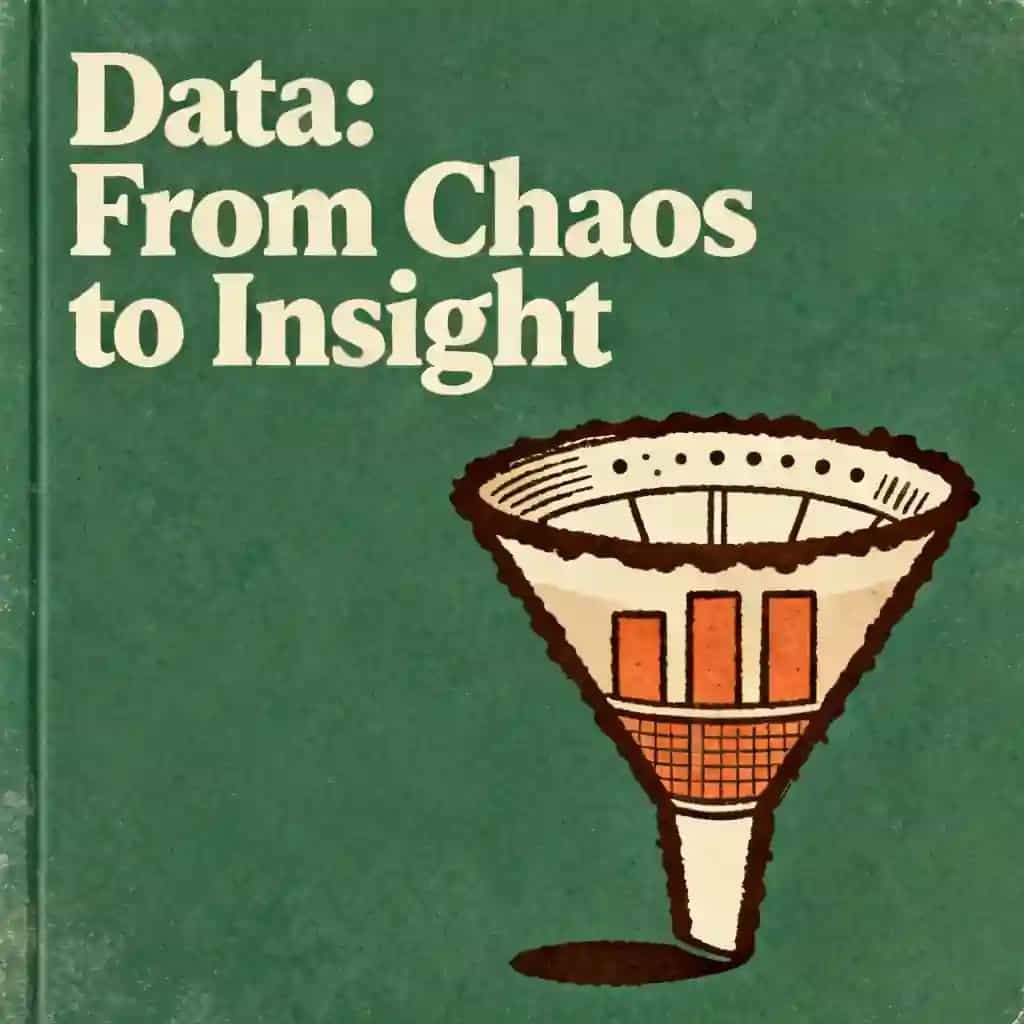
First Normal Form in Excel: 1NF Examples from Basic to Advanced
Learn how to apply First Normal Form (1NF) in Excel. Master database normalization and data structuring with examples ranging from basic to advanced levels.

Bestes Zitat aus First Normal Form in Excel: 1NF Examples from Basic to Advanced
If your data isn't in First Normal Form, it isn't really a 'table' in the formal sense—it’s just a grid of characters. Without it, you’re just fighting against the tool instead of letting it work for you.
Generated by Adithya Wijaya
FIRST NORMAL FORM IN EXCEL AND IT'S EXAMPLE FROM BASIC TO ADVANCED

Häufig gestellte Fragen
First Normal Form (1NF) is a fundamental step in database normalization used to organize data within Excel spreadsheets. To achieve 1NF, you must ensure that each cell contains only atomic, indivisible values and that every record is unique. By eliminating repeating groups and multi-valued attributes, you transform a simple spreadsheet into a structured format suitable for relational databases and advanced data modeling.
Database normalization, specifically 1NF, is crucial for Excel data modeling because it prevents data redundancy and ensures data integrity. When you structure your data according to 1NF principles, you make it easier to sort, filter, and analyze using tools like PivotTables or Power Query. This organized approach reduces errors during data entry and provides a solid foundation for more complex relational database structures.
A basic example of 1NF involves a spreadsheet where a single 'Skills' column contains multiple values like 'Excel, SQL, Python' in one cell. To normalize this to First Normal Form, you would split those values so that each skill occupies its own row or column, ensuring every cell holds only one piece of information. This process of data structuring allows Excel to recognize each attribute individually for better reporting.
For advanced users, applying 1NF is the first step toward professional data structuring and building efficient relational databases within Excel. By ensuring that every table has a primary key and no repeating groups, users can create seamless connections between different data tables. This advanced level of organization is essential for building robust dashboards, performing complex lookups, and maintaining scalable data models that remain consistent over time.
Von Columbia University Alumni in San Francisco entwickelt
"Instead of endless scrolling, I just hit play on BeFreed. It saves me so much time."


"I never knew where to start with nonfiction—BeFreed’s book lists turned into podcasts gave me a clear path."


"Perfect balance between learning and entertainment. Finished ‘Thinking, Fast and Slow’ on my commute this week."
"Crazy how much I learned while walking the dog. BeFreed = small habits → big gains."
"Reading used to feel like a chore. Now it’s just part of my lifestyle."

"Feels effortless compared to reading. I’ve finished 6 books this month already."
"BeFreed turned my guilty doomscrolling into something that feels productive and inspiring."

"BeFreed turned my commute into learning time. 20-min podcasts are perfect for finishing books I never had time for."
"BeFreed replaced my podcast queue. Imagine Spotify for books — that’s it. 🙌"

"It is great for me to learn something from the book without reading it."
"The themed book list podcasts help me connect ideas across authors—like a guided audio journey."
"Makes me feel smarter every time before going to work"
Von Columbia University Alumni in San Francisco entwickelt
"Instead of endless scrolling, I just hit play on BeFreed. It saves me so much time."
"I never knew where to start with nonfiction—BeFreed’s book lists turned into podcasts gave me a clear path."
"Perfect balance between learning and entertainment. Finished ‘Thinking, Fast and Slow’ on my commute this week."
"Crazy how much I learned while walking the dog. BeFreed = small habits → big gains."
"Reading used to feel like a chore. Now it’s just part of my lifestyle."
"Feels effortless compared to reading. I’ve finished 6 books this month already."
"BeFreed turned my guilty doomscrolling into something that feels productive and inspiring."
"BeFreed turned my commute into learning time. 20-min podcasts are perfect for finishing books I never had time for."
"BeFreed replaced my podcast queue. Imagine Spotify for books — that’s it. 🙌"
"It is great for me to learn something from the book without reading it."
"The themed book list podcasts help me connect ideas across authors—like a guided audio journey."
"Makes me feel smarter every time before going to work"
"Instead of endless scrolling, I just hit play on BeFreed. It saves me so much time."
"I never knew where to start with nonfiction—BeFreed’s book lists turned into podcasts gave me a clear path."
"Perfect balance between learning and entertainment. Finished ‘Thinking, Fast and Slow’ on my commute this week."
"Crazy how much I learned while walking the dog. BeFreed = small habits → big gains."
"Reading used to feel like a chore. Now it’s just part of my lifestyle."
"Feels effortless compared to reading. I’ve finished 6 books this month already."
"BeFreed turned my guilty doomscrolling into something that feels productive and inspiring."
"BeFreed turned my commute into learning time. 20-min podcasts are perfect for finishing books I never had time for."
"BeFreed replaced my podcast queue. Imagine Spotify for books — that’s it. 🙌"
"It is great for me to learn something from the book without reading it."
"The themed book list podcasts help me connect ideas across authors—like a guided audio journey."
"Makes me feel smarter every time before going to work"
"Instead of endless scrolling, I just hit play on BeFreed. It saves me so much time."
"I never knew where to start with nonfiction—BeFreed’s book lists turned into podcasts gave me a clear path."
"Perfect balance between learning and entertainment. Finished ‘Thinking, Fast and Slow’ on my commute this week."
"Crazy how much I learned while walking the dog. BeFreed = small habits → big gains."
"Reading used to feel like a chore. Now it’s just part of my lifestyle."
"Feels effortless compared to reading. I’ve finished 6 books this month already."
"BeFreed turned my guilty doomscrolling into something that feels productive and inspiring."
"BeFreed turned my commute into learning time. 20-min podcasts are perfect for finishing books I never had time for."
"BeFreed replaced my podcast queue. Imagine Spotify for books — that’s it. 🙌"
"It is great for me to learn something from the book without reading it."
"The themed book list podcasts help me connect ideas across authors—like a guided audio journey."
"Makes me feel smarter every time before going to work"